Fast. Private. Scan-tested.
Create QR CodesThat Do More
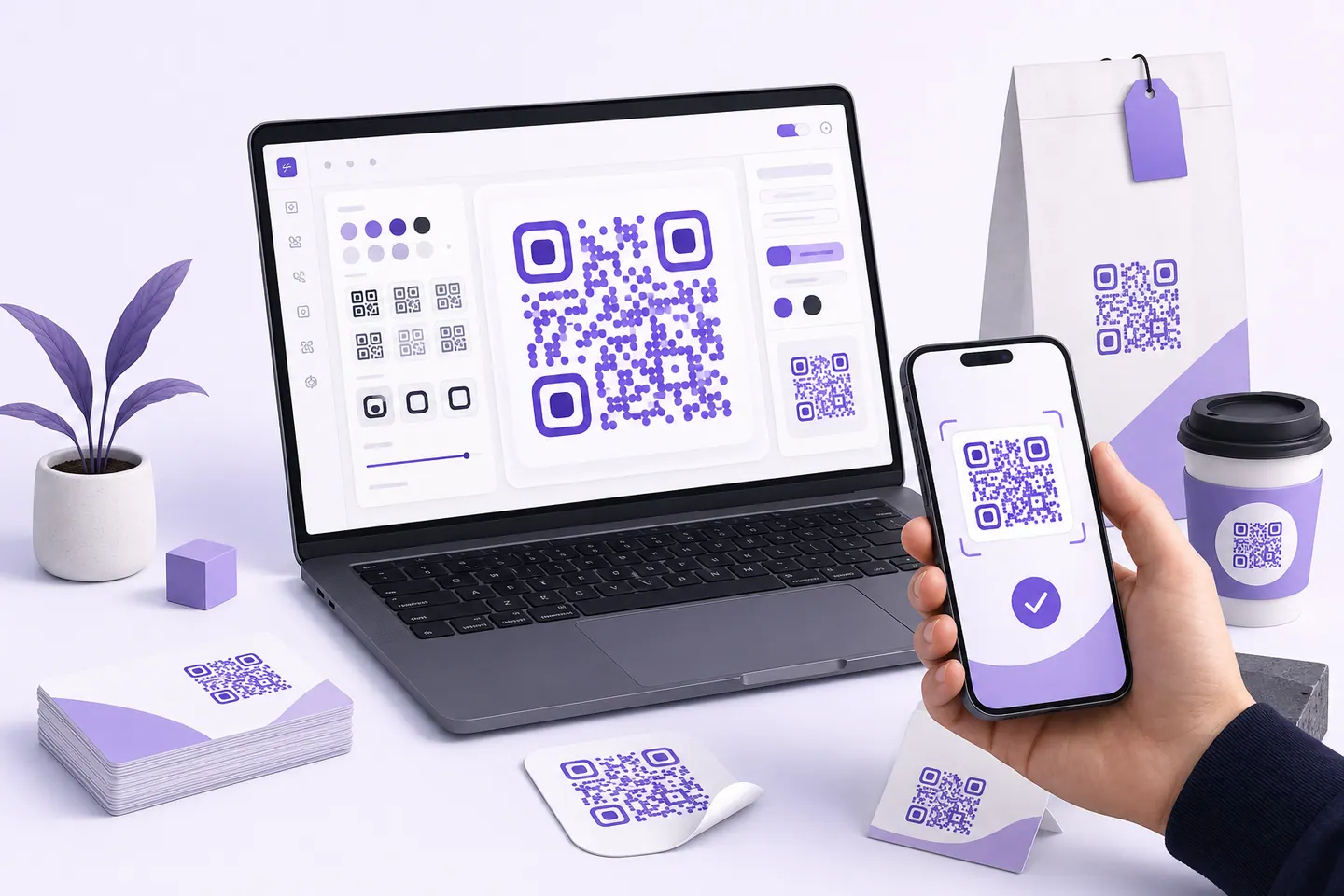
Generate beautiful, customizable QR codes for links and text, with your colours and your logo. Everything is built in this browser tab, and no code can be downloaded until a decoder has read it back.
- Free to start
- No credit card
- Scan-tested output
Customize Your QR Code
Error correction
Quiet zone
Color
Scan to visit
qrmakery.com
Powerful features
Everything You Need in a QR Code Generator
What is built today, and what is honestly still on the way. Anything marked as planned is not available yet.
- Multiple QR TypesLinks, Wi-Fi, vCard, WhatsApp, LinkedIn, Spotify and more, each with a tool that knows the format's own escaping rules rather than one box for everything.
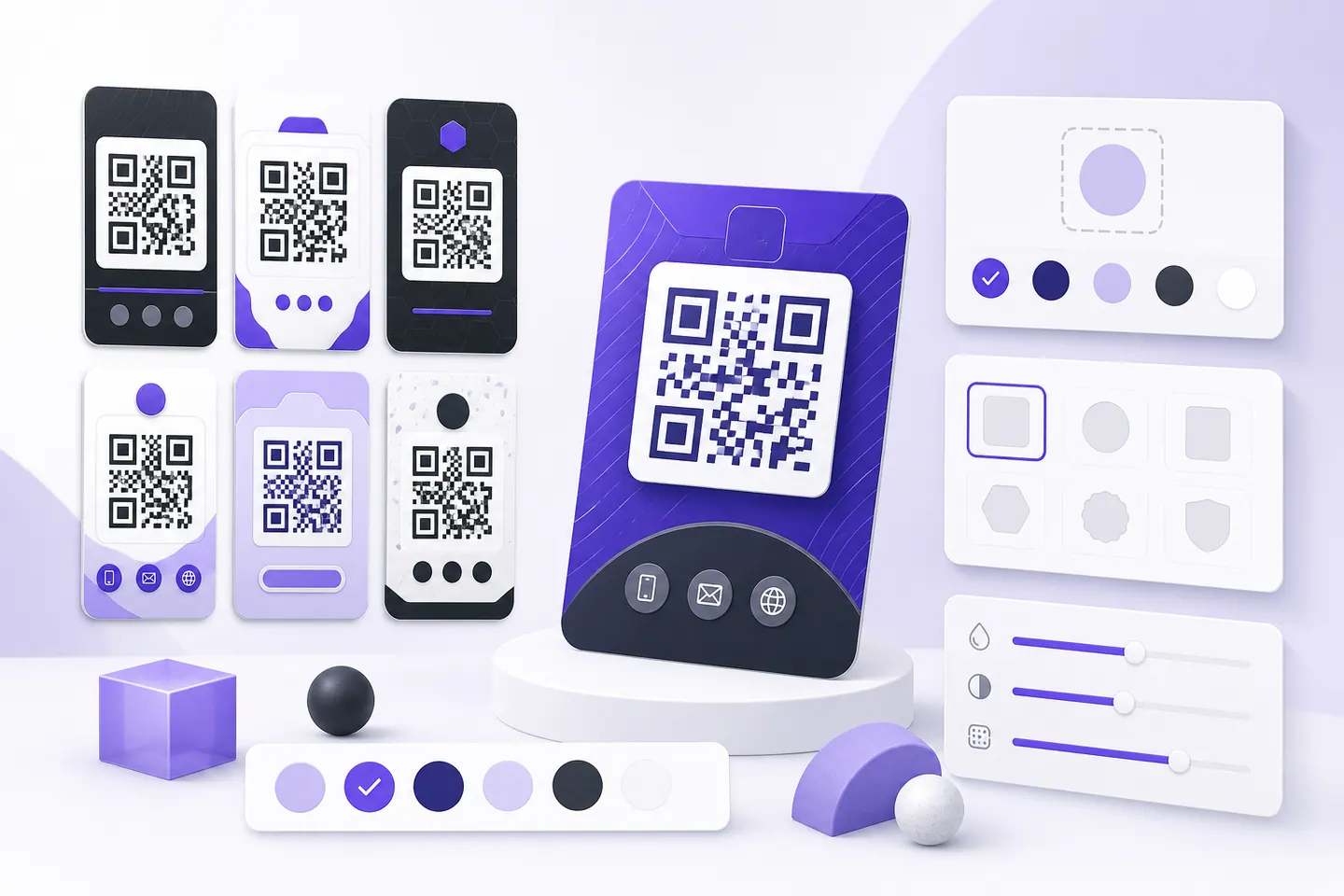
- Fully CustomizableSet the module and background colours, the quiet zone and the error-correction level, and drop a logo in the middle, with live contrast feedback as you go.
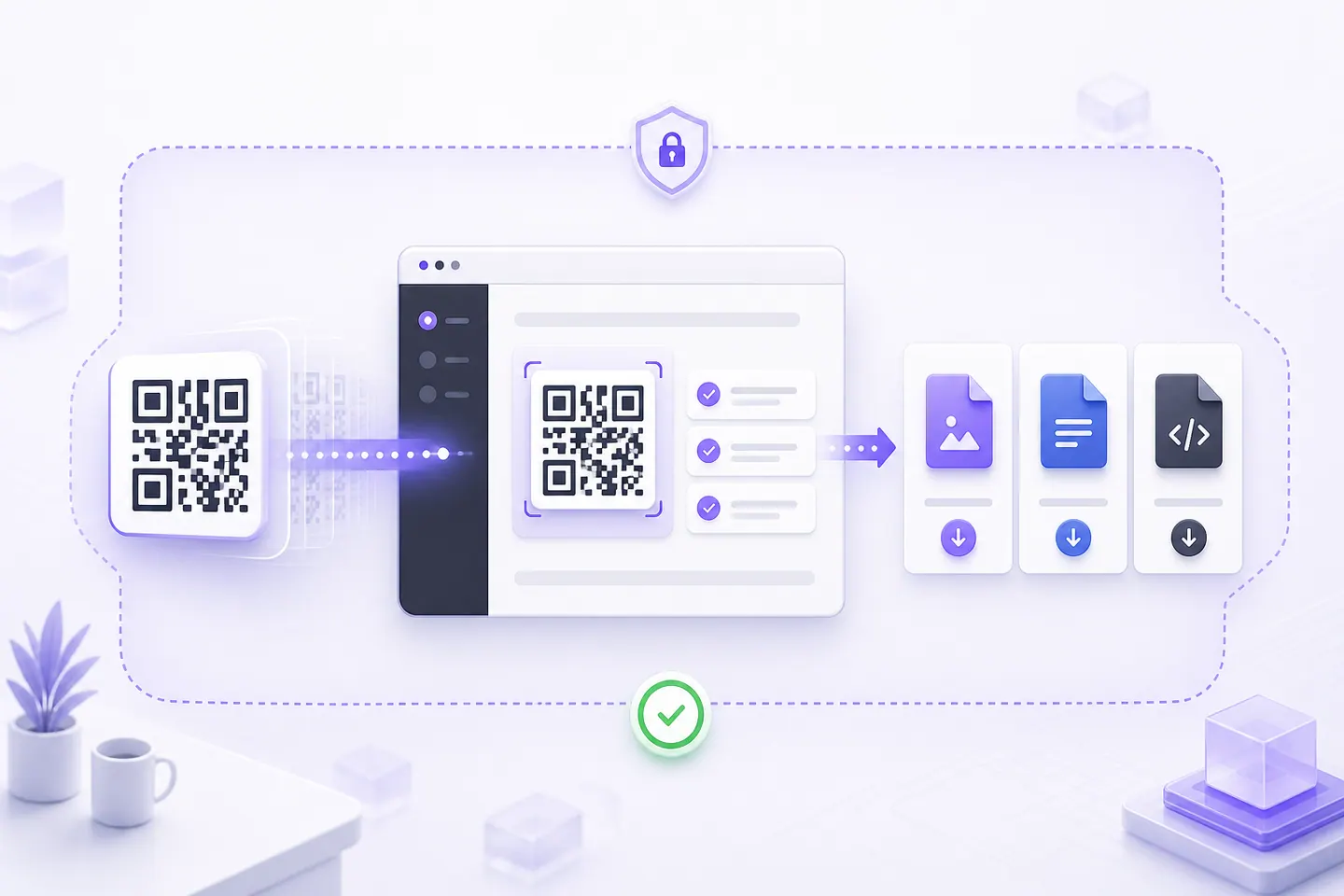
- Scan-Tested DownloadsEvery code is rendered and read back with a decoder before the download unlocks. If it cannot be read, you cannot save it, and the reason is shown.
- Private by DefaultStatic codes are built entirely in this tab. Your link, your logo and the finished image are never uploaded, and there is no account to create.
- High-Quality ExportDownload SVG for print and PNG or WebP for screens, at 512, 1024 or 2048 pixels. Vector output stays sharp at any size a printer asks for.
- Dynamic Codes and Scan CountsChange where a printed code points, and see how often it was scanned. An edit key proves the code is yours, so there is still no account, and nothing is stored about the person scanning.
- Bulk From a SpreadsheetDrop in a CSV and get a ZIP of codes with a manifest listing every file, the row it came from and its minimum print width, so a label merge has something to join on.
- Accounts and TeamsPlannedSaved projects, folders, shared workspaces and an API. Not built yet, which is why nothing on this site asks you to sign in.
Reads with the scanner people already have: iOS Camera, Android Camera, Google Lens, WeChat, Snapchat, Any QR reader.
QR types
One Tool, Every Kind of Code
Every tool below is built and scan-tested. Each format has its own page because each one has its own escaping rules, and one box for everything is how a Wi-Fi password with a semicolon in it silently breaks.
Links, contact and content
Design and customization
At scale and editable
Social profiles
Business and reviews
Weddings and events
Reading codes
Built and working
Two Ways to Make a Code Your Own
Every thumbnail below is a real code, generated and decode-tested when this page was built.
QR code with logo
Put your mark in the middle of the code. The tool measures how much of the symbol the logo covers, caps it at what error correction can rebuild, and decode-tests the result before the download unlocks.
Branded QR code
Take your brand colour straight onto the code. Contrast is measured against what scanners actually need, so you find out before the print run rather than after it.
Templates
Colour Presets That Still Scan
Every preset below is a real QR code, encoded and read back by a decoder when this page was built. The measured contrast ratio is printed on each card.
- ClassicHighest contrast, reads anywhere.Contrast 21:1
- IndigoBrand colour without losing contrast.Contrast 7.9:1
- VioletTinted paper, still well inside spec.Contrast 8.19:1
- ForestDeep green on white for packaging.Contrast 9.11:1
- OceanCool neutral for signage.Contrast 8.87:1
- EspressoWarm off-white for menus and labels.Contrast 12.07:1
Want a different colour? Pick your own in the editor. It warns you before contrast becomes a problem.
How it works
Create Your QR Code in 3 Simple Steps
- 1. Enter Your ContentPaste a link or type text. The code appears as you type.
- 2. CustomizePick colours, margin and error correction, and add a logo if you want one.
- 3. Download and ShareOnce it passes the decode test, save it as SVG, PNG or WebP and print it.
Ready to Get Started?
No account, no card, no upload. Open the editor, paste a link, and download a code that has already been read back by a decoder.
Create Your QR CodeStatic codes
What Static Means, and What the Word Costs You
Every code the editor makes is static. The address is written into the modules themselves, so nothing is looked up when somebody scans it. Turn your network off, scan one, and the link still appears. That is why a static code cannot expire, cannot be throttled, and does not stop working the day a company changes its pricing.
It also cannot be edited. Ever.
The address inside two hundred printed table tents is the address those table tents will carry forever. If the destination moves, you reprint. Usually that is the right trade, because the menu was going to be reprinted at the next price change anyway. A vinyl sign bolted to a wall is the case where it is not, and that is what the dynamic QR code generator is for: the symbol holds a short address on this site, the destination behind it stays yours to change, and every printed copy follows. It counts scans, it is free, and the dependency it creates is written on its own page rather than hidden.
Static against dynamic works through exactly where that line sits. Do QR codes expire covers the failure behind most dead codes: they were made for free on a site that was really selling the redirect, and the redirect stopped.
Print reliability
Where Printed QR Codes Actually Fail
A screen is forgiving. Paper is not, and the gap between the two is where reprints come from. Three things account for nearly all of it, and the editor checks all three before a file leaves the page.
Contrast, measured rather than eyeballed
The editor reads the WCAG ratio between your module colour and your background as you pick them. Under 3:1 the download locks, because a phone camera cannot separate dark modules from light ones at that separation. Between 3:1 and 4.5:1 it warns you, and that band is the treacherous one: it scans on a bright screen and fails on paper under warm indoor light. Black on white is 21:1, which is why it is still the default.
Light modules on a dark background get a warning of their own. Plenty of older hardware scanners only look for dark on light and will not attempt the reverse.
Size, in millimetres, not pixels
Every code gets a minimum printed width, worked out at about 0.4mm per module for the exact symbol you made. A 25 character link needs 13.2mm. Hang UTM parameters off the end until it runs to 115 characters and the same code needs 21.2mm, because the payload pushed it from a version 2 symbol up to a version 7. A long link is not paid for in bytes. It is paid for in millimetres, and the figure moves while you type.
Minimum QR code size for printing has the scanning distance maths, and the printing guides cover stickers, curved surfaces and the trim that eats a quiet zone.
Logo coverage
A logo works by destroying modules and asking error correction to rebuild them, so the budget is real and smaller than most tools admit. The cap here is 25% of the symbol width at level H, 20% at Q, 15% at M and 10% at L. Past that, a code often still decodes on a monitor and then fails once ink spread and a fold have taken their share.
The logo tool measures coverage live and pushes you to level H. SVG logos are refused at upload, because an SVG can carry script, so export the mark as a PNG first.
Something already printed and failing? Why is my QR code not scanning is the checklist, and the troubleshooting guides hold the rest.
Site directory
Find the Page for What You Are Printing
Fifteen shortlists. Each one is a real page with the tools and guides for that job, not a dropdown.
Make a code
- All generatorsThe full list, grouped by what is going inside the symbol: a link, a contact, a network, a place or a date.
- Design and colourModule colours, logos, dot shapes, transparent backgrounds and vector export, each with the point where it stops scanning.
- Advanced toolsAn editable destination, a few hundred codes from one spreadsheet, and encoding with the network switched off.
- Read a codePoint a camera at one or drop in a screenshot, and see the address before you decide to open it.
Start from the job
- All solutionsBegin with the thing you are printing rather than with the payload type.
- RestaurantsTable menus, sized for the distance a seated guest actually holds a phone at.
- BusinessReview links, intake forms, resumes and the counter jobs a small business has every week.
- Social mediaTwelve platforms, each with the link form that prints smallest and the in-app code it competes with.
- Events and weddingsInvitations, RSVPs, a shared photo album and scanning guests in at the door.
- PaymentsPayment links and donation pages, with the verification a printed code that handles money needs.
- By industrySignage and label work, where the reading distance decides the size before the link does.
Read the guides
- GuidesHow the format works, what it can carry, and what each choice costs you in modules.
- ComparisonsStatic or dynamic, QR or barcode, Data Matrix, NFC, each decided on the one thing that changes the answer.
- PrintingMinimum sizes, sticker geometry, contrast on real stock, and the margin that trim takes away.
- TroubleshootingWhy a code will not scan, why a free one stopped resolving, and which failures cannot be undone after printing.
Pricing
Static Codes Are Free, Permanently
A static code is built on your device, so serving it costs us nothing and there is no plan to put behind it. Dynamic codes run through a redirect here and are free as well, with the dependency that creates written out on their own page.
Free
$0
- Unlimited static QR codes
- Custom colours, margin and error correction
- Logo in the centre, coverage-checked
- SVG, PNG and WebP export up to 2048px
- Decode test before every download
- Dynamic codes with an editable destination and scan counts
- Bulk generation from a CSV, with a manifest
- No account and no expiry
Paid plans, not available yet
TBC
The features that need an account sitting behind them are not built. When they arrive they will be priced. Until then they are not pretending to exist:
- Accounts, saved projects and folders
- Shared workspaces and roles
- An API with hashed keys
- Files hosted behind a code
FAQ
Questions about QRMakery
The things people ask before trusting a generator with something they are about to print.
Is this QR code generator really free?
Yes, and the static codes stay free. Everything on the create page (colours, logos, SVG, PNG and WebP export) runs in your browser, so it costs nothing to serve. Paid plans will cover the parts that need servers: dynamic redirects, scan analytics, hosted files and team features.
Will my QR code expire?
No. These are static codes, which means the destination is encoded in the image itself. Nothing is looked up on our servers when someone scans it, so the code keeps working even if this site disappears. That is also why a static code cannot be edited after printing.
Can I change where a QR code points after it is printed?
Not with a static code, because the destination is inside the pattern. The dynamic QR code generator does exactly that: the symbol holds a short address on this site, you edit the destination whenever you like, and every printed copy follows immediately. It counts scans too, with no account and no card. The trade is a dependency, since a dynamic code only works while this service answers, and a static one keeps working whatever happens to us.
Do you see the links I generate?
No. The encoder, the preview, the decode test and the export all run in your browser tab. There is no upload step and no analytics on what you type. You can confirm it by generating a code with your network tab open, or with your network disconnected.
Why is the download button sometimes disabled?
Because the code failed its own scan test. Before a download is offered, the finished image is read back with a QR decoder and the colour contrast is measured. If the result does not match what you entered, the download stays locked and the page explains what to change, usually more contrast or a higher error-correction level.
Can I add my logo?
Yes, on the QR code with logo page. A logo works by hiding modules, so the tool measures how much of the code it covers, caps it at what the error-correction level can safely rebuild, and still decode-tests the result before letting you download it.
What size should I print a QR code?
The editor shows a minimum width in millimetres for the exact code you made, based on roughly 0.4mm per module. Print at or above that, keep the blank quiet zone around it, and use the SVG so the edges stay sharp at any size.
Do QR codes work without an internet connection?
The code does. Whether the link then loads is a separate question. Scanning is image decoding, so a phone in aeroplane mode reads the symbol and shows you what is inside it. Wi-Fi, contact card, phone, SMS and plain text codes need no connection at all, because the payload is the content rather than a pointer to it. A code holding a web address needs the phone online for the same reason typing that address by hand would.
How much data fits in one QR code?
At the largest symbol size and the weakest error correction, 2953 bytes, or 4296 alphanumeric characters, or 7089 digits. That ceiling comes from ISO/IEC 18004, not from us. Filling it produces a 177 module symbol, which at 0.4mm a module is 74mm across once the quiet zone is counted, so a long payload gets paid for in printed width. Short content plus a link is almost always the better trade.
Which download format should I use?
SVG for anything going to a printer, because it is vector and stays sharp at whatever size the print shop sets. PNG for slides, email and social posts, at 512, 1024 or 2048 pixels. WebP when the code goes on a web page and file size matters. All three come from the same symbol that passed the decode test, so the choice is about where it is going, not about quality.