
Comparisons
Static vs Dynamic QR Codes
What the redirect actually buys you, measured on real encoded codes, and which payloads are worse off for it.
16 min readPaste rows from Excel or Google Sheets to create up to 500 labelled QR codes. Every code is scan-tested in your browser, then packed as a ZIP or printable PDF.
Copy cells directly from a spreadsheet, or drop in a CSV file.
Nothing to read yet. A spreadsheet paste keeps its columns.
Your rows stay on this device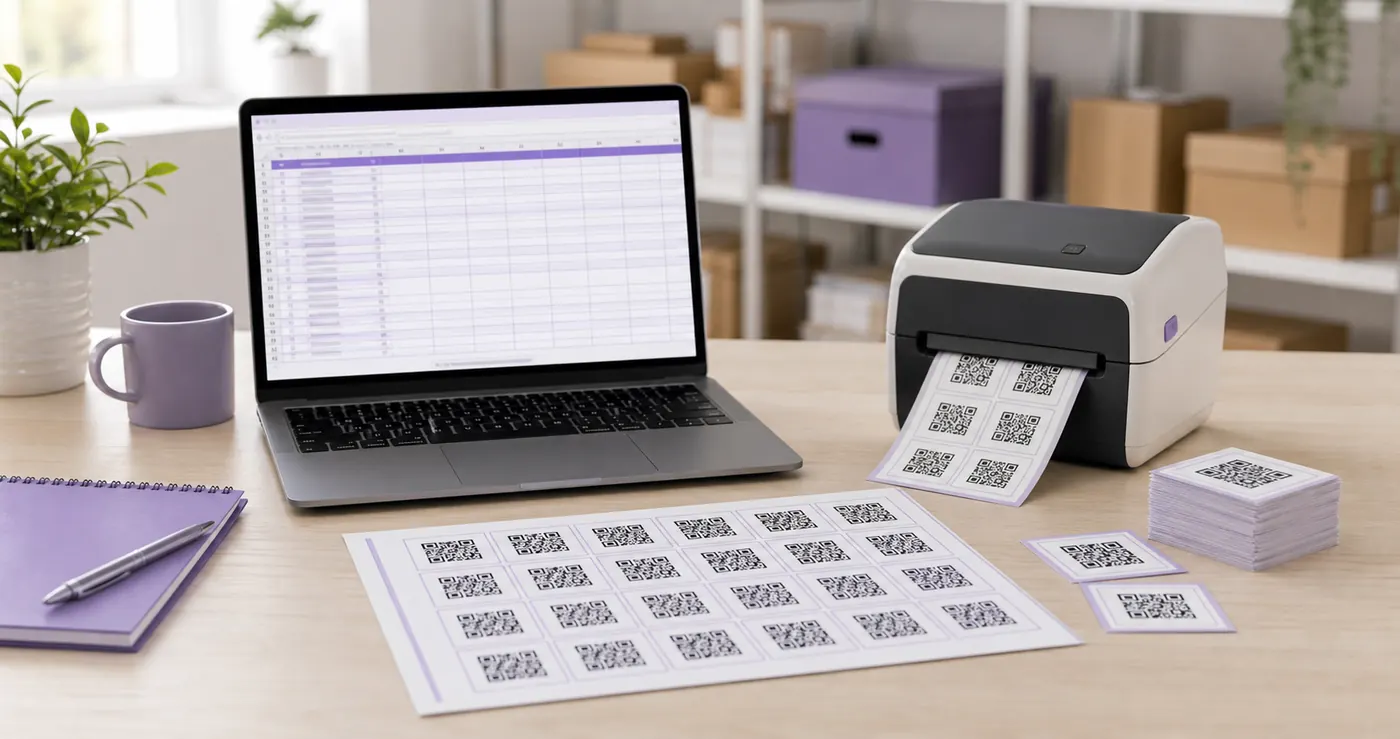
No add-in, no macro, no export. Copying from a spreadsheet keeps the columns intact, so you can paste them directly into the tool.
Google Sheets and Numbers work the same way. You can also upload a CSV, TSV or TXT file, and quoted fields stay together.
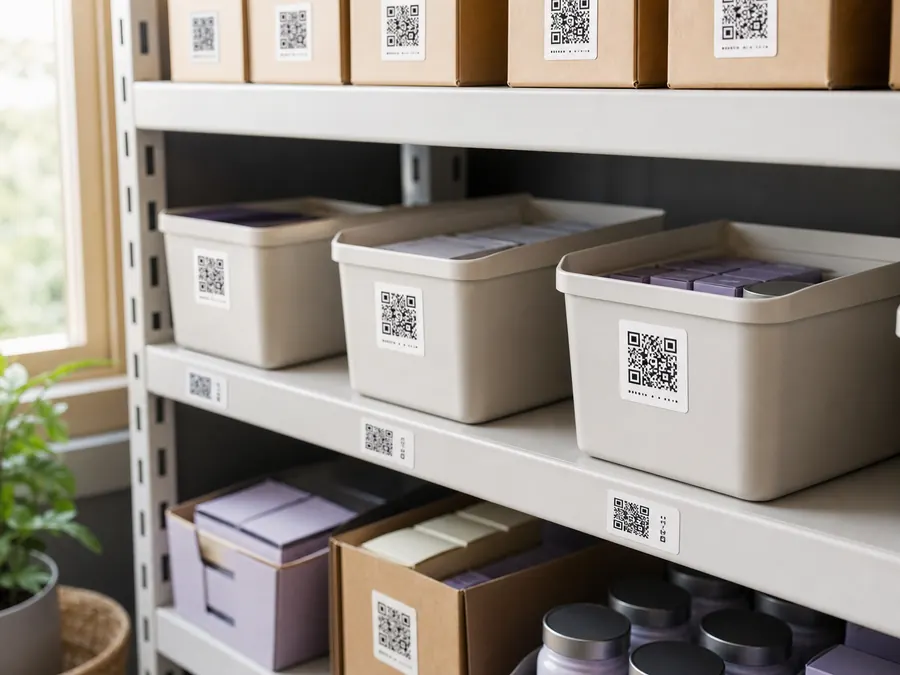
A printed batch looks identical until every code has a useful name. Choose a spreadsheet column and its value is drawn below each symbol.
Labels stay outside the quiet zone and remain scan-tested in every export format.
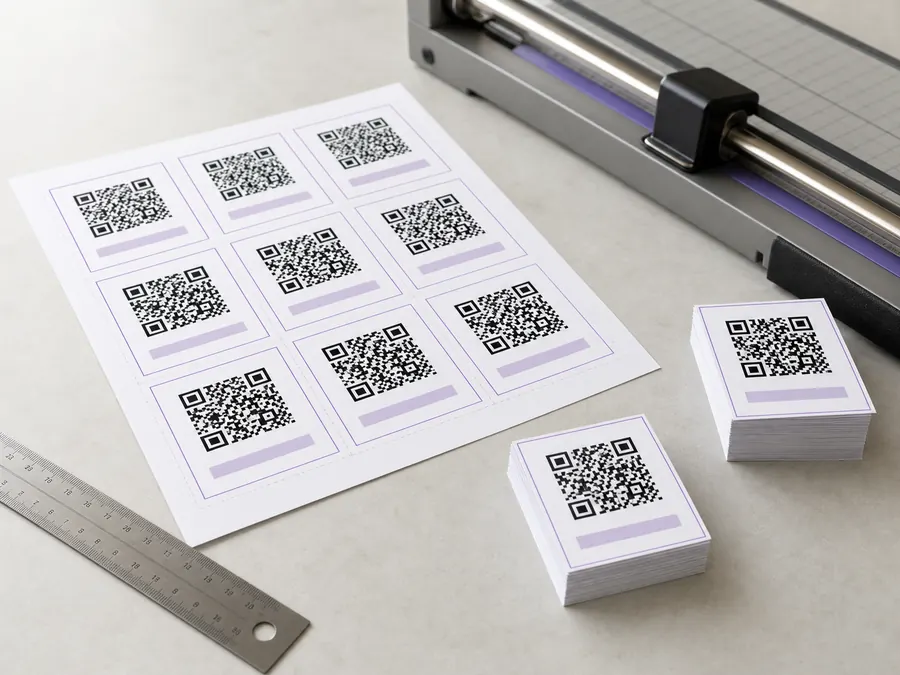
Choose ZIP for named SVG or PNG files plus a manifest that maps everything back to the sheet.
Choose PDF for labelled vector codes laid out on A4 pages, ready to print and cut.
Private by design
Encoding, verification and export happen in this browser tab.
Your list never leaves the machine, there is no account to create, and the page keeps working with the network disconnected. The offline generator lets you audit that network activity yourself.
Every row is encoded, rendered and read back with a decoder. A failed row stays visible with the reason and is left out of the download, so it cannot quietly reach the printer.
The summary also shows the safest print width for the widest code in the batch. The manifest records that number per file for label templates and print workflows.
3
codes passed
0
rows failed
18 mm
safe width
Clear boundaries make the tool easier to trust and help you pick the right workflow before starting.
Printing the batch rather than shipping the files? The menu table tents and wedding place cards pages lay a list out on A4 at an exact millimetre size, with cut marks, which is the step this ZIP leaves you to do yourself.
One row per product, headed for a printed page? The catalogue QR code page covers what to strip out of a product link before you paste the column, because campaign parameters are what push a code past the width a caption block has for it.
Need one code with a logo or checked brand colour? Use the logo tool or the branded QR tool.
A common batch here is one review code per branch, because a Google review link identifies a single profile and no code can work out which shop the customer is standing in. Getting a QR code for a Google Business Profile covers where those links come from and which of the six Google addresses prints smallest.
Quick answers
Scan the questions, then open only what you need before generating or printing your batch.
Copy the column of links out of Excel and paste it into the box on this page. Excel copies tab separated, so your columns arrive intact and the tool reads them straight away. Pick which column to encode, generate, and download the ZIP. There is no add-in to install and no file to export first.
Yes, for 500 codes a job, with no account, no credits and no email. The codes are static and generated in your browser, which costs us nothing to serve, so there is nothing to put behind a plan.
A CSV, TSV or TXT file, yes: upload it or drag it onto the box. Commas, tabs, semicolons and pipes are all detected, and quoted fields containing commas stay in one piece. An .xlsx workbook is not read directly, because it is a compressed archive rather than text. The tool says so instead of filling the box with nonsense, and pasting the cells takes one keystroke more than uploading anyway.
Yes. Put the text in a column and choose it in the label picker, and it is drawn under each code in the SVG, the PNG and the PDF sheet. The label sits below the quiet zone, so it never touches the part a scanner reads and the code decodes exactly as it would bare.
Yes. Choose the PDF sheet and pick how many codes go across the page. You get A4 pages of labelled codes as vector art, so they print at the press resolution rather than the screen's, ready to guillotine or to feed through a label cutter.
No, and you do not need one. This runs in a browser tab, generates everything on your device, and keeps working with the network off, which is the actual reason people look for desktop software. Nothing to install, nothing to update, nothing that stops working when a vendor loses interest.
Yes, the same way as Excel. Select the cells, copy, and paste into the box: Sheets puts tab separated text on the clipboard, so your columns arrive intact. Downloading the sheet as CSV and uploading that file works too.
Put the names in a column next to the links and choose it in the file name picker. Names are made filesystem-safe and de-duplicated, so two rows called Chair become chair and chair-2 rather than one file overwriting the other.
Every row is decoded back before it is packed. A row whose colours or length defeat the decoder is left out of the ZIP and shown in the results table with the reason. This is the part most batch tools skip, and it is why a print run of 200 labels can fail on a handful of rows nobody looked at.
Not one size, which is the trap. A batch of mixed-length URLs produces different module counts, so each code has its own minimum width. The results table shows the widest one in the batch, and the manifest gives you the number per file.
No. Parsing, encoding, decoding and zipping all happen in the tab. Nothing is sent to a server, which matters when the list is a product export with customer identifiers in the URLs.
QRMakery generates every code on your own device. Your spreadsheet, the links inside it and the finished archive never reach a server.
Hundreds at once, destinations you can change after printing, and what fits inside a symbol.
What the redirect actually buys you, measured on real encoded codes, and which payloads are worse off for it.
16 min readThe usable square inside a round sticker is 70% of its diameter. Measured minimum sizes for real links, against every common sticker size.
8 min readWhat each platform already ships, the measured cost of each payload type, and how to check an offline claim yourself.
26 min read
