
Comparisons
Static vs Dynamic QR Codes
What the redirect actually buys you, measured on real encoded codes, and which payloads are worse off for it.
16 min readYour photo will not fit in a QR code. Not close: a symbol tops out at 2953 bytes, and the picture on your phone is measured in megabytes. Drop the file in below and this page tells you by how much it misses, in your browser, without uploading it anywhere.
If it does fit, and small icons genuinely do, the code you get carries the entire image and needs no server at all.
Nothing is uploaded. Files over the 2953-byte ceiling are not even read: the size alone decides it, and the check runs on that number.
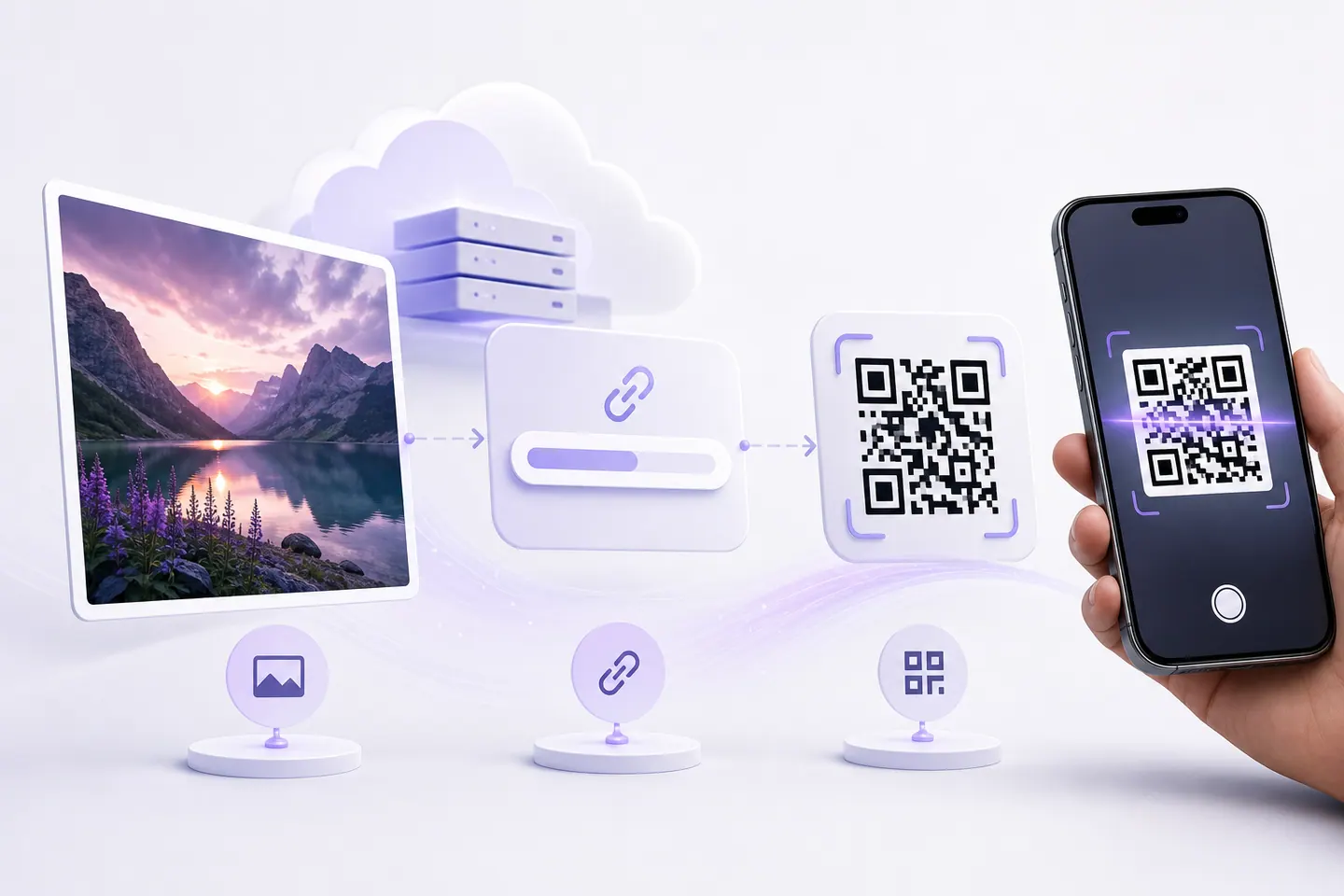
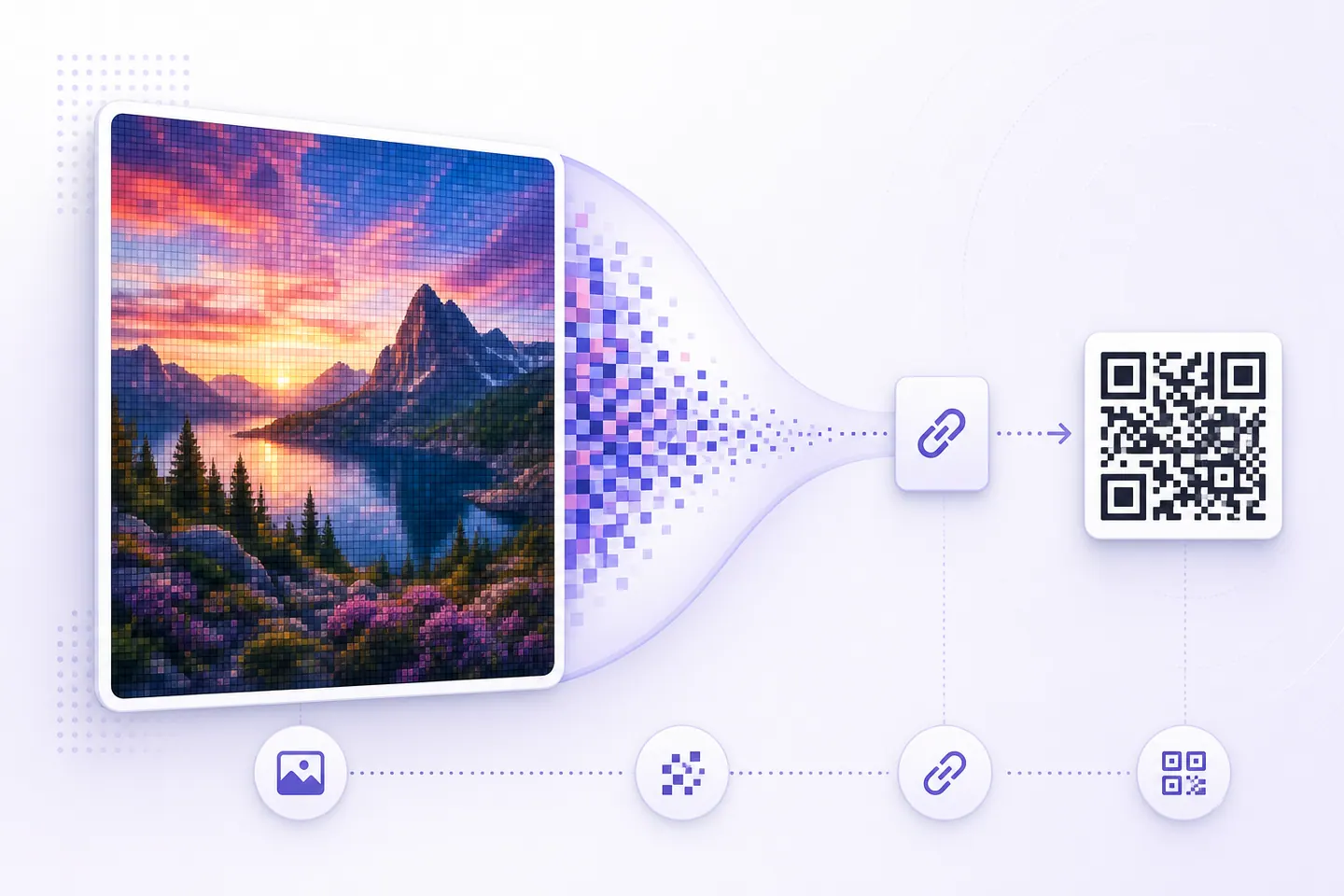
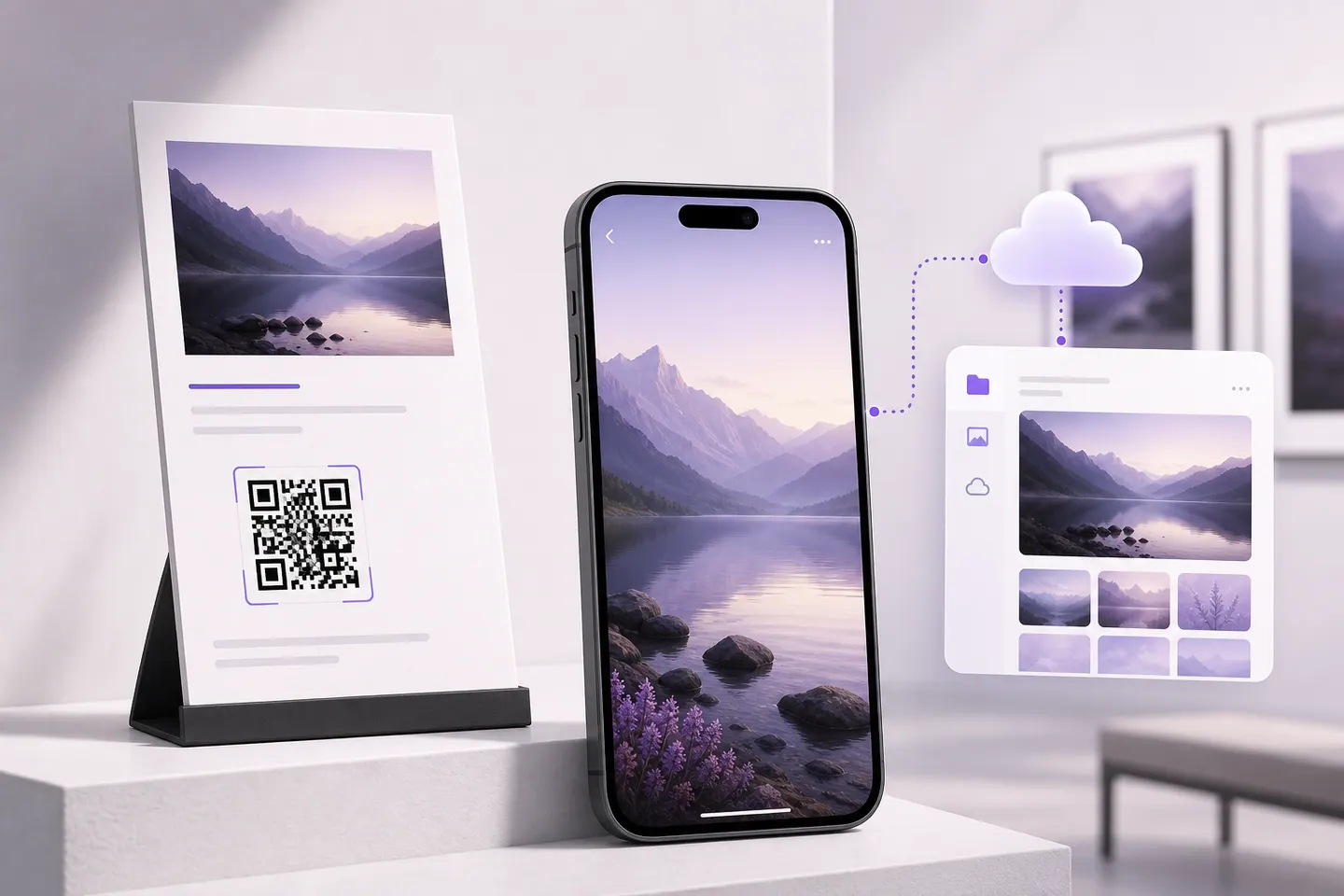
A version 40 symbol is the biggest QR code there is, 177 modules across. In byte mode it holds 2953 bytes at error-correction level L, and less at every level above that, because the redundancy that survives a scuffed sticker has to come out of the same space. Embedding a file costs more again: base64 adds roughly a third, plus the data:image/png;base64, prefix, which is encoded along with everything else.
| Error correction | Bytes in the symbol | Largest PNG that fits | Damage it survives |
|---|---|---|---|
| Level L | 2953 | 2.1 KB | About 7% of the symbol |
| Level M | 2331 | 1.7 KB | About 15% |
| Level Q | 1663 | 1.2 KB | About 25% |
| Level H | 1273 | 936 bytes | About 30% |
So the honest budget for an embedded image is 2.1 KB at the weakest error correction, on the biggest symbol, printed large. That is a favicon. A 16 by 16 icon, a two-colour logo saved carefully, a tiny GIF. Your camera roll is not in that conversation, and neither is a screenshot.
It uploads your file, puts it on a server, and encodes the address. That is the only mechanism available, and it works. The part worth knowing is that you have quietly taken on a dependency: your image now lives on someone else’s hosting, the code points at their domain, and the printed sticker stops working the day they delete the file, change the URL scheme or shut the service down.
QRMakery does not host files. That is a planned feature and it is not built, so this page cannot do the upload half for you and does not pretend to. What it can do is the encoding half, properly: paste the link to wherever the image already lives and the code is generated here, decode-tested, and yours as an SVG.
✓ Scan-tested: this code reads back correctly.
Contrast 21:1, Strong
Version 2 · 33 modules · print at least 13.2 mm wide
Four realistic options, and they are not equal. The one thing that separates them for anything printed is link length, because the characters in the URL decide the module count and the module count decides how small the code can be before phones start failing on it.
| Where the file lives | Link length | Version | Modules | Min print width |
|---|---|---|---|---|
A page on a domain you ownhttps://example.com/photos | 26 | 2 | 33 | 13.2 mm |
Google Drive share linkhttps://drive.google.com/file/d/1A2b3C4d5E6f7G8h9I0jKlMnOpQrSt/view?usp=sharing | 79 | 5 | 45 | 18 mm |
Google Photos albumhttps://photos.app.goo.gl/aBcDeFgHiJkLmNoPq | 43 | 4 | 41 | 16.4 mm |
Dropbox or OneDrivehttps://www.dropbox.com/scl/fi/ab12cd34ef56gh78ij90k/photo.jpg?rlkey=zy98xw76vu54ts32rq10p&dl=0 | 95 | 6 | 49 | 19.6 mm |
Same photo, same phone, 6.4mm of difference in how small the code can print. The dropbox or onedrive row is 16 modules wider than the a page on a domain you own row purely because of the characters in the URL. On a business card or a wine label that gap decides whether the code works at all.
The link is short, which is the whole ballgame for print, and you can move the file behind it forever without touching the code.
Somebody has to own the domain and keep paying for it. If that lapses, the code dies with it.
The only option I would put on something printed in quantity. A 20 character URL is worth more to a printed code than any feature on this list.
Free, instant, and the file can be swapped without changing the link if you upload a new version rather than a new file.
The link is long, so the symbol gets dense. Sharing settings default to restricted, which is the single most common reason a shared QR code shows a permission wall.
Fine for a code on a screen or a one-off handout. Set the file to anyone-with-the-link before you print anything.
Short link, and it is built for what people actually want here: a whole album, viewable by anyone, with new photos appearing after the code is printed.
Album links can be revoked or regenerated, and the album owner's account is a single point of failure.
The best free answer for the wedding and event case, which is most of the demand behind this search.
Reliable hosting, and the direct-download parameter at the end gives people the file rather than a preview page.
The longest links of the lot, thanks to the key parameter. Density suffers badly.
Use it when the file matters more than the print size, and shorten the link before encoding it.
One habit worth building before any print run: scan your own code with a phone that is not signed into your account. Restricted sharing looks fine to the person who uploaded the file and shows a permission wall to everyone else, and that is the failure people discover after the flyers are printed.
Different job, and this one is easy. Search for an image inside a QR code and most people mean a logo in the middle, which works because the image is never encoded at all. The symbol is built from your link, the centre modules are cleared, and the picture is painted over them for error correction to rebuild around. The file size of the image does not matter, and none of the arithmetic above applies.
The size cap and what it costs in error correction are worked through on QR code with logo, which is the page you want if the picture is your brand mark rather than the thing being shared. If the picture came out of a diffusion model, AI QR code generator covers what those tools break and how to get a scannable code into the art.
Plenty of people searching this want the opposite direction: a screenshot with a QR code in it, and no second phone to point at the screen. That is now its own tool. Scan a QR code from an image reads the code in your browser, shows you the link before you open it, and measures whether the copy you have still carries enough detail to scan anywhere else.
If the code is on a screen or a wall in front of you rather than in a file, your phone is still faster. On iPhone, open the image in Photos and tap the Live Text button, or long-press the code. On Android, open it in Google Photos and use Lens. The reader here is for the case a camera cannot help with: a file already sitting on the device you are working on.
Only a very small one. A QR symbol holds 2953 bytes at its largest size and weakest error correction, and base64 encoding makes any file about a third bigger before it goes in. That leaves room for roughly 2.1 KB of image, which is a favicon or a simple icon, not a photo. Anything from a phone camera misses by three orders of magnitude, so every tool that appears to put your photo in a code has uploaded it and encoded the link.
Put the photos somewhere with a public link, then encode that link. For a wedding or an event, a Google Photos album link is short and keeps working as people add pictures. Upload the album, copy the share link, paste it into the generator on this page, and check the sharing setting is anyone-with-the-link before you print. The code carries the address, so the photos can change afterwards without a reprint.
No. The measurement runs on the file size, which your browser already knows, so a file over the ceiling is never even read. A file small enough to embed is read in the tab and encoded there. Nothing is sent anywhere, and this site cannot host your image for you: file hosting is a planned feature that does not exist yet, and the page says so rather than quietly using someone else's bucket.
No, and this is how most image QR codes die. The symbol encodes an address, not a picture, so the code is only as permanent as the link. Deleting the file, changing its sharing settings, or moving it to a different folder all break every printed copy. Encoding a link on a domain you control is the fix: the code stays the same and you repoint the address.
Because the link is long. A Dropbox or Google Drive URL with a key parameter runs past 90 characters, which pushes the symbol into a higher version with more and therefore smaller modules. Shorten the link first, or raise the print size to the minimum width shown under the code here. Dropping error correction from H to M also thins it out, at the cost of tolerance for scuffs and folds.
Hundreds at once, destinations you can change after printing, and what fits inside a symbol.
What the redirect actually buys you, measured on real encoded codes, and which payloads are worse off for it.
16 min readThe usable square inside a round sticker is 70% of its diameter. Measured minimum sizes for real links, against every common sticker size.
8 min readWhat each platform already ships, the measured cost of each payload type, and how to check an offline claim yourself.
26 min read
