
Comparisons
Static vs Dynamic QR Codes
What the redirect actually buys you, measured on real encoded codes, and which payloads are worse off for it.
16 min readPaste your form’s link and get a code that has been read back by a decoder before the download unlocks. Free, no account, and nothing you paste leaves this tab.
✓ Scan-tested: this code reads back correctly.
Contrast 21:1, Strong
Version 3 · 37 modules · print at least 14.8 mm wide
Google Forms has no QR code of its own, so every method comes down to encoding the form’s link. The part that is worth getting right is which link: a form has up to four addresses, they are wildly different lengths, and the one the copy button hands you is not the short one. That is what the rest of this page is about.
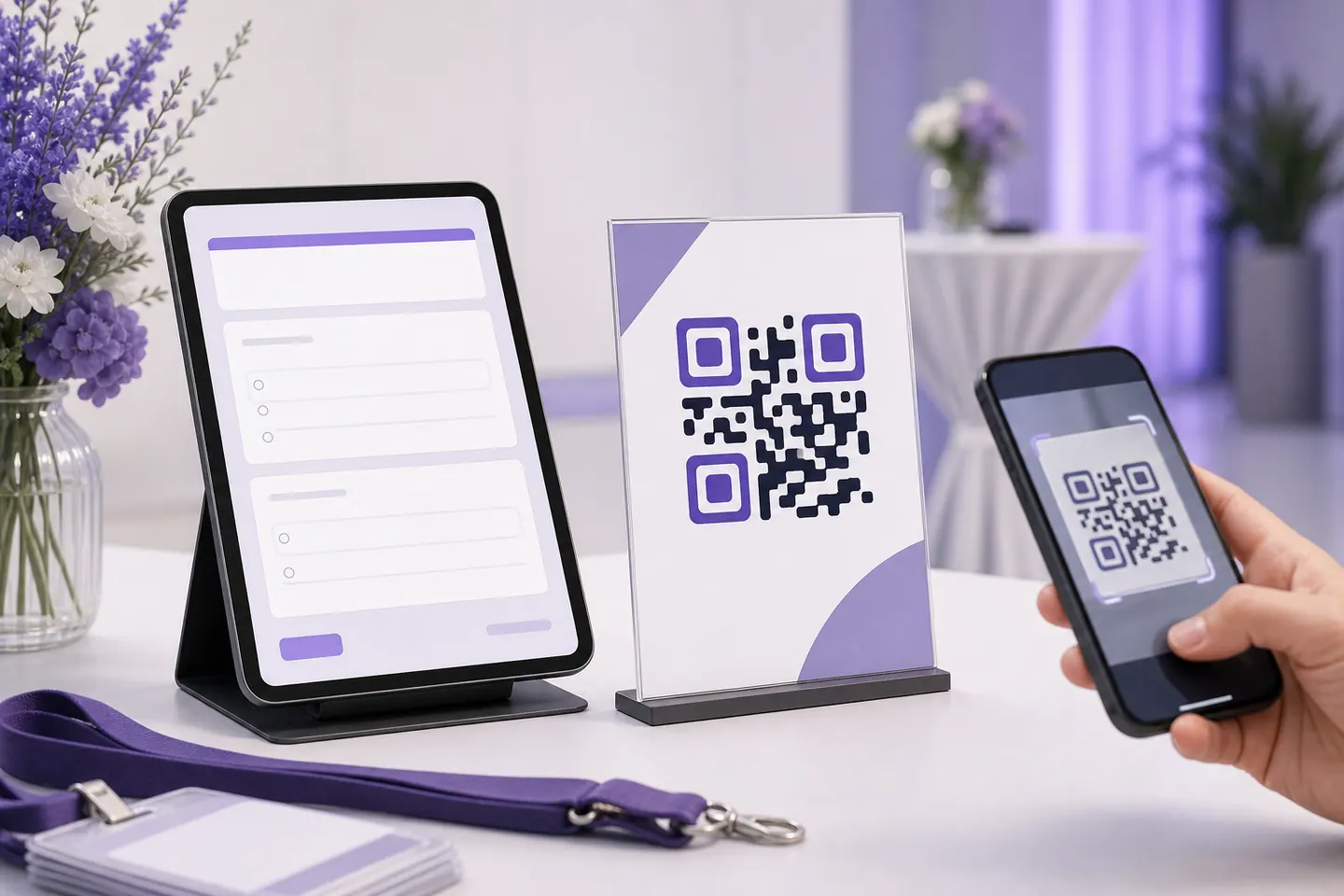

Five steps. The first four happen in Google Forms, the last one here.
A QR code stores the link character by character, so a longer address needs more modules, and more modules in the same printed square means each one is smaller and harder for a camera to resolve. Every figure below was produced by encoding these four links with the generator above and decoding each result back.
| Which link | Characters | Version | Modules across | Min width, medium | Min width, high |
|---|---|---|---|---|---|
Short linkUse this one✓ decoded backhttps://forms.gle/Ax7bQ2kLm9Nfp3Rt6Send, then the link tab, with "Shorten URL" ticked. The shortest thing Google will give you for a form, and the one worth encoding. The slug is always 17 characters, so this row is the same length for everybody. | 35 | 3 | 37 | 14.8 mm | 18 mm |
Full form link✓ decoded backhttps://docs.google.com/forms/d/e/1FAIpQLSdE8yQ2mXvR7bK4nT9wZpL3cH6JgY0aUxV5sB1dNfM2kQ/viewformThe address bar while previewing the form. Same destination, sixty more characters, all of them form ID and path. Copying this from the browser is the most common way people end up with a dense code. | 95 | 6 | 49 | 19.6 mm | 24.4 mm |
Link tab, "Shorten URL" left unticked✓ decoded backhttps://docs.google.com/forms/d/e/1FAIpQLSdE8yQ2mXvR7bK4nT9wZpL3cH6JgY0aUxV5sB1dNfM2kQ/viewform?usp=sf_linkSend, then the link tab, copied as offered. What the copy button gives you by default. The usp parameter is a source tag for Google's own analytics and does nothing for you, but the scanner still has to carry it. | 107 | 7 | 53 | 21.2 mm | 26 mm |
Prefilled response link✓ decoded backhttps://docs.google.com/forms/d/e/1FAIpQLSdE8yQ2mXvR7bK4nT9wZpL3cH6JgY0aUxV5sB1dNfM2kQ/viewform?usp=pp_url&entry.1042837591=Warehouse+B&entry.2005620554=Night+shiftThe three-dot menu, then Get prefilled link. Useful when each printed code should fill in a different answer, such as a room or an asset. It is also the longest link a form produces, so these are the codes to print largest. | 164 | 9 | 61 | 24.4 mm | 30.8 mm |
Both codes open the same form. The one built from the shortened link is 16 modules narrower, which takes 6.4 mm off the minimum print width, about 30% smaller before reliability starts to suffer. The only difference is a tick box in the Send dialog.
The minimum widths in the table assume a phone held close, in decent light, on a clean print. A code on a wall that people scan from two metres away needs to be roughly ten times wider than that floor, and a code on a curved or textured surface needs more again. Download the SVG for anything printed, because it stays sharp at any size, and leave the quiet zone clear: the empty margin is part of the code, and cropping it is the most common reason a code that worked on screen fails on paper.
If you want the code in your brand colour or with your logo in the middle, the QR code with logo page has those controls and measures how much of the symbol the logo covers. Start from the shortened link there too. A logo needs high error correction, which makes the code denser, so the characters you saved buy back the room the logo takes.
Google plays the same trick elsewhere. A Business Profile hands out six addresses for one business, and the one people copy out of the address bar needs roughly 26mm of print width against 15mm for the short one. The Google Business Profile guide measures all six, and points out that Google generates a review code for you inside the profile.
Yes. Google Forms has no QR code feature of its own, so the way to do it is to copy the form's link and encode that. Open your form, click Send, switch to the link tab, tick "Shorten URL", and paste the forms.gle link into the generator on this page. The code is made in your browser, it is scan-tested before the download unlocks, and there is no account or watermark.
The short one, and the difference is measurable rather than a matter of taste. The table above encodes both: the forms.gle link produces a code with far fewer modules than the docs.google.com link, which means larger modules at the same printed size and a smaller minimum width before scanning gets unreliable. Both open the identical form. Tick "Shorten URL" in the link tab and you get it.
The generator gives you a minimum width in millimetres for the exact link you pasted, because the answer depends on how long that link is. A short forms.gle link needs noticeably less width than a prefilled response link. Those figures assume a close-range scan in decent light, so add margin for a poster people read from across a room, and always leave the quiet zone clear.
No. The code encodes the form's address, so a scan still reaches the form and Google shows the person a message saying it is no longer accepting responses. The same is true if you edit the questions: the link does not change, so the printed code does not need to. Only deleting the form outright breaks it.
Yes, on the QR code with logo page, which has the logo controls and caps the size against the error-correction budget. Worth knowing before you start: a logo needs high error correction, and high error correction makes the symbol denser, so the short forms.gle link matters more, not less, once a logo is involved.
Not from the code. These are static codes: the link is inside the image and nothing touches a server when someone scans, which is why they never expire and cost nothing. Google Forms timestamps every response it receives, so you can see when people arrived, but not who scanned and left. If you need scan counts per poster, make a separate prefilled link for each and read the difference in the responses.
No. The add-on generates the same kind of code from inside the form editor, which is convenient if you make a lot of them. It also needs installing, needs access to your forms, and its free tier has limits. Copying one link into this page needs no permissions and no install.
Yes, and it is a good use of a QR code: print a different code per room, machine or table, each one prefilling a field so the person scanning does not have to. The catch is length. Prefilled links carry every answer as a URL parameter, so they make the densest codes of the four in the table and need the most print width.
Contact cards, Wi-Fi, and forms people fill in.
What the redirect actually buys you, measured on real encoded codes, and which payloads are worse off for it.
16 min readThe usable square inside a round sticker is 70% of its diameter. Measured minimum sizes for real links, against every common sticker size.
8 min readWhat each platform already ships, the measured cost of each payload type, and how to check an offline claim yourself.
26 min readQRMakery generates every code on your own device. Your form link and the finished image never reach a server.

