On this page8 sections
The Whole Calculation, in One Line
Every answer to this question is the same arithmetic, and most articles skip it in favour of a number they cannot justify.
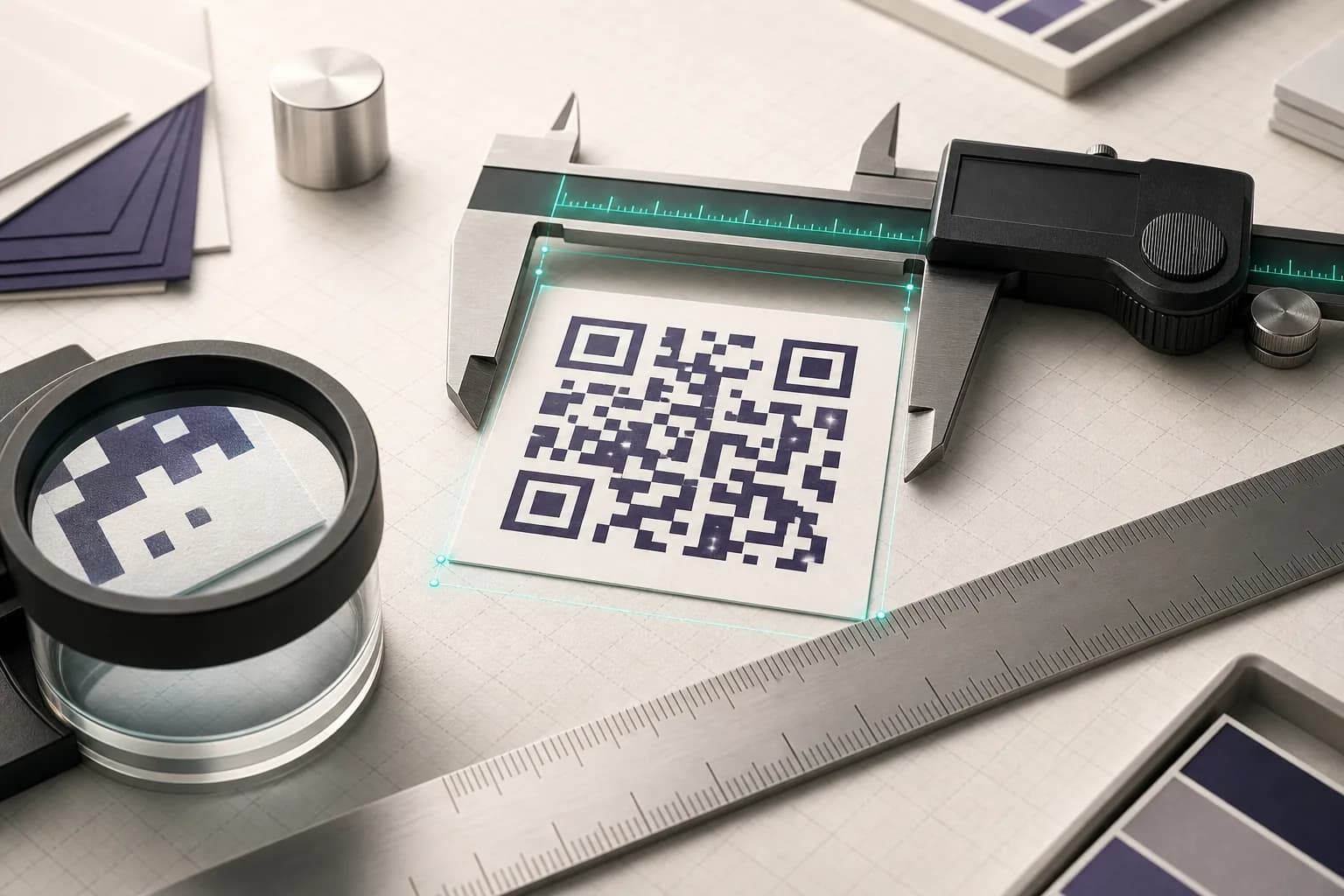
printed width = (symbol modules + 8) × module size
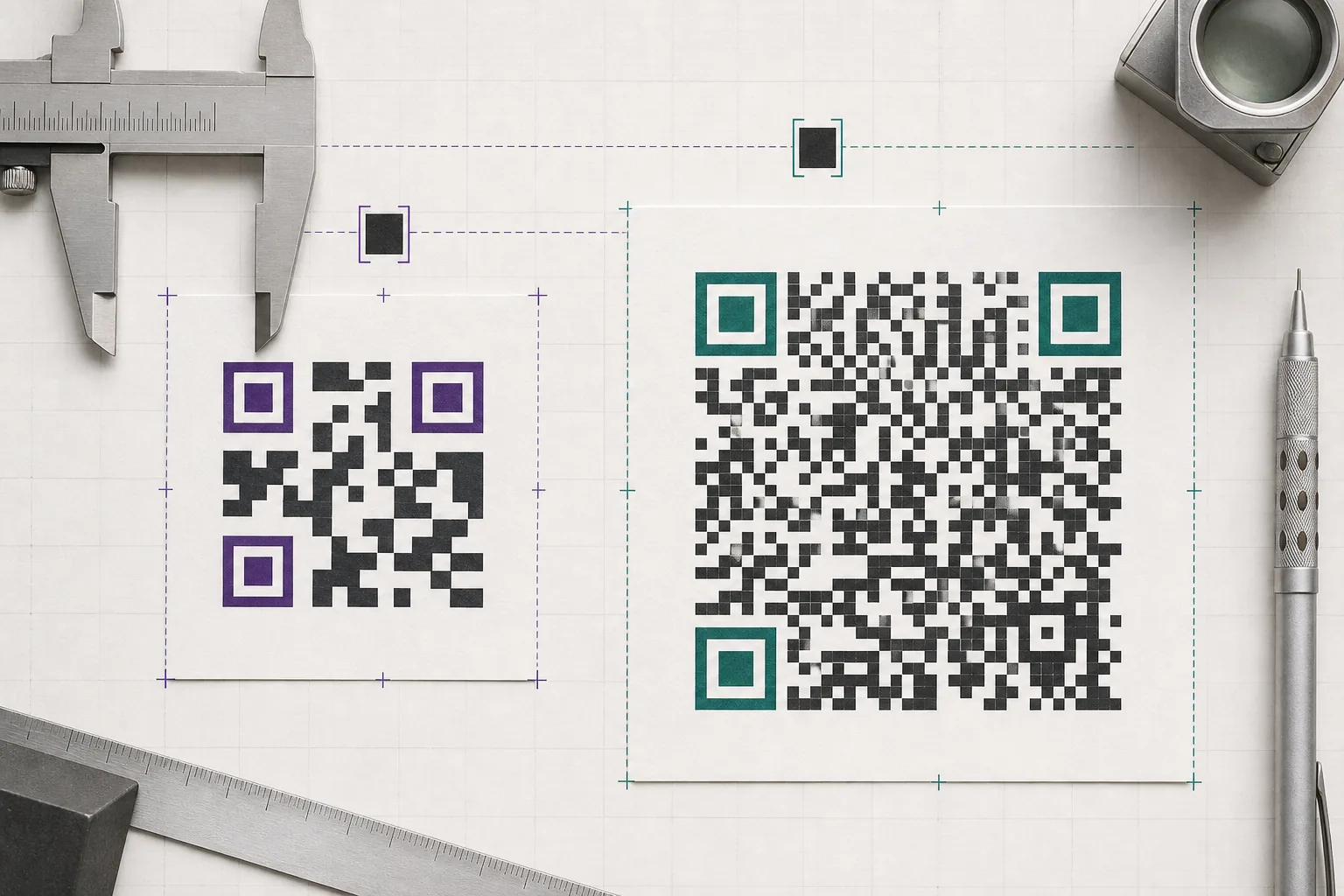
The eight is the quiet zone, four modules on each side, and it is part of the symbol rather than padding around it. The symbol module count comes from the version the encoder picked, which is decided by how many characters you asked it to store and at what error-correction level. The module size is whatever your printing process can hold without the dark squares bleeding into the light ones.
So two people can both be right when one says 15mm and the other says 30mm. They are encoding different things. The question is not what the minimum is, it is what the minimum is for your code, and that is worth two minutes of arithmetic before a print run rather than after it.
What Real Payloads Actually Need
Four payloads people actually encode, run through this site’s encoder at build time. Nothing here is estimated: the version and module count are what the encoder chose, and each symbol was rendered and read back by a decoder before its row was allowed to publish.
| What you encode | Characters | Version | Modules incl. quiet zone | Minimum width at 0.4mm modules | Module size if forced to 20mm |
|---|---|---|---|---|---|
| Short URL on your own domainThe shape worth printing. Short enough to keep the symbol sparse, and a path you can repoint later without a reprint. | 24 | 2 | 33 | 13.2mm | 0.61mm |
| Full page URL, no trackingThe URL you get by copying the address bar. Twice the characters of the row above, and it shows in the width. | 48 | 4 | 41 | 16.4mm | 0.49mm |
| Wi-Fi credentialsLonger than people expect, because the network name, the passphrase and the security type are all encoded in the symbol. | 65 | 5 | 45 | 18mm | 0.44mm |
| Campaign URL with trackingThe URL an analytics team hands you. It is the single most common reason a printed code has to be larger than the designer planned for. | 130 | 8 | 57 | 22.8mm | 0.35mm |
Same task, same printer, same 0.4mm module: the required width runs from 13.2mm to 22.8mm across these four payloads. Green in the last column means the module still clears 0.4mm at the folk minimum of 20mm, amber means it is below that but still above the 0.25mm DENSO WAVE lists for a standard handheld scanner, and red means it is under even that.
The last column is the interesting one. Forced into the 20mm square that most advice calls the minimum, a short owned URL still has comfortable modules, while the campaign URL with tracking parameters is down near the limit of what a handheld scanner is specified to read. Same width on the page, very different odds at the till.
Raising error correction moves every row up, because the redundant codewords push the symbol to a higher version. It buys real tolerance for scuffs and folds, and it is usually worth it, but it is not free in millimetres:
| What you encode | Characters | Version | Modules incl. quiet zone | Minimum width at 0.4mm modules | Module size if forced to 20mm |
|---|---|---|---|---|---|
| Short URL on your own domainThe shape worth printing. Short enough to keep the symbol sparse, and a path you can repoint later without a reprint. | 24 | 3 | 37 | 14.8mm | 0.54mm |
| Full page URL, no trackingThe URL you get by copying the address bar. Twice the characters of the row above, and it shows in the width. | 48 | 6 | 49 | 19.6mm | 0.41mm |
| Wi-Fi credentialsLonger than people expect, because the network name, the passphrase and the security type are all encoded in the symbol. | 65 | 7 | 53 | 21.2mm | 0.38mm |
| Campaign URL with trackingThe URL an analytics team hands you. It is the single most common reason a printed code has to be larger than the designer planned for. | 130 | 11 | 69 | 27.6mm | 0.29mm |
Same task, same printer, same 0.4mm module: the required width runs from 14.8mm to 27.6mm across these four payloads. Green in the last column means the module still clears 0.4mm at the folk minimum of 20mm, amber means it is below that but still above the 0.25mm DENSO WAVE lists for a standard handheld scanner, and red means it is under even that.
Which is the argument for fixing the payload first. Dropping tracking parameters, or encoding a short path on a domain you control and redirecting server-side, buys back more width than any design decision you can make afterwards, and it survives the destination changing.
How Small a Module Can Go Before a Scanner Loses It
The 0.4mm this site assumes is a working default, not a law. The real floor is set by your print head, and DENSO WAVE, who designed the format, publish the rule: each module should be built from four or more printer dots. That turns resolution into millimetres:
| Print setup | Module size | What it means |
|---|---|---|
| 600 dpi print head, 4 dots per module | 0.17mm | The fine end. Reading it needs a scanner that resolves finer than 0.17mm, which rules out most phone cameras at anything but very close range. |
| 300 dpi print head, 5 dots per module | 0.42mm | Almost exactly the 0.4mm this site's generator assumes, which is why that figure is a sensible default for ordinary office and commercial printing. |
Printing finer is not automatically better, because something has to read it. DENSO WAVE list their standard handheld scanner as reading down to 0.25mm modules and a high-resolution model down to 0.2mm. A phone camera at arm’s length in a dim restaurant is working under worse conditions than either. Design to the reader you expect, not to the finest thing your printer can do.
The Four Modules Everyone Crops
The blank border is not margin. QR requires a four-module wide margin on all sides, and the scanner uses it to find where the symbol stops. Crop it to fit a tighter layout and the code can fail at a width that looks generous, which is a maddening failure to debug because the pattern itself is untouched.
It also costs real width. A 29-module symbol is 37 modules once the quiet zone is counted, so the border alone is about a fifth of the printed size. Every width in the tables above already includes it, which is why they are larger than figures you will see quoted elsewhere for the same version.
This site cannot produce a code that violates it: the quiet zone is a schema floor rather than a default, so no caller, including a future bulk job or API, can set it below the ISO minimum.
The 10:1 Distance Rule, and Where It Does Not Come From
Search this question and you will be told, confidently and everywhere, that a code should be one tenth of the distance it is scanned from. Ten metres, one metre of code. It is a useful starting point for a poster, and it is worth knowing what it is not.
It is not in the specification, and it is not in the format designer’s guidance either. DENSO WAVE’s own page on determining the code area covers the quiet zone, the version and a worked size calculation, and says nothing at all about reading distance. The ratio is field folklore: repeated because it is roughly right for mid-range industrial scanners, and reprinted without attribution ever since.
Use it the way you would use any rule of thumb. Take the distance, divide by ten, then check that number against the module size it implies for your actual module count. If the answer puts your modules under 0.25mm you have a problem the ratio cannot see, because the ratio does not know how much data you are carrying. Then test it at the real distance, in the real light, with the phone people will actually use.
Clothing is where this ratio bites hardest, because a garment is read from further away than almost anything else you print on and the received wisdom is an inch. Sizing a QR code for a shirt works the same arithmetic through for a chest print and lands four times higher than the number every tutorial repeats.
What the Printing Process Costs You
The arithmetic assumes a module lands on the page the size you asked for. How true that is depends on what you are printing on. These are directions rather than measurements: we have not run a controlled test across these substrates, and a millimetre figure per process would be invented precision.
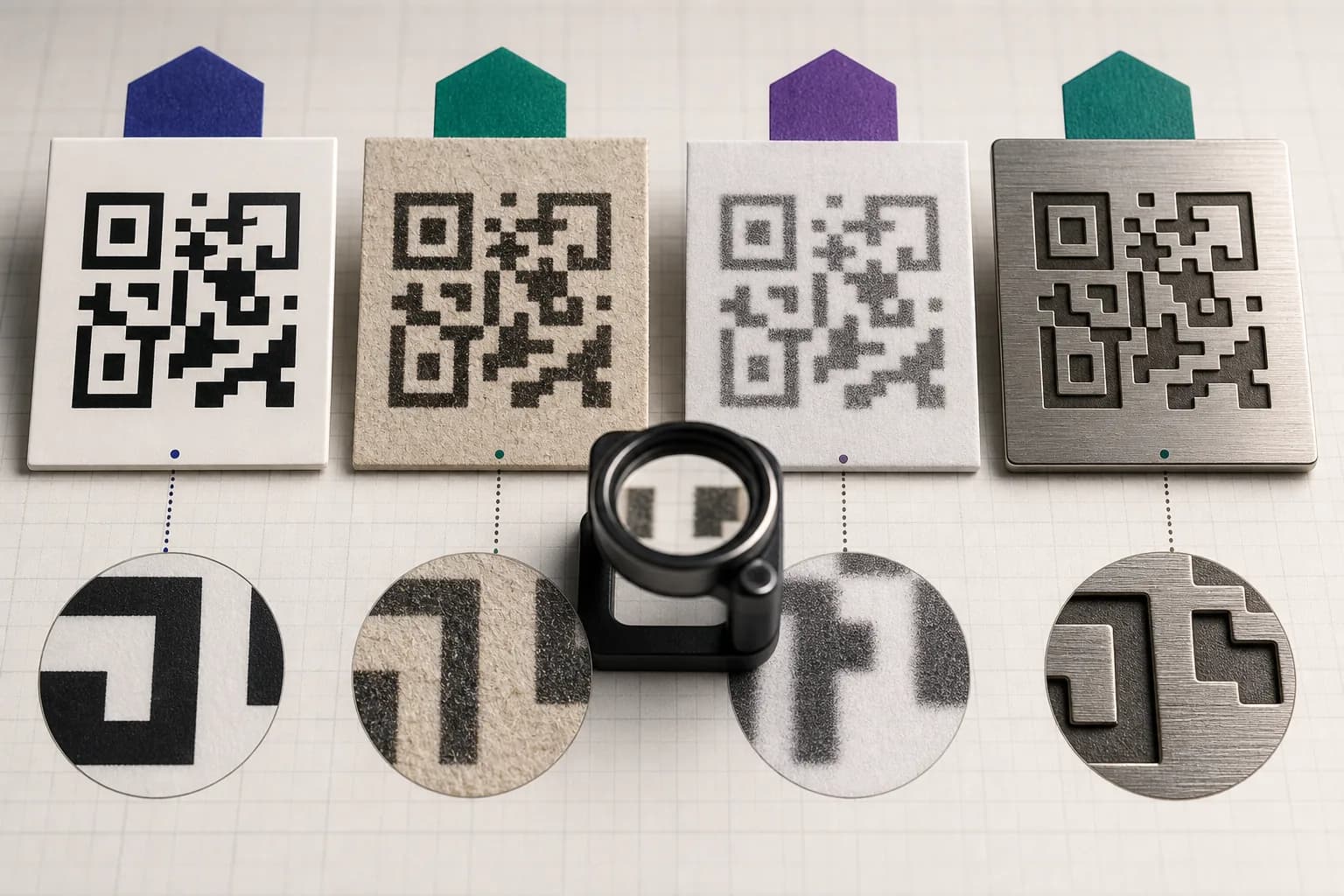
Close to the theoretical size. Edges stay sharp and modules keep their shape.
The 0.4mm assumption holds. Print at the width the generator gives you and it will scan.
Ink spreads into the fibres, so dark modules grow and the light gaps between them shrink.
Go up a size rather than down. The failure is gradual, so it shows up as a code that needs three attempts rather than one that never reads.
Low resolution, and the print fades with heat, light and time in a wallet.
Keep the payload as short as you can and raise error correction. This is the worst common case for a long URL.
Contrast comes from a shadow or a finish rather than from ink, and it changes with the angle of the light.
Test under the lighting the code will actually live under, not on your desk. Size is rarely the binding constraint here; contrast is.
No ink spread at all, and the display is emitting light.
Ignore print minimums. Scanning a code off a screen works far smaller, which is why a code that works in a mockup can still fail on paper.
The screen row is the one that catches people out. A code checked on a monitor is being read off an emitting surface with no ink spread at all, so it flatters a symbol that is too small for paper. If you have only ever tested a design on screen, you have not tested it.
What QRMakery Shows You
The editor prints the minimum width under the preview for the exact code in front of you, recalculated as you type, because that number changes the moment your URL does. It is the same 0.4mm per module assumption used throughout this article, applied to your real module count rather than to an example.
Two honest limits. That figure assumes ordinary printing on decent stock, so for thermal receipts, uncoated card or anything etched you should treat it as a floor and go up. And we do not measure your printer: nothing here can tell you what your particular press does to a 0.4mm square, which is why the last section is guidance rather than numbers. Print one, scan it at the distance it will live at, and believe that over any table, including ours.
If the width you need is larger than the space you have, shorten the payload first. It is the only change that makes the code smaller without making it harder to read.
A printed catalogue is the case where that one change decides the layout. The codes sit in a caption block beside a product photo, and a product link carrying campaign parameters encodes at 61 modules where the clean link is 45: sizing codes for a catalogue page measures all four link forms against the width a caption has to spare.
Everything above assumes a code read at arm's length. Signage is a different calculation, because readable range scales with the width of the symbol rather than with the module size: sizing a code for a sign board runs those numbers, and museum label sizing covers the shorter distances in between. And a sticker is a third case again, because a round die cut only gives you about 70% of its diameter as usable width: QR code sticker size works that through.
Common questions
What is the minimum size for a printed QR code?
There is no single number, because the width depends on how many modules your code has. Multiply the module count, including the four-module quiet zone on each side, by the smallest module you can reliably print. At the 0.4mm per module this site assumes, a short URL lands near 13mm, a long campaign URL near 23mm, and that same tracked URL near 28mm once error correction is raised to High. Work it out from your own code rather than copying a figure.
Is 2cm big enough for a QR code?
For a short URL, comfortably. For a long one, no. Two centimetres is the most repeated answer online and it hides the fact that the same physical width gives you very different module sizes depending on payload length. The table above prints the module size you actually get at 20mm for each sample, which is the number that decides whether it scans.
How do I calculate QR code size?
Width equals total modules multiplied by module size. Total modules is the symbol width plus eight, because the quiet zone is four modules on each side. Module size is whatever your printing process can hold reliably, and DENSO WAVE recommends building each module from at least four printer dots.
Does a longer URL make the QR code bigger?
Yes, and this is the lever most people miss. More characters means a higher symbol version, which means more modules, which means more physical width at the same module size. Shortening the URL is usually cheaper and more effective than enlarging the artwork, and it is the one change that helps every other constraint at once.
Does error correction change the minimum size?
Yes. Raising the level adds redundant codewords, which pushes the symbol to a higher version with more modules. On the samples measured above, going from Medium to High adds roughly a tenth to a fifth to the required width. That is a real cost, and it is worth paying when the code will be handled, folded or printed on anything rough.
How far away can a QR code be scanned?
Further for a bigger code, but the widely quoted rule that width equals distance divided by ten is a field heuristic rather than a specification. DENSO WAVE's own guidance on determining the code area says nothing about reading distance. Use the ratio to get a starting size for a poster, then test at the real distance under the real lighting.
Why does my QR code scan on screen but not in print?
Almost always size, contrast, or a cropped quiet zone. A screen emits light and has no ink spread, so it flatters a code that is too small. Printed on paper, the same code has to survive ink bleeding into the stock and a camera working from reflected light. Check the printed width against the minimum for that specific code before assuming the generator is at fault.
Does the white border around a QR code count towards the size?
Yes. The quiet zone is part of the symbol, not padding around it. QR requires a four-module margin on all sides, so a 29-module symbol is really 37 modules wide once you include it. Designs that crop that border to save space break the code even when the printed width looks generous.
Get the Minimum Width for Your Own Code
Paste your link and the editor shows the module count and the smallest width it will survive in print, for that exact code rather than for a generic one.
Open the generatorKeep reading
All guides- Comparisons
Static vs Dynamic QR Codes
What the redirect actually buys you, measured on real encoded codes, and which payloads are worse off for it.
16 min read - Printing
QR Code Sticker Size: The Circle Costs You 30%
The usable square inside a round sticker is 70% of its diameter. Measured minimum sizes for real links, against every common sticker size.
8 min read - Reference
Offline QR Code Generators for Every Device
What each platform already ships, the measured cost of each payload type, and how to check an offline claim yourself.
26 min read


