On this page6 sections
Four Routes, One That Works
Four different things happen depending on how you ask, and lumping them together is why the answers online contradict each other.
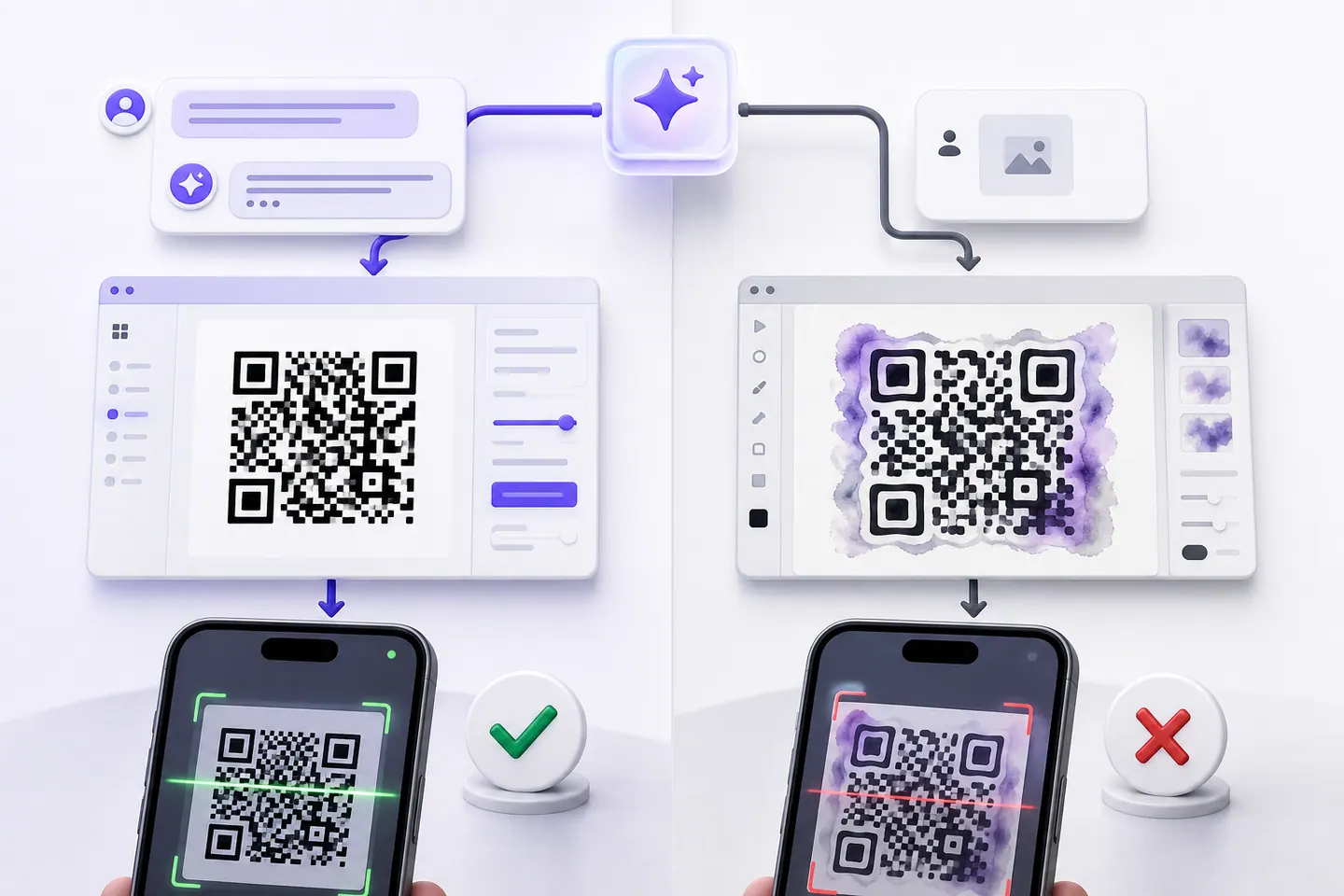
- WorksIt writes and runs PythonAsk inside a chat with the Python tool available and it writes a few lines against the qrcode library, runs them, and hands you a PNG.This is the one that genuinely produces a working code, and the test below is exactly this route. The symbol is a normal QR code built by a normal library, so it decodes like any other. What you do not get is any check that it decodes, any contrast warning, or any control over print size.
- Works, with a catchIt writes code for you to runAsk without the Python tool and it gives you a snippet for Python, JavaScript or whatever you asked for, to run yourself.The code is usually correct. The catch is that you now need a working environment, the library installed, and enough familiarity to fix it when the version has moved on. For one code that is a lot of ceremony.
- Works, with a catchIt builds a link to somebody else's APIIt hands you a URL pointing at a third-party QR image service with your data in the query string.It works, and it is not ChatGPT making the code. Some other service is, and your payload goes to it. Worth knowing before you paste in a Wi-Fi password or a private link.
- UnreliableIt generates a picture of a QR codeAsk an image model for a QR code, or for an artistic one that looks like a landscape.An image model draws something QR-shaped. It is not encoding anything, so there is no reason for the modules to carry your data, and usually they do not. The artistic ones you have seen that do scan were made by a diffusion model conditioned on a real, separately encoded code, which is a different pipeline from asking a chatbot for a picture.
What Happened When I Ran It
I generated https://example.com/menu with qrcode 8.x for Python, the library the Python sandbox reaches for, at error correction M. It came out as a version 2 symbol, 25 modules across, with the standard 4 module border. Then I read it back with the same decoder that gates every download on this site.
It decoded. No surprise, and worth stating plainly anyway, because half the pages on this query imply the output is somehow suspect. It is a normal QR code made by a normal library.
The interesting part was breaking it.
What Actually Breaks an AI-Made Code
Every article on this topic lists the same causes: low resolution, a missing quiet zone, artistic distortion, poor contrast. I tested all four against the same code. Two of them did nothing.
Resolution
Never broke itRendered at ten pixels per module, then resampled down. It kept decoding all the way to a single pixel per module, which is far past anything a camera could manage. On a clean render, small is not the same as broken.
- 10 pixels per module330px squaredecoded
- 4 pixels per module132px squaredecoded
- 3 pixels per module99px squaredecoded
- 2 pixels per module66px squaredecoded
- 1 pixel per module33px squaredecoded
Quiet Zone
Never broke itThe standard asks for four clear modules. I cropped it to nothing, against a white background, and it still read. This matches what we measured separately: a cropped margin kills a code when something dark sits against it, not on its own.
- 4 moduleswhat the standard asks fordecoded
- 3 modulesdecoded
- 2 modulesdecoded
- 1 moduledecoded
- 0 modulescropped to the black edge, on whitedecoded
Blurred Module Edges
This one broke itStanding in for what an image model does when it restyles a code into artwork. Here it broke, between a blur radius of four and six pixels on ten-pixel modules. Soften an edge by more than about half a module and the decoder loses the boundary.
- No blurdecoded
- 2px radiusa fifth of a moduledecoded
- 4px radiusunder half a moduledecoded
- 6px radiusover half a modulefailed
- 8px radiusfailed
Contrast
This one broke itLightening the dark modules toward the white background. It broke between mid grey and the step above it, which is the same boundary we found coming from the other direction when we broke codes on purpose.
- #000000black on whitedecoded
- #606060decoded
- #808080mid greydecoded
- #a0a0a0failed
- #b0b0b0failed
So the honest version of the warning is narrower than the usual one. What kills an AI-generated QR code is the restyling: softened module edges and colours pulled toward the background. Both are exactly what an image model does when you ask it to make a code look like something. Resolution and margin are the two everybody names, and neither of them broke anything here.
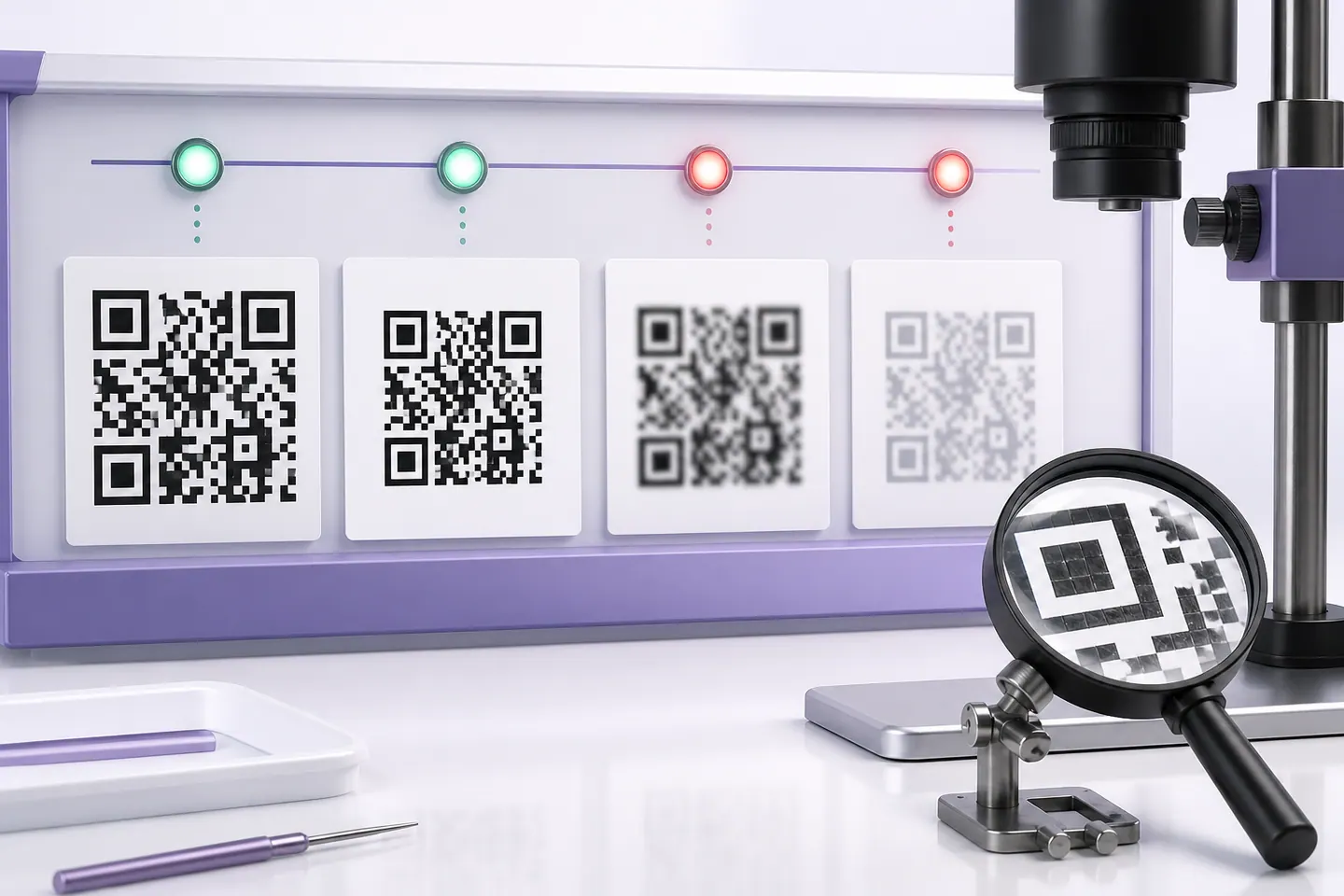
If you want the version of that experiment with the print thresholds worked out properly, we did it at length in why a QR code will not scan.
The Split That Makes Sense
Here is where I have landed after doing this, and it is not the answer the framing invites.
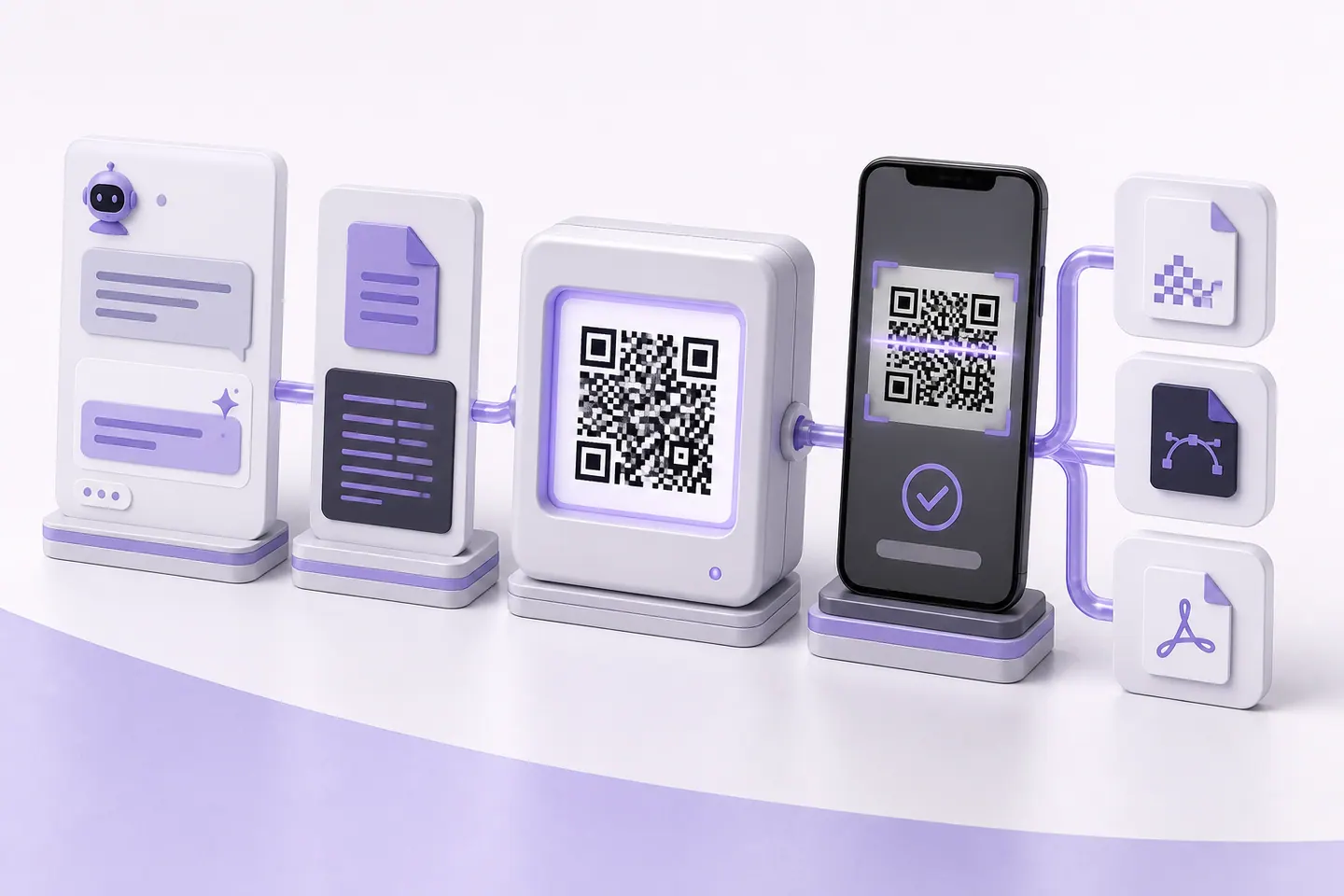
Use the chatbot for the text that goes inside the code. A vCard block and a Wi-Fi credential string are both fiddly formats with escaping rules nobody remembers, and assembling one from a messy pile of details is genuinely what a language model is good at. Ask for the string, not the picture.
Use an encoder for the code itself. Not because the library output is bad, but because of what is missing around it. Nothing in a chat window measures the contrast of the colours you asked for, works out how much of the symbol a logo covers against the error-correction budget, tells you the smallest width it can print at, or reads the finished image back before you commit it to a print run. Those four checks are the actual work, and they are the reason this site locks the download until the code has decoded.
The generator here is free and needs no account, and if the thing you want is a Wi-Fi code or a contact card, those pages build the string for you and skip the chatbot step entirely. To check something you already have, including one a chatbot made, drop it into the image reader and it will tell you what the code says and how much detail is left in it.
How I Tested This
One run, on 2026-08-05, on my machine. Generated with qrcode 8.x for Python at error correction M, exported as raw pixels, and decoded with the `jsQR` build this site already uses for its download gate. The blur is a Gaussian applied in Pillow, and the contrast steps are flat greys against white.
Two limits worth naming. These are clean synthetic renders, which is the most forgiving input a decoder ever gets, so every threshold here is a best case and a photograph will do worse. And unlike the encoder figures elsewhere on this site, these numbers are not recomputed when the project builds, because the generating library is not a dependency here. They are a record of one run rather than a live measurement.
I have not tested this against every model version, and the tooling available inside a chat changes often enough that the routes section will age faster than the physics. The thresholds will not move. Those are properties of the symbol, not of anybody’s product.
Common questions
Can ChatGPT create QR codes?
Yes, if it has its Python tool available in the conversation. It writes a few lines against a QR library, runs them, and gives you a PNG. I generated one that way and read it back with this site's decoder and it decoded cleanly. If you ask an image model for a picture of a QR code instead, you get something QR-shaped that is not encoding anything and generally does not scan.
Can ChatGPT generate working QR codes?
The Python route does. It is an ordinary library producing an ordinary symbol, so there is nothing exotic about the result. What is missing is verification: nothing in that flow reads the finished image back, checks the contrast of the colours you asked for, or tells you how small it can safely print. You are getting a code and taking its word for it.
Why do AI-generated QR codes fail to scan?
Not usually for the reasons people list. I tested a real code down to one pixel per module and it still decoded, and cropped the quiet zone away entirely against a white background and it still decoded. What did break it was blurring the module edges by more than about half a module, and lightening the dark modules past mid grey. That is exactly what an image model does when it restyles a code into artwork: it softens edges and shifts colours.
Can ChatGPT create QR codes for free?
The Python tool is not on every free tier, and it moves around, so check what your account has rather than trusting an article about it. This site's generator is free with no account, which sidesteps the question.
Can ChatGPT add a logo to a QR code?
It can paste an image over the middle, and the library will not stop it. What it will not do is work out how much of the symbol you have covered against the error-correction budget you have, which is the thing that decides whether the result survives print. That calculation is the whole job.
Should I use ChatGPT or a QR code generator?
Use ChatGPT for the text that goes inside the code. It is genuinely good at assembling a vCard block or a Wi-Fi string from messy details, and those formats are fiddly to get right by hand. Then paste that text into a generator that encodes it, checks the contrast, reads the finished code back and gives you a vector file for print. The two are not really competing.
Can ChatGPT make dynamic QR codes?
No. A dynamic code needs a redirect that keeps running at an address you control, and a chat session cannot host one. It can write the code for a redirect you then deploy yourself, which is a different piece of work.
Skip the Sandbox
Paste your text, pick your colours, and the download stays locked until a decoder has read the finished code back. No account, nothing uploaded.
Open the generatorKeep reading
All guides- Comparisons
Static vs Dynamic QR Codes
What the redirect actually buys you, measured on real encoded codes, and which payloads are worse off for it.
16 min read - Printing
QR Code Sticker Size: The Circle Costs You 30%
The usable square inside a round sticker is 70% of its diameter. Measured minimum sizes for real links, against every common sticker size.
8 min read - Reference
Offline QR Code Generators for Every Device
What each platform already ships, the measured cost of each payload type, and how to check an offline claim yourself.
26 min read


