
Comparisons
Static vs Dynamic QR Codes
What the redirect actually buys you, measured on real encoded codes, and which payloads are worse off for it.
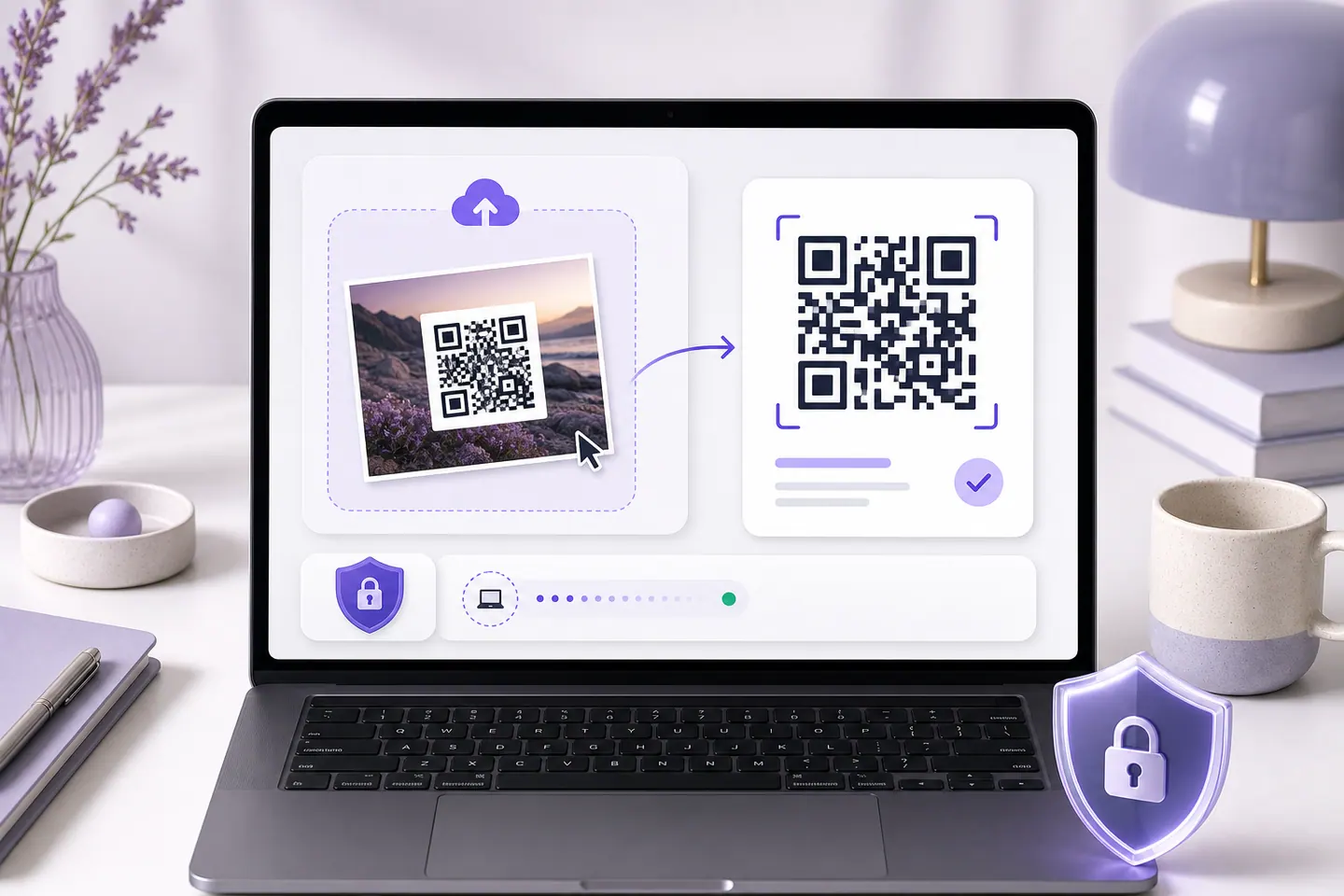
16 min readPaste a screenshot or drop in a photo. You get the exact text the code carries, the link it opens before you open it, and a measurement of whether the code still has enough detail to scan anywhere else. It is decoded in this tab and never uploaded.
Drop a QR code image here
Or press Ctrl + V to paste a screenshot, or choose a file.
The image is read on your device. It is never uploaded.
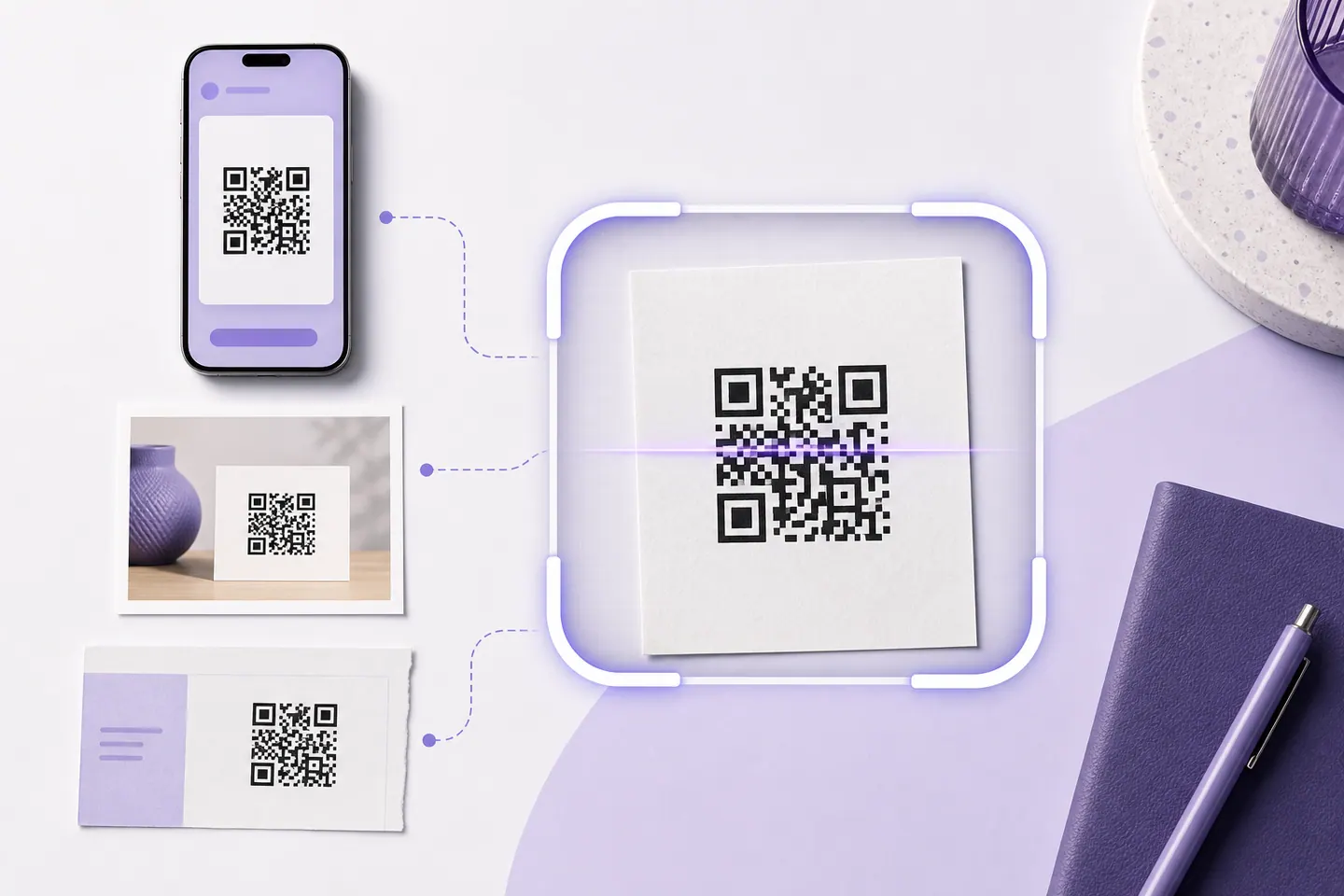
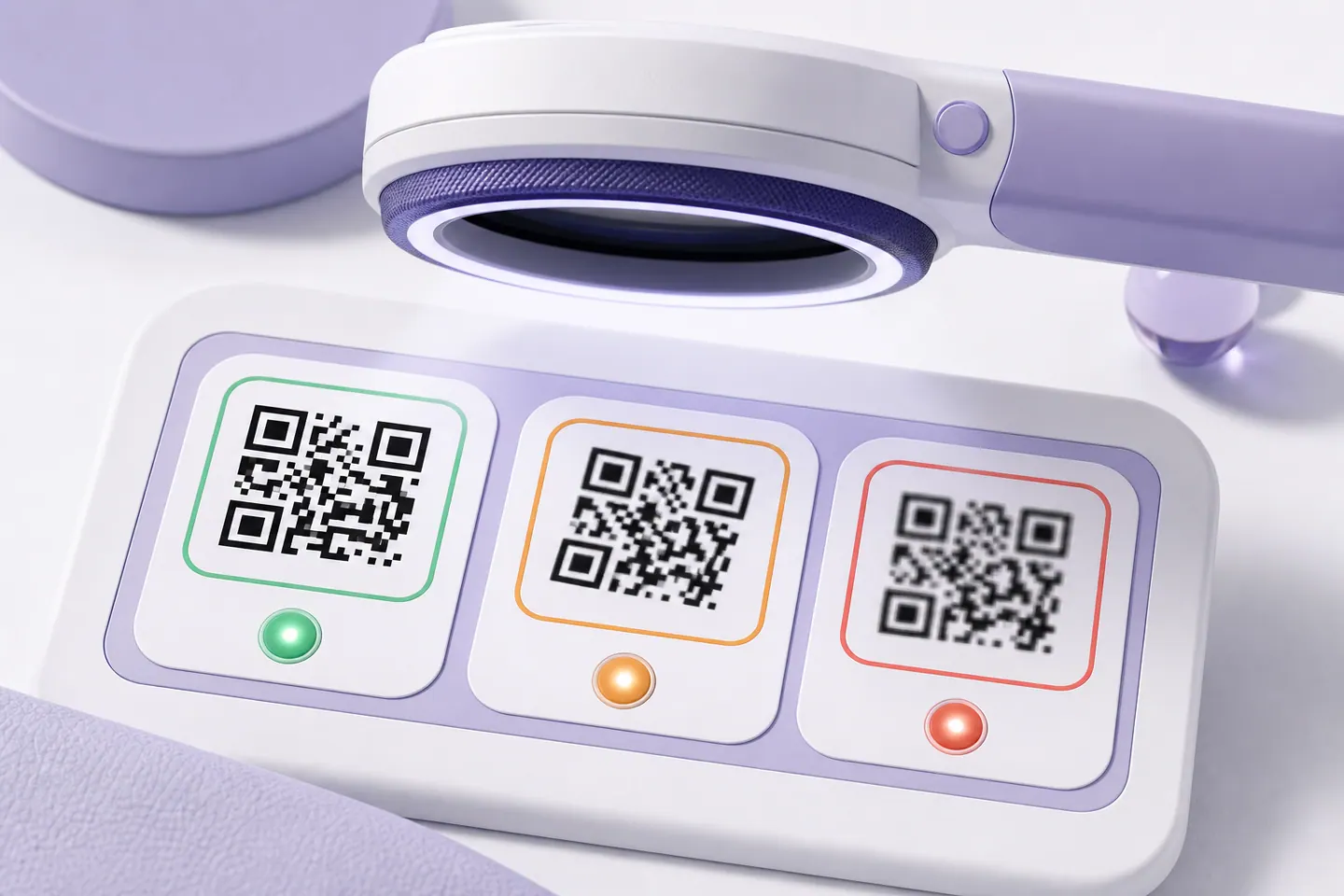
A QR code is a grid of small squares called modules. The reader measures the symbol inside your image, divides its width by the module count, and reports how many pixels each module got. That single number is what decides whether the code survives being resized, printed, or photographed off a screen.
It is worth saying what this number is not. It measures the copy you uploaded, not the code itself. A perfectly good code saved badly scores poorly here, and the fix is to find the original file rather than to remake the code.
One caution about reading it as a pass mark. We swept every whole pixel width from 140 down to 34 and found codes that failed at one width and read at a narrower one, so a low score is not proof that nothing can be recovered. Scanning a QR code from a screenshot has the measurement and what to try instead.
The decoder reports failure without a reason, so this page will not make one up. What it can tell you is the size of the image it looked at and that it tried the image both normally and inverted. The rest is a checklist, ordered by how often each one turns out to be the answer.
Where the code carries a web link, the reader shows you the host on its own, separately from the rest of the address. A phone camera usually shows a truncated preview or opens the page outright, which is how a sticker over a parking meter code ends up costing somebody money. Reading the domain first costs nothing.
This page cannot tell you whether a host is trustworthy, and it does not pretend to. What it can do is put the domain in front of you before anything opens. Be careful with a domain that looks almost right, with a shortener you cannot see through, and with any code physically stuck on top of another one.
If the code is not a file at all but is printed on something in front of you, the camera scanner reads it through your webcam or phone camera, in the browser and with nothing installed. Whether you need either of them depends on your device, and offline QR code scanners for every device goes through what each platform can already do without an app.
Going the other way, if you want to make a code rather than read one, the generator decode-tests every code before the download unlocks, which is the same check this page runs, applied before the file ever leaves your hands.
Yes. Paste the screenshot straight onto this page with Ctrl+V, or drop the file in, and the code is decoded in your browser. You get the exact text it contains, what kind of payload it is, and a measurement of how much detail the copy still has. Nothing is uploaded and there is no account.
No. The file is read by your browser, drawn to a canvas in this tab, and decoded there. It never reaches a server. That is enforced rather than promised: this site's content security policy restricts network connections to its own origin, so the page could not send your image anywhere even if it tried to.
The decoder reports failure without a reason, so this page will not invent one. It does tell you the pixel size of the image it looked at, and that it tried both a normal and an inverted reading. The most common causes, in order, are a cropped quiet zone, an image too small to resolve the modules, and part of the code being covered. The checklist on this page covers each one.
A QR code is a grid of squares called modules, and this number is how many image pixels each one got. It is the measurement that decides whether a code survives being resized, printed or re-photographed. Around 4 and above has room to spare. Between 2 and 4 read this time but is fragile. Below 2 is running on luck.
This page shows you the host the link points at before you go anywhere, which is the check most scanners skip. It cannot tell you whether that host is trustworthy. Read the domain, and be suspicious of one that looks almost right, of a shortener you cannot see through, and of any code stuck on top of another one in a public place.
Yes, and that is what the pixels per module figure is for. Upload the exported file and you get the symbol version, the module count and how much detail your copy carries. Codes made on this site are decode-tested before the download unlocks, so they arrive already checked. This is for codes from anywhere else, or for a file that has been through a designer, a print shop or a chat app since.
No. Barcodes, Data Matrix and Aztec are different symbologies with different decoders. This reads QR codes only.
Point a camera at one, or pull one out of a screenshot, and see the link before you open it.
What the redirect actually buys you, measured on real encoded codes, and which payloads are worse off for it.
16 min readThe usable square inside a round sticker is 70% of its diameter. Measured minimum sizes for real links, against every common sticker size.
8 min readWhat each platform already ships, the measured cost of each payload type, and how to check an offline claim yourself.
26 min readQRMakery reads every code on your own device. The image you upload and whatever it contains never reach a server.

