
Comparisons
Static vs Dynamic QR Codes
What the redirect actually buys you, measured on real encoded codes, and which payloads are worse off for it.
16 min readPut your logo or any image inside a QR code, in your colours, free and without an account. The tool measures how much of the code the image covers, warns you before it becomes unreliable, and reads the finished code back with a decoder, so a code that will not scan cannot be downloaded.
✓ Scan-tested: this code reads back correctly.
Contrast 21:1, Strong
Version 3 · 37 modules · print at least 14.8 mm wide
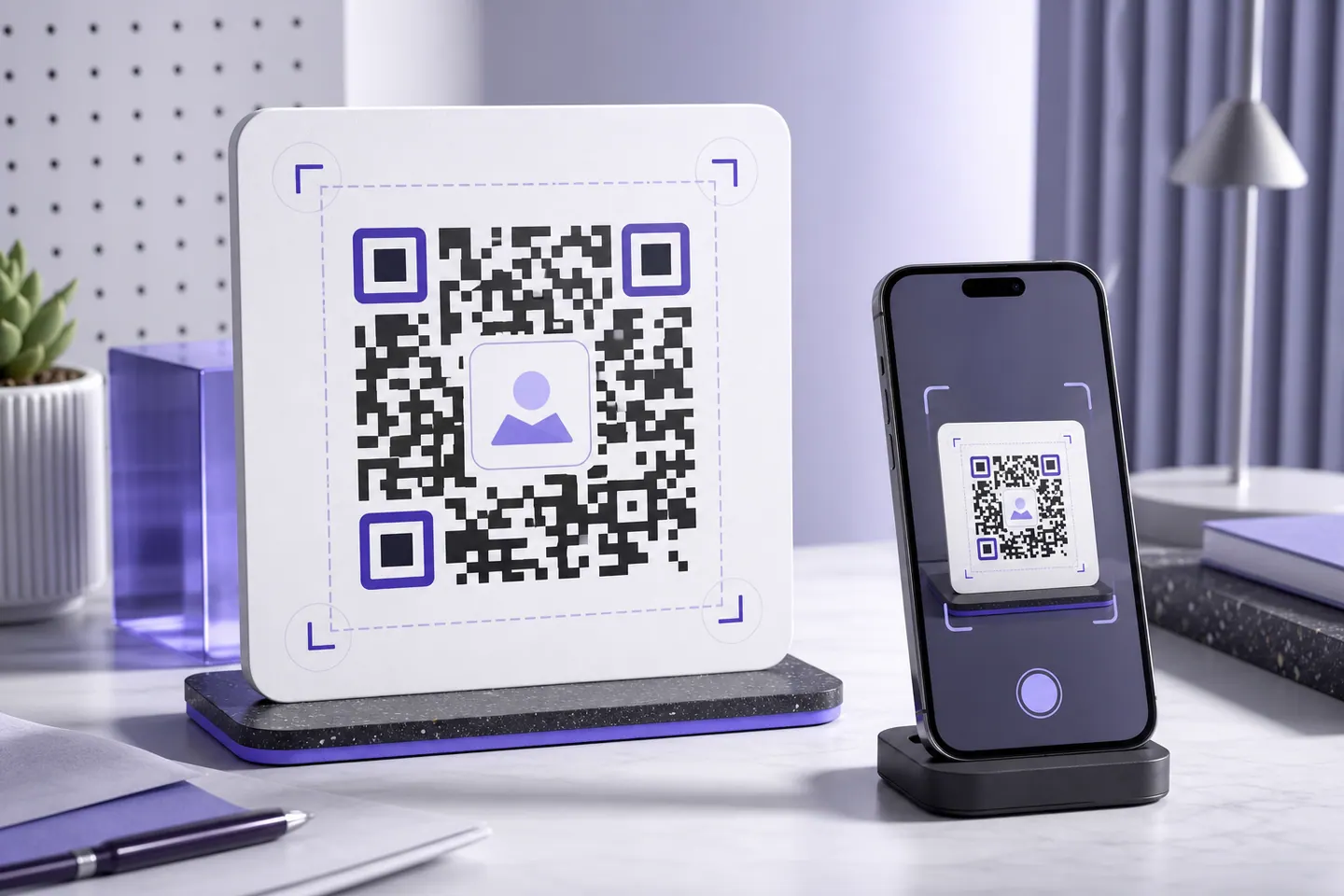
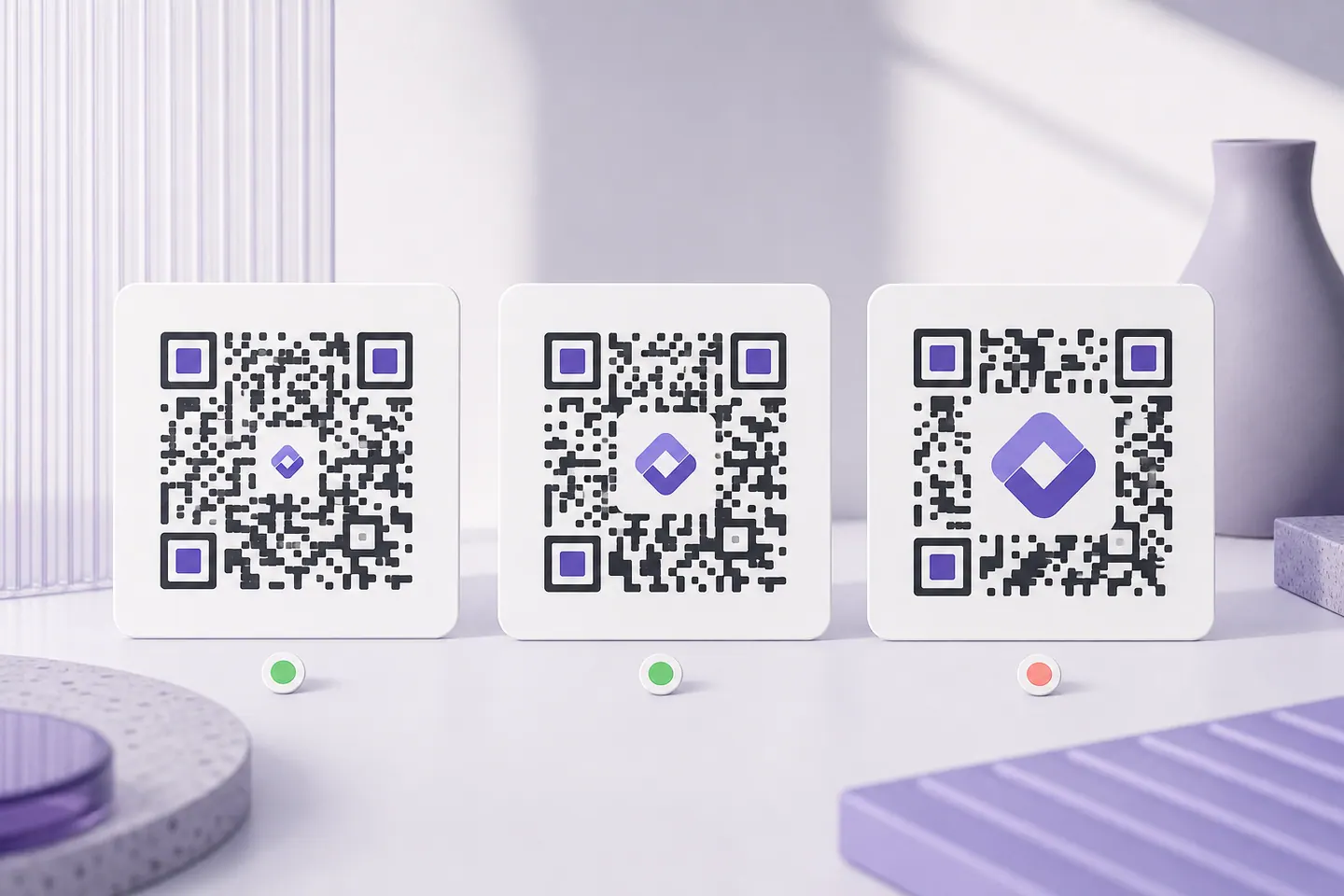
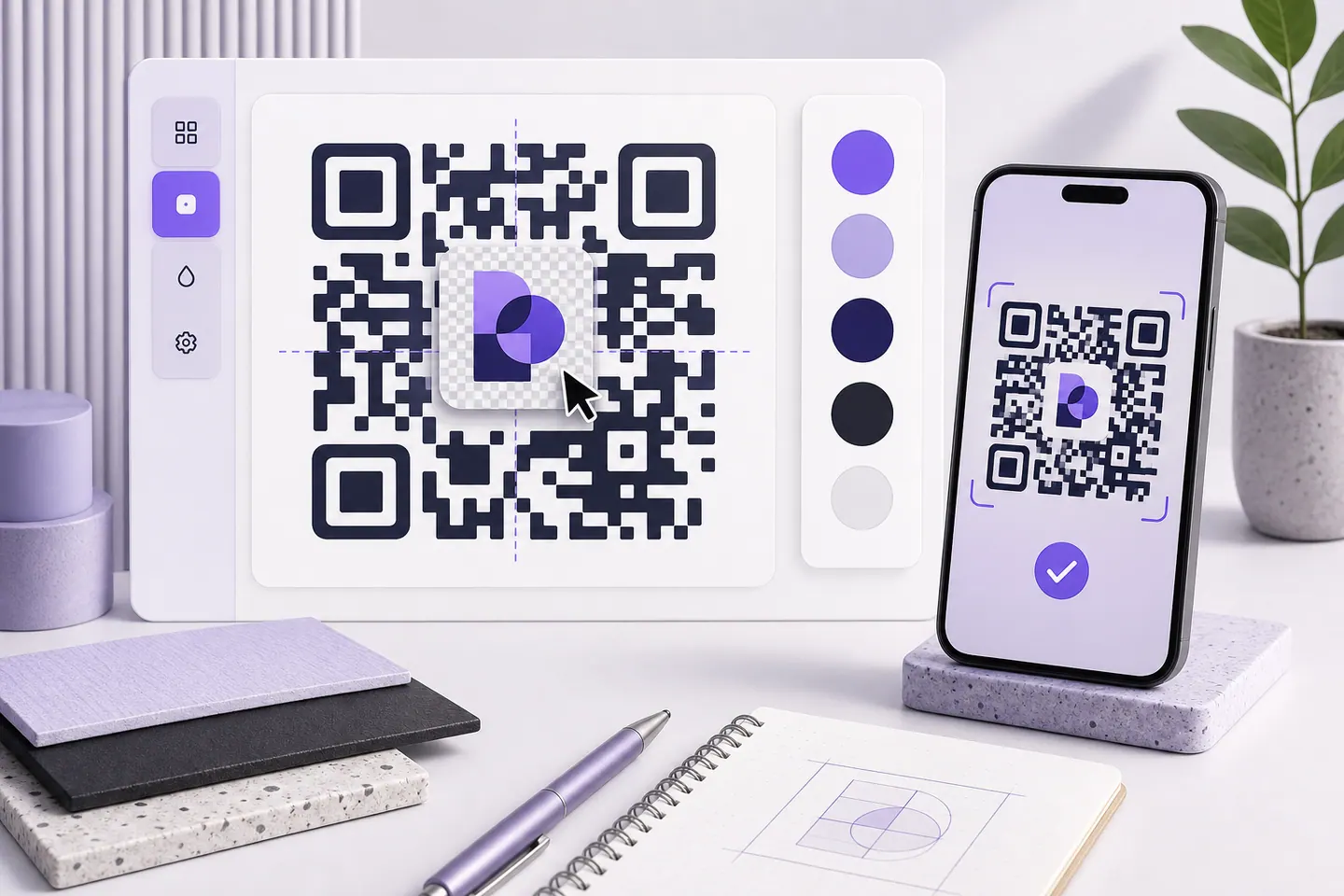
Five steps, all of them in the editor above. Nothing is saved between visits, so the file you download is the only copy, but equally, nothing you type is recorded anywhere either.
A QR code stores every byte more than once. That redundancy is error correction, and it is why a code still reads when part of it is scratched or covered. Placing a logo in the centre deliberately destroys modules and asks error correction to rebuild them.
The catch is that the same budget has to cover everything else that goes wrong: ink spread on cheap paper, a fold through the middle of a flyer, a scuffed sticker, a phone camera at an angle in bad light. Most generators let you drag the logo slider until the code silently stops working. This one caps the safe size per error-correction level, shows the percentage covered, and blocks the download when the decoder can no longer read the result.
Worth clearing up, because the phrase suggests something the format cannot do. Your image never becomes part of the data. The encoder builds the symbol from your link first, then a square patch of modules in the middle is cleared and the image is painted over the top. Decode the finished code and you get your URL back, byte for byte, with no trace of the picture in it.
Two useful consequences. The file size of your image is irrelevant: a 1.8 MB photo and a 4 KB icon cost the code exactly the same, because neither one is encoded. And the size limit you keep hitting is not about the image at all, it is about how many covered modules error correction can rebuild, which is why the cap moves when you change the error-correction level. The ceiling is not one number either: it moves with the length of your link, and putting a logo in the middle walks it up a percent at a time on three different links to show by how much.
Restyling the code itself is a third thing again. Shaped modules, gradients and artwork behind the whole symbol live on QR code art, which tests the finished design rather than the plain matrix.
If you meant the other thing, encoding the picture itself so that scanning the code produces the image, that is a different problem with a hard ceiling of 2953 bytes. Image to QR code measures your file against it and explains what the tools claiming to do it are really doing.
Colours are yours to set here: module colour, background, and the patch the logo sits on. The contrast between them is measured while you work, because a logo and a pale brand colour spend the same error-correction budget and will fail the scan test together. If colour is the main thing you are after, the branded QR code page checks common brand hues and gives you a darker shade of the same colour where one is too light to read.
Tracking is the part most tools quietly bundle in, so it is worth being direct: these codes are static, and a static code cannot count scans. The link is inside the image, and nothing contacts a server when someone points a camera at it, which is why it works forever and costs nothing. To get numbers today, encode a destination you already measure: a landing page on your own site, or a URL carrying campaign parameters your analytics reads. Dynamic codes with scan counts and a destination you can change after printing are in development; codes with logos will stay free either way.
Paste your link into the editor on this page, upload your logo as a PNG, JPEG, WebP or GIF, size it inside the limit the tool shows, and pick your colours. When the code passes its scan test the download unlocks and you can save it as SVG, PNG or WebP. There is no account, no watermark and no limit on how many you make.
Not if it is small enough. A logo hides modules, and QR error correction rebuilds hidden modules from redundant data, but that budget is finite and is also what absorbs real-world damage like scuffs, folds and poor lighting. Spend all of it on the logo and the code reads on screen but fails in print. This tool measures how much you have covered and reads the finished code back with a decoder before allowing a download.
It depends on the error-correction level. At "High" you can safely go to about 25% of the code's width; at "Medium" the safe limit is about 15%. Those caps deliberately leave error correction in reserve for print damage rather than using every last bit on the logo.
"High". It reserves the largest share of the symbol for recovery, which is exactly what a logo consumes. This page starts you on High for that reason. The trade-off is a slightly denser code, so print it a little larger.
No. The image is read in your browser and turned into a data URL there. It is never sent anywhere, and it is embedded directly in the file you download, so the exported SVG still shows your logo when opened offline or sent to a printer.
SVG files can contain scripts and references to external resources. Embedding one inside the QR code you then publish or send to a print shop would carry that along. Export your logo as a PNG with a transparent background instead.
No. It is a static code: the link is encoded in the image itself, so nothing is being looked up on our servers when someone scans it. It keeps working whether or not this site does, and there is no account or subscription attached to it.
The preview shows a minimum width in millimetres for the code you have made. A logo does not change that number directly, but it does use up the error-correction margin that would otherwise cover printing imperfections, so if you are close to the minimum, print larger.
Yes. The module colour and the background are both yours to set, and the contrast between them is measured as you change them. A logo and a brand colour compete for the same margin, though: colour that is too light and a logo that is too large will fail the scan test together, and the page will say which one to ease off.
Not from here. These are static codes: the link lives in the image, so nothing touches our servers when someone scans, which is exactly why the code never expires. If you need numbers today, encode a link you already measure: a page on your own site, or a URL with campaign parameters your analytics reads. Dynamic codes with scan counts and an editable destination are in development and will be a paid feature; static codes with logos stay free.
Paste your link into the editor above, upload the image, and it is placed in the centre for you. The image is not encoded into the code: the middle modules are cleared and the picture is drawn over them, then error correction rebuilds what was covered. That is why the size cap is measured as a percentage of the symbol rather than in kilobytes, and why a large photo costs the code no more than a small icon does.
Any PNG, JPEG, WebP or GIF up to 2 MB. Square marks work best because the cleared patch in the middle of a code is square; a wide wordmark has to be scaled down until its height fits, which wastes the space you are paying error correction for. Use the icon from your logo rather than the full lockup where you have one.
Colour, a logo in the middle, artwork behind it, each one measured against what still scans.
What the redirect actually buys you, measured on real encoded codes, and which payloads are worse off for it.
16 min readThe usable square inside a round sticker is 70% of its diameter. Measured minimum sizes for real links, against every common sticker size.
8 min readWhat each platform already ships, the measured cost of each payload type, and how to check an offline claim yourself.
26 min readQRMakery generates every code on your own device. Your logo, your link and the finished image never reach a server.

