The Password Is Written on the Sticker
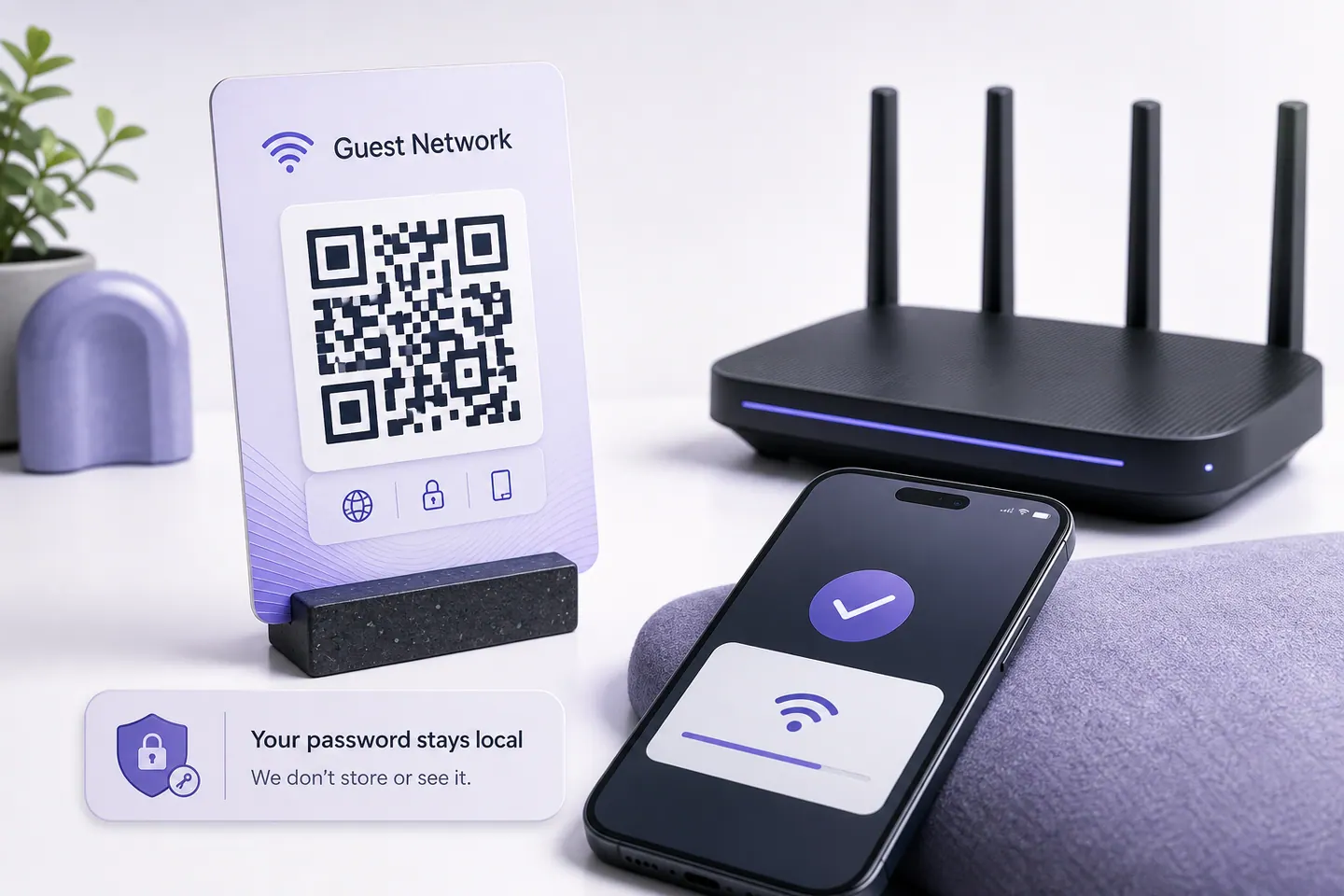
A QR code is an encoding, not encryption. Point any scanner at a Wi-Fi code and it shows the passphrase as text before it offers to join, which means the card by the till is your password in a font that cameras read from across the room. A photo through a window works too.
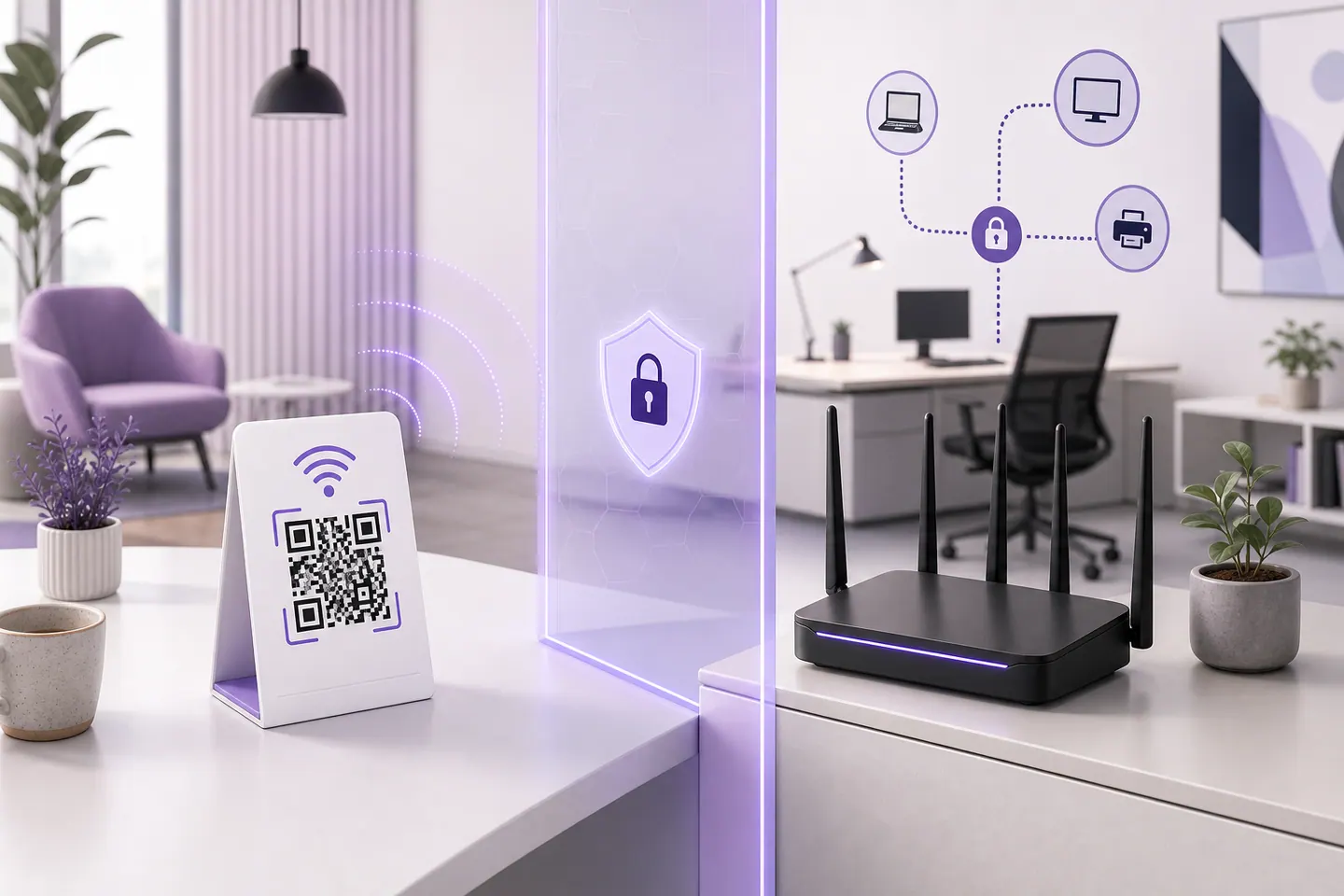
That is fine for guest Wi-Fi and wrong for the network your point of sale sits on. Put visitors on a separate guest network with its own passphrase, keep the printed code where you can see it, and change the passphrase when the poster comes down. If your router cannot do a guest network, treat the code as a decision to publish your password rather than a convenience.
Why a Passphrase With a Semicolon Breaks Other Generators
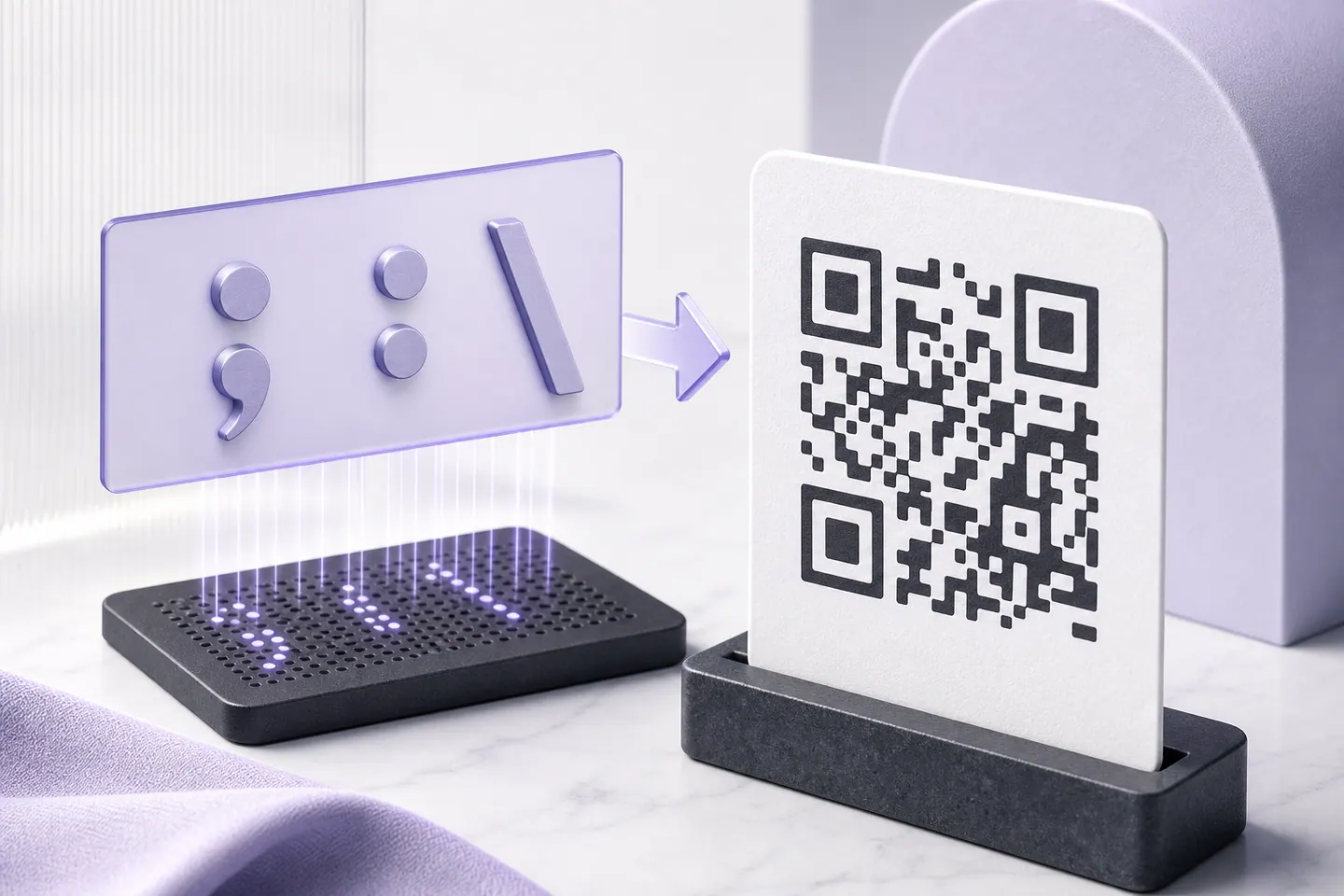
The Wi-Fi format is a string of key and value pairs: WIFI:T:WPA;S:name;P:passphrase;;. The semicolon ends a field and the colon splits a key from its value, so a passphrase containing either has to be escaped with a backslash. Generators that skip this hand you a code that looks perfect, scans perfectly, and joins nothing, because the phone read your password as the four characters before the semicolon.
Here is what this page does with those characters, printed as the exact string that goes into the modules. It also prices the passphrase, because a longer one makes a physically larger sticker.
| Passphrase length | Version, Q | Modules, Q | Min print, Q | Min print, M |
|---|---|---|---|---|
| 8 characters | 4 | 41 | 16.4 mm | 14.8 mm |
| 16 characters | 4 | 41 | 16.4 mm | 14.8 mm |
| 32 characters | 5 | 45 | 18 mm | 16.4 mm |
| 63 characters | 8 | 57 | 22.8 mm | 19.6 mm |
Going from an 8 character passphrase to the 63 character maximum adds 16 modules and 6.4mm to the smallest sticker that still reads. A long random passphrase is good security and it is not free on paper.
| Case | What you typed | What goes in the code |
|---|---|---|
| A semicolon in the passphraseThe semicolon ends a field. Without an escape the phone reads the password as flat and stops there. | Cafe Guest / flat;white | WIFI:T:WPA;S:Cafe Guest;P:flat\;white;; |
| A colon in the network nameThe colon separates a key from its value, so an unescaped one turns the rest of the name into a field the parser does not recognise. | Studio:2 / northlight88 | WIFI:T:WPA;S:Studio\:2;P:northlight88;; |
| A backslash in the passphraseThe escape character itself. It has to be doubled, and it is the case generators get wrong even when they remember the semicolon. | Workshop / back\slash7 | WIFI:T:WPA;S:Workshop;P:back\\slash7;; |
| Ordinary passphrase, nothing to escapeThe common case, included so the table shows what untouched output looks like. | Cafe Guest / flatwhite2026 | WIFI:T:WPA;S:Cafe Guest;P:flatwhite2026;; |
Printing One That Survives a Cafe
- Start at Quartile, which is what the editor above is set to. A code on a table gets fingerprints and spills, and Quartile rebuilds about a quarter of the symbol.
- Print at or above the minimum width shown under the preview, and take the SVG rather than the PNG so the printer can scale it.
- Leave the quiet zone alone. The white margin is part of the code, and cropping it to fit a card is the second most common reason these fail.
- Test it with one iPhone and one Android before you print forty. Behind glass or laminate, check it under the actual lighting.
- Print the network name and passphrase as text underneath. Some guests will type it, and it costs nothing.
What This Does Not Do
And one thing you may not need it for at all: Android, iPhone, Mac and Windows will each draw a Wi-Fi code for a network they have saved. Creating a Wi-Fi QR code on any device covers those routes with the vendor documentation for each, and where they stop being enough.
- No WPA3-only or enterprise networks. The format has one WPA type, which covers WPA, WPA2 and WPA3 personal. Networks with a username and password per person, the kind universities use, cannot be encoded this way at all.
- No captive portals. If your guest Wi-Fi shows a sign-in page after joining, the code gets people onto the network and no further.
- SSIDs up to 32 bytes, which is the 802.11 limit rather than ours.
- Static codes only. Change the passphrase and every printed sticker stops working, so reprint at the same time.
- No logo on this page. The logo tool handles that, though a Wi-Fi code is already dense and a logo costs error correction it may need.
Wi-Fi QR Code Questions
Is the Wi-Fi password visible in the QR code?
Yes, in plain text. A QR code is an encoding, not encryption, and any scanner app will show the passphrase as text before joining. So the sticker on the counter is your password written down, readable from across the room by anyone with a camera. Put guests on a guest network with its own passphrase, and treat the printed code as public the moment it goes on a wall.
Why does my Wi-Fi QR code not connect?
Four causes, in the order they actually happen. The passphrase contains a semicolon, colon, comma or backslash and the generator did not escape it, which is what the table on this page is about. The security type is wrong, and WPA2 and WPA3 both need WPA here. The network name does not match exactly, including capitals. Or the code is printed too small for the passphrase length, and the minimum width for yours is shown under the preview.
Do iPhones and Android phones both read Wi-Fi QR codes?
Yes. The iPhone camera app has handled the WIFI: format since iOS 11, and Android has since version 10, which also generates these codes from the network settings screen. Older Android builds may need a scanner app. The format itself came from Android's ZXing library rather than from a standards body, which is why the escaping rules are a convention that generators sometimes get wrong.
Does this work for a hidden network?
There is a hidden checkbox and it sets the H:true flag, which tells the phone to search for a network that is not broadcasting its name. It is slower to join and it fails on some Android builds, so test the code on the phones you expect guests to have before printing anything. If the network is hidden for security reasons, note that the code carries both the name and the passphrase, so it undoes the hiding.
What error correction should a Wi-Fi sticker use?
Quartile, which is what this page starts on. A code by a till or on a table gets fingerprints, spills and folds, and Quartile recovers about a quarter of the symbol. High recovers more but adds modules, which pushes the minimum print size up for the same passphrase. If your passphrase is long and the sticker is small, drop to Medium and print it larger instead.
More for work and admin
Contact cards, Wi-Fi, and forms people fill in.
- Google review QR codeThe review link forms measured side by side, including the one that opens the star form rather than the listing.
- Google Form QR codeTurn a Google Form link into a code that scans, and see which of your two links prints smaller.
- vCard QR codeA contact card that saves straight to the phone, with each field priced in print size.
Guides worth reading
All guides- Comparisons
Static vs Dynamic QR Codes
What the redirect actually buys you, measured on real encoded codes, and which payloads are worse off for it.
16 min read - Printing
QR Code Sticker Size: The Circle Costs You 30%
The usable square inside a round sticker is 70% of its diameter. Measured minimum sizes for real links, against every common sticker size.
8 min read - Reference
Offline QR Code Generators for Every Device
What each platform already ships, the measured cost of each payload type, and how to check an offline claim yourself.
26 min read


