
Comparisons
Static vs Dynamic QR Codes
What the redirect actually buys you, measured on real encoded codes, and which payloads are worse off for it.
16 min readPaste the link to your shared album and get a code for the table cards. Free, no account, no app for your guests, and the code is read back by a decoder before the download unlocks.
✓ Scan-tested: this code reads back correctly.
Contrast 21:1, Strong
Version 4 · 41 modules · print at least 16.4 mm wide
The QR code is the easy half. The half that decides whether the card on the table works is the album behind it, and specifically one setting inside it: whether a guest who scans the code can add a photo, or only look at yours. The four hosted services answer that differently, and exactly one of them takes a photo from a guest who is signed into nothing.
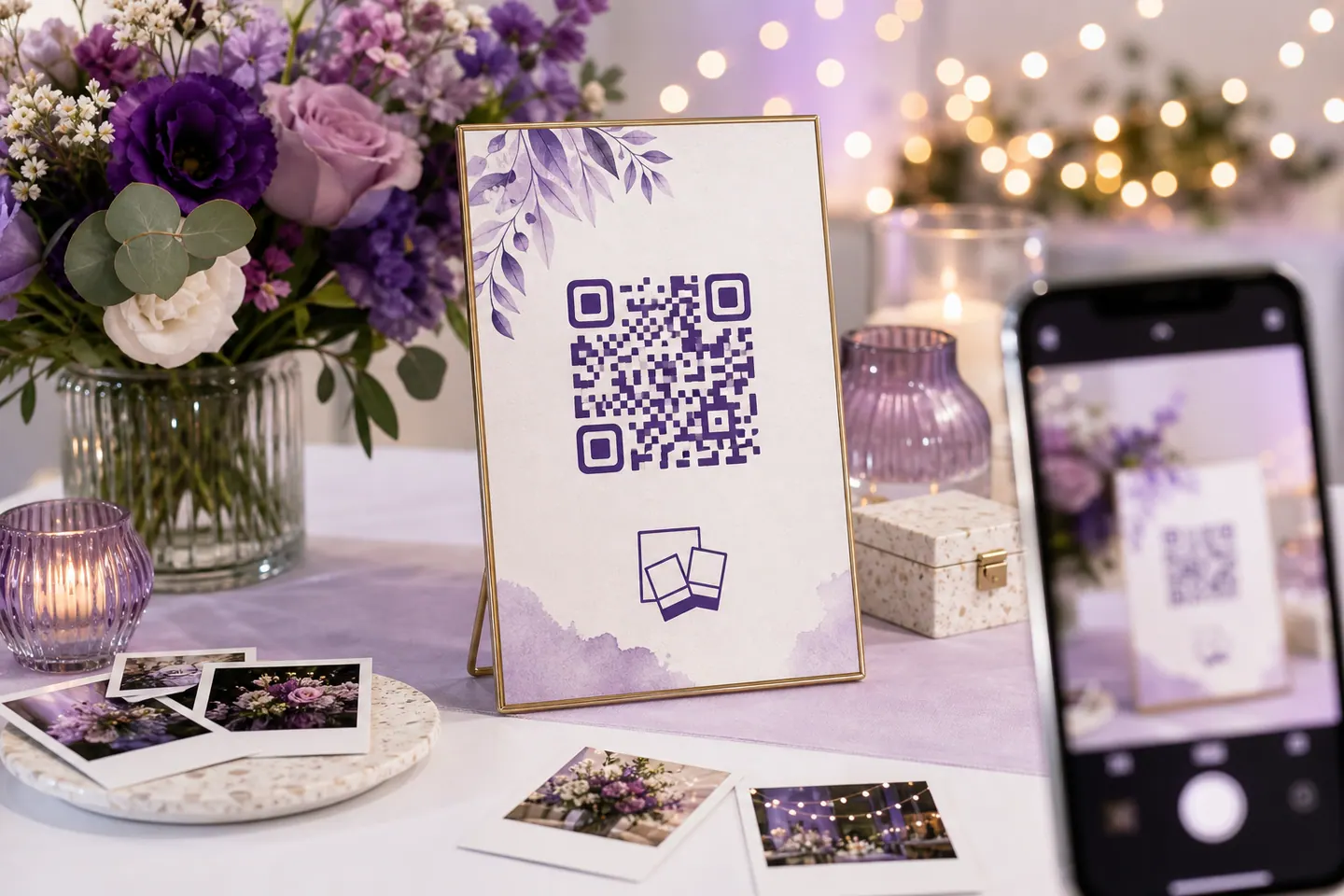
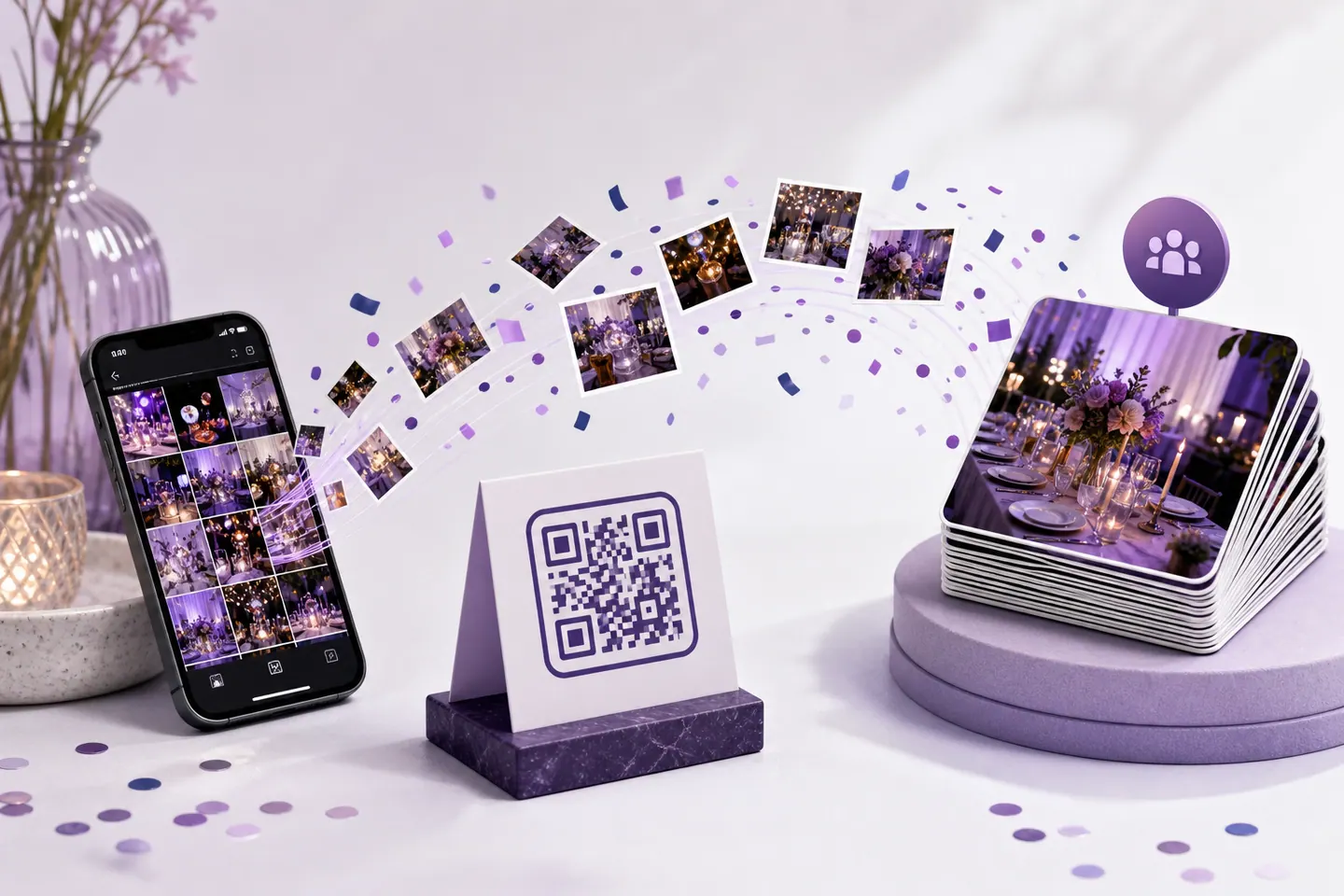
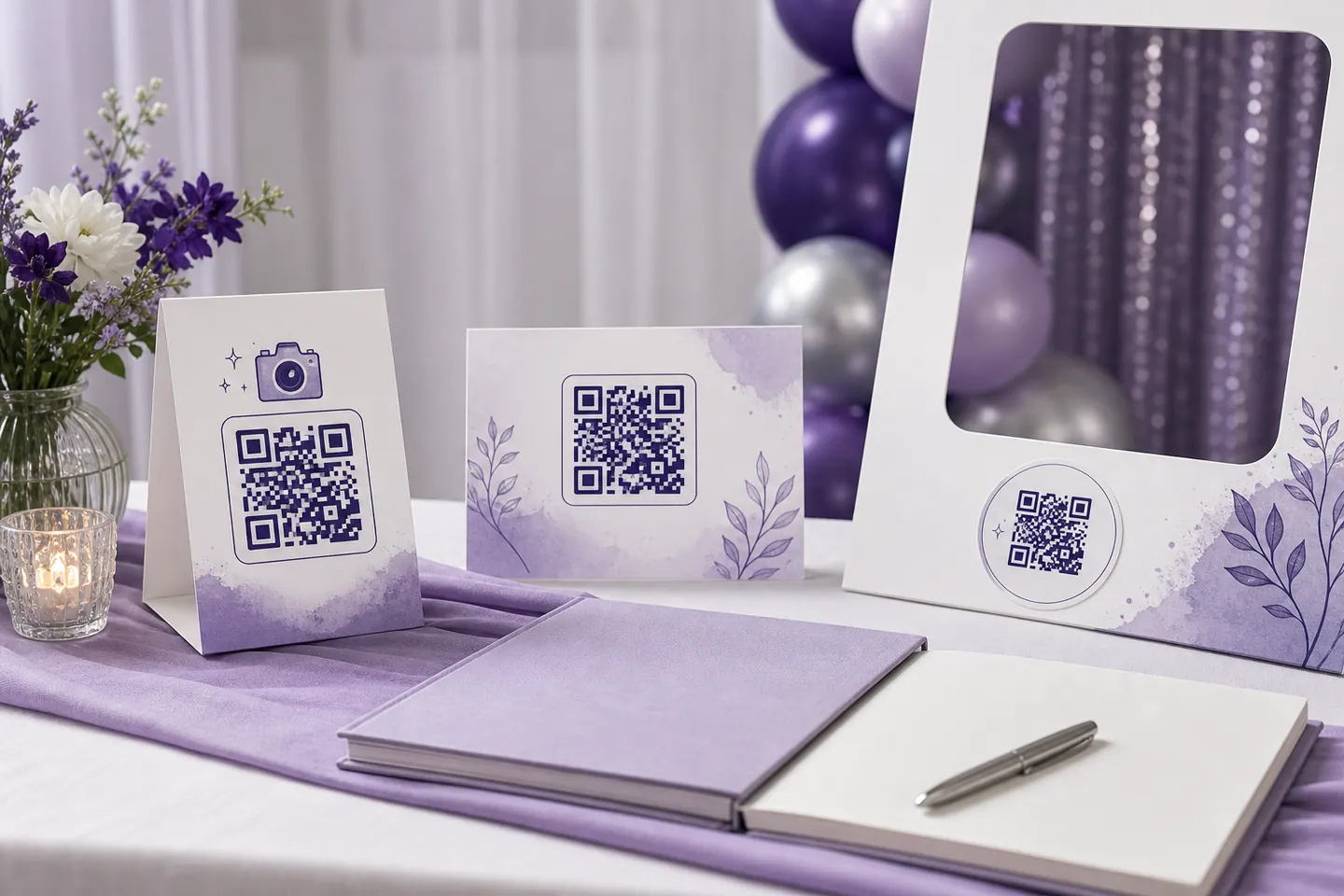
Two things separate these, and neither is storage. The first is what a guest has to sign into before they can give you a photo. The second is link length, which sounds trivial until you remember the code has to fit on a place card: every extra character pushes the symbol toward a higher version, and a higher version means more modules squeezed into the same square.
| Where the photos live | Guests can add photos | Characters | Modules across | Min width, medium | Min width, high |
|---|---|---|---|---|---|
Dropbox file requesthttps://www.dropbox.com/request/aB3xK9mQ2pLr7TvWGuests cannot see what anyone else uploaded. The folder is yours alone. | No account neededYes, with no account and no app. Dropbox asks for a name and an email address, then takes the files. | 48 | 41 | 16.4 mm | 19.6 mm |
Google Photos shared albumhttps://photos.app.goo.gl/aBcDeFgHiJkLmNoPqAnyone with the link can view, signed in or not. | Account neededOnly with a Google account. Turn on Collaborate, and anyone signed in can add photos. | 43 | 41 | 16.4 mm | 18 mm |
iCloud shared album, public websitehttps://www.icloud.com/sharedalbum/#B0d5Xy8qKZm1NrtGhAnyone can view and download in a browser once Public Website is on. | Account neededApple devices only, and only for people you invited as subscribers with posting turned on. | 53 | 41 | 16.4 mm | 19.6 mm |
Google Drive folder set to editorhttps://drive.google.com/drive/folders/1A2b3C4d5E6f7G8h9I0jKlMnOpQrSt?usp=sharingAnyone with the link can view. | Account neededYes with a Google account, and they can delete things too. | 81 | 45 | 18 mm | 22.8 mm |
A page on a domain you ownhttps://example.com/partyWhatever you build. | Whatever you buildWhatever you build. Usually a form or an upload widget. | 25 | 33 | 13.2 mm | 16.4 mm |
Same party, two links. The Google Drive folder needs 4.8 mm more width than the page on your own domain before it is safe to print, which is the difference between a code that fits comfortably on a place card and one that starts eating the design. Shorten the link before you encode it and the problem goes away.
Four of these happen in the album, one happens here. Step three is the one people skip, and it is the one that ruins print runs.
Restricted sharing looks perfect to the person who created the album. You are signed in, so the link opens, the photos are there, and everything appears to work. Your guests get a permission wall, and you find out at the reception.
Open a private browsing window, paste the link, and look at what loads. If you can see the album without signing in, so can the room. Do this before you print, and again if you touch the sharing settings afterwards, because changing them can regenerate the link and leave every printed card pointing at nothing.
A wedding is the case that justifies effort. The album has to stay open for months while relatives trickle photos in, several hundred people scan it once, and the printed cards cannot be changed. Point it at a domain you own if you have one, and at a Google Photos album if you do not, because that is the one strangers can view without being told to sign into anything.
A birthday or a house party is the opposite. It is over on Sunday, nobody is printing eighty place cards, and one code taped to the fridge is the entire deployment. A Dropbox file request is quicker to set up than an album and takes photos from people who have no account, which at a party is most of them.
One thing worth putting on the card either way: a line of text under the code saying what it is. “Scan to add your photos” gets scanned. A bare square on a table does not, because nobody knows whether it is the menu, the wifi or a payment request.
Put the photos somewhere with a share link, then encode that link. Create a Google Photos album or a Dropbox file request, set the sharing so guests can do what you want them to do, copy the link, and paste it into the generator on this page. Download the SVG and print it.
Yes, if the link behind the code accepts uploads. A Dropbox file request takes files from anyone with no account at all. A Google Photos shared album takes them from anyone signed into a Google account. An iCloud shared album takes them only from Apple users you invited.
No. Every iPhone and Android camera has read QR codes natively for years, so pointing the camera at the card is the whole interaction. Guests only meet an app if the link you encoded leads to one.
Generating it here is free, with no account and no watermark. The album behind it is usually free too, within the storage you already have: Google Photos and iCloud both count these photos against your plan, and a wedding weekend can be several gigabytes.
The code will. The link might not. These are static codes, so the address is inside the pattern and never expires, but deleting the album, changing its sharing setting or regenerating the share link breaks every printed copy. If the photos need to outlive the event, point the code at a page on a domain you own.
Print at or above the minimum width shown under the preview, which is measured from your own link, and give it a blank margin. On a table people scan from roughly an arm away, so err upward: 40mm is comfortable for a short album link, and a long Dropbox or Drive URL needs more.
The same way as for any event, and the album choice matters more than the code. Create a shared album that accepts contributions, check that a guest who is signed into nothing can add a photo, then encode the album link and put it on the table cards. A wedding is the hardest test of this because half the room is on a phone they barely use, so the signed-out check is not optional.
On the table, and on the order of service if you have one. An invitation is posted weeks ahead and the album often does not exist yet, so a code printed then points at nothing on the day. Table cards are printed last, which is exactly when the album link is finally settled.
They host the photos, take the uploads, run a live gallery and moderate it, and put your names on the card. That is a real product and this is not it. This page generates the code and tells you how to set up the album yourself, which costs nothing but leaves the hosting to Google, Apple or Dropbox.
Invitations, RSVPs, guest photos, and scanning people in at the door.
What the redirect actually buys you, measured on real encoded codes, and which payloads are worse off for it.
16 min readThe usable square inside a round sticker is 70% of its diameter. Measured minimum sizes for real links, against every common sticker size.
8 min readWhat each platform already ships, the measured cost of each payload type, and how to check an offline claim yourself.
26 min read
