
Comparisons
Static vs Dynamic QR Codes
What the redirect actually buys you, measured on real encoded codes, and which payloads are worse off for it.
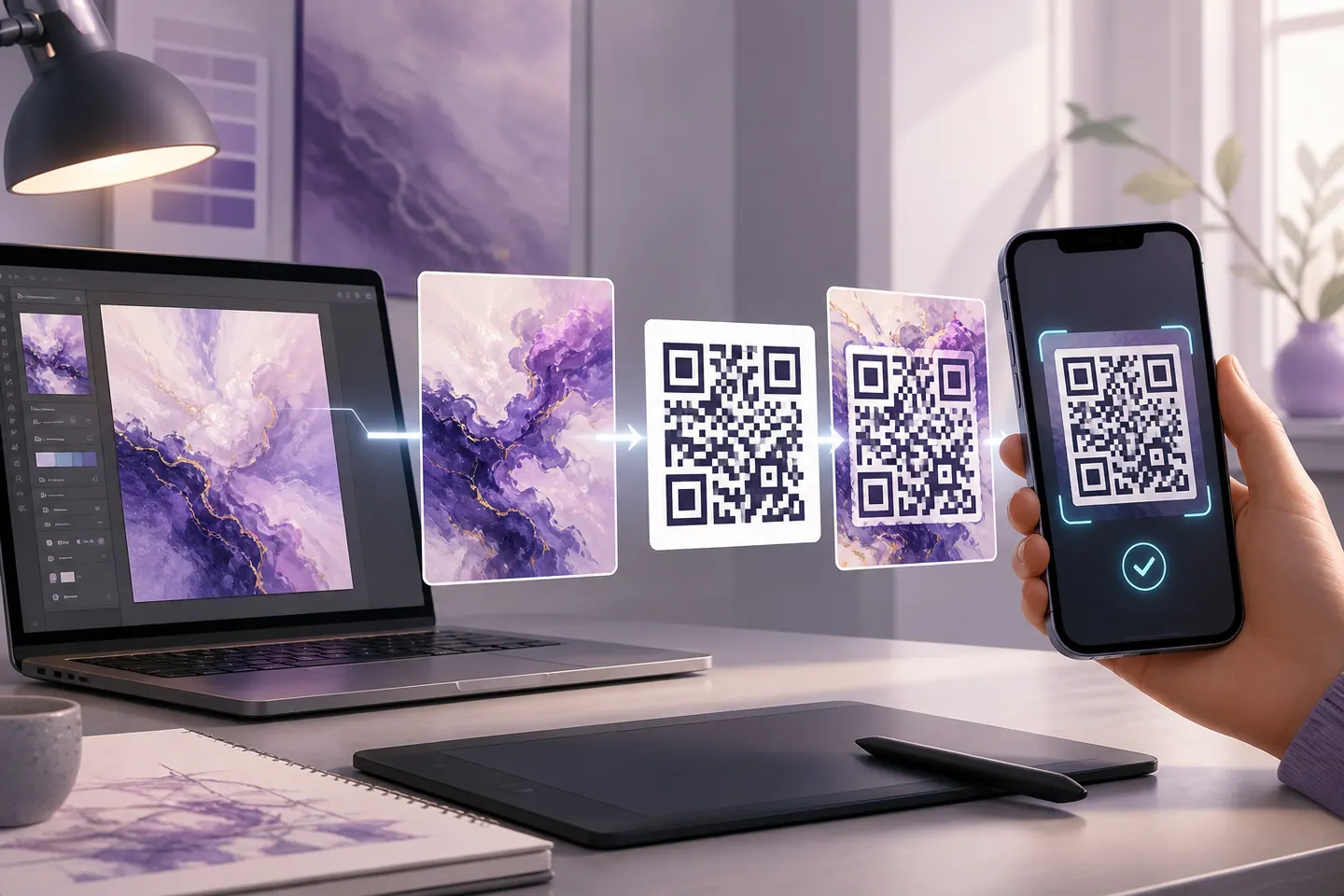
16 min readAI makes the picture. Something still has to make it scan, and that is the part that goes wrong. Upload the artwork your model produced, and this draws a real QR code into it, then rasterises the result and reads it back with a decoder before it will let you download anything.
Straight answer first: QRMakery does not run a diffusion model. That needs a GPU and a server, and everything here happens in your browser with nothing uploaded. Bring the image, keep the model you already like, and use this for the half it gets wrong.
The PNG comes out of the same rasteriser that just verified the artwork, so what was tested is what gets saved.
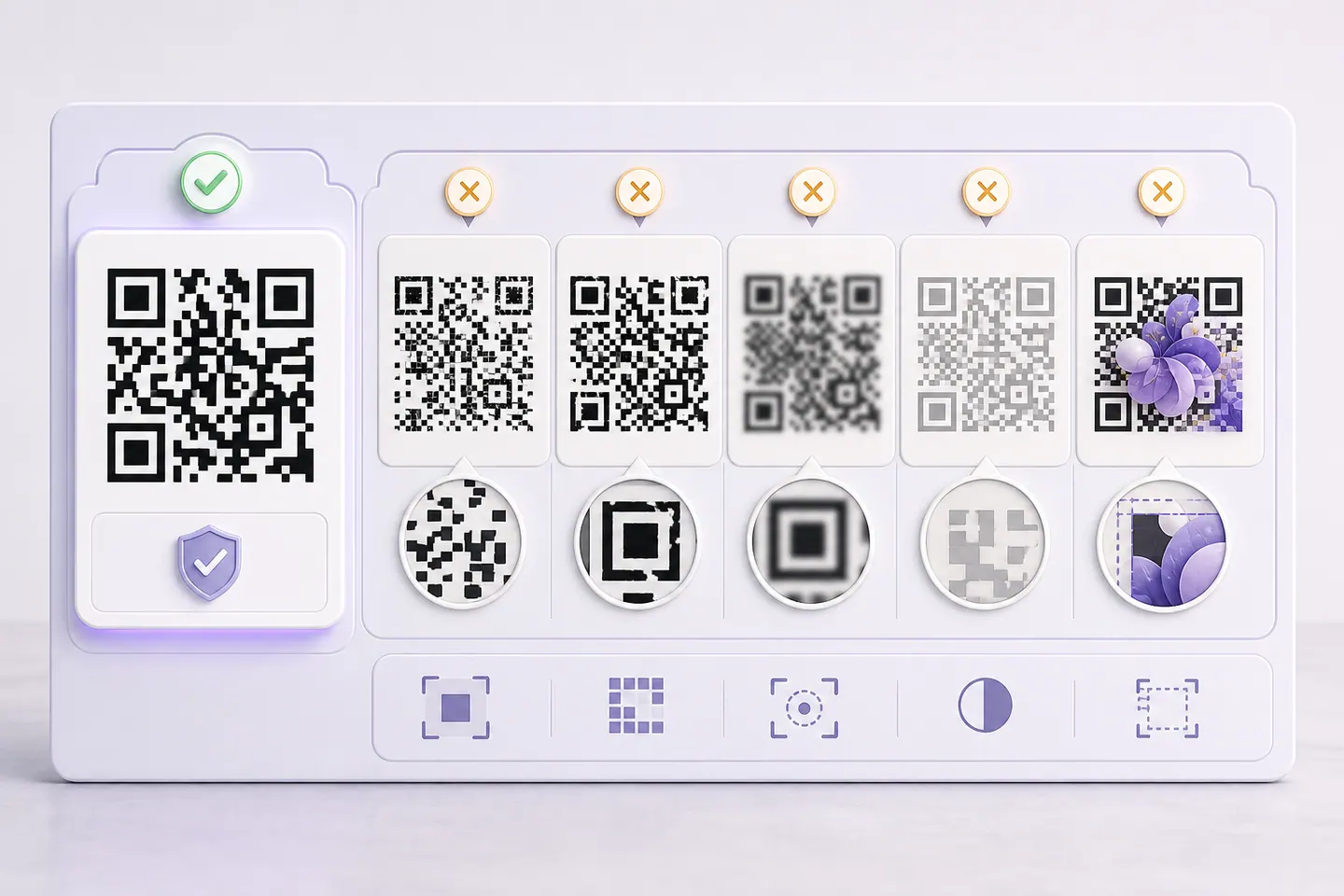
Five mechanisms, ordered by how often they are the real cause rather than by how obvious they look. The first two stop a code scanning at all. The third is the one that ruins print runs, because the image looks perfect right up until nobody can read it.
Generate the art wherever you like. Midjourney, Stable Diffusion with ControlNet, whichever tool you already pay for. Then bring the image here and let a renderer put the code in, because a renderer knows where every module belongs and a model is only guessing at the shape of one.
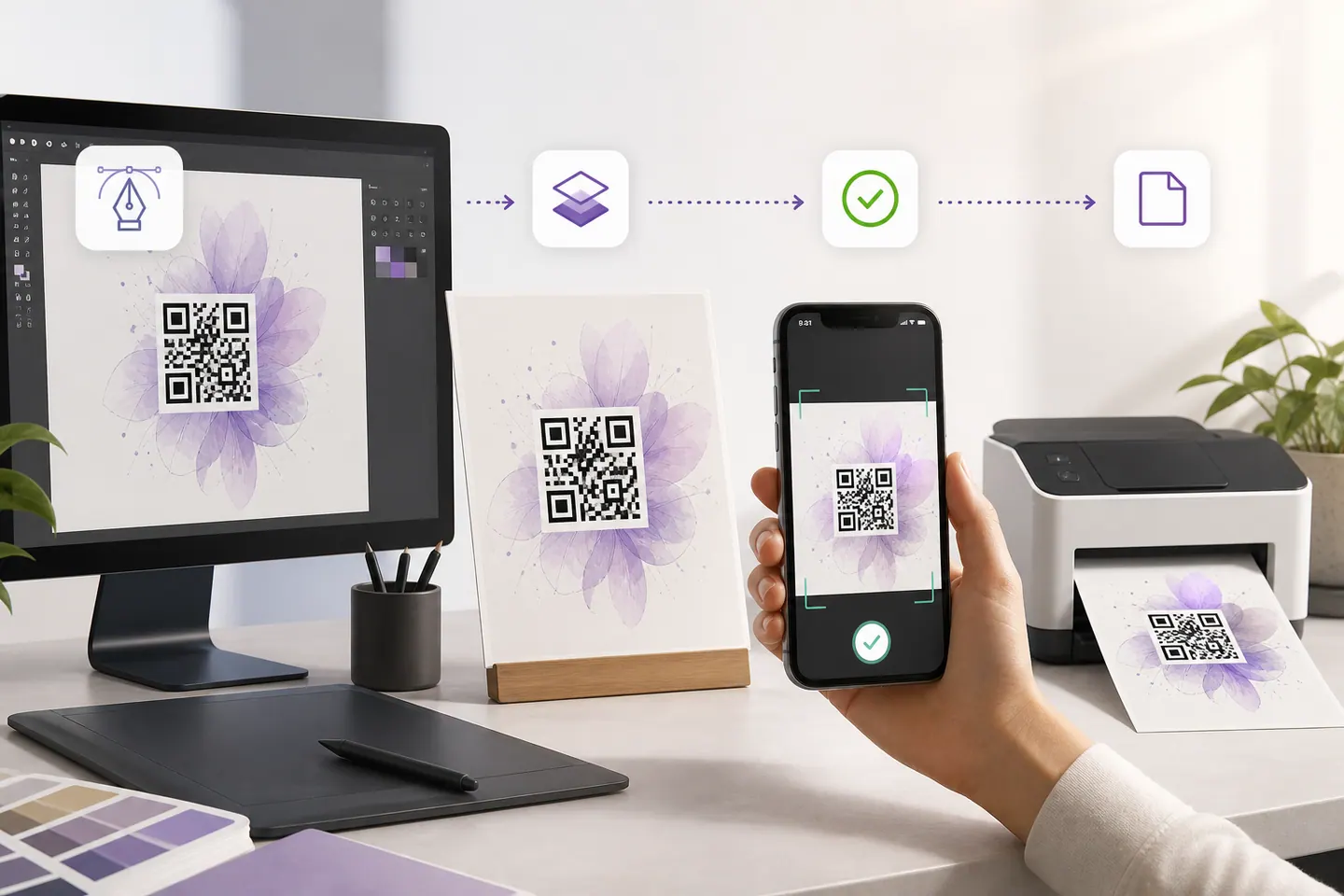
Upload, set the fade until the artwork reads without swallowing the modules, and watch the verdict under the preview. It goes green when a decoder has read your exact artwork back and matched it to your link. If it stays amber, the message says which control to move. Then print a test at the size the tool shows and scan it in the lighting the code will live in, because a monitor is a much easier surface than a menu under warm bulbs.
If you already have an AI code from somewhere else and just want to know whether it works, scan a QR code from an image decodes a file you paste in and tells you what came out.
Worth separating, because they fail differently. A styled code is drawn by a renderer that knows the position of every module: shapes and colours change, data never moves. An AI code is an image nudged towards the shape of a code, so any cell can end up wrong and error correction quietly absorbs the damage until it cannot.
If what you actually want is the look rather than the model, the QR code art generator gets you shaped modules, styled corners and gradients with none of the risk, because nothing is inventing modules in the first place.
No. Generating the artwork needs a diffusion model on a GPU, which needs a server, and everything here runs in your browser with nothing uploaded. What this page does is the other half: bring the image your AI tool produced, and the generator draws a real, decode-tested QR code into it. If you want the model itself, use one of the AI art tools and come back with the image.
Almost always one of five things, and they are listed on this page with the mechanism for each. The two that account for most total failures are restyled corner squares, which stop a decoder locking on at all, and a missing quiet zone. The sneakiest is a model inventing modules: the picture looks perfect and the data underneath is gone. The only way to tell those apart is to decode the image, which is what the tool above does.
Sometimes, and it is worth trying before you regenerate. High error correction rebuilds roughly a third of a damaged symbol, so it can absorb a model taking liberties with the data modules. It cannot rescue broken finder patterns or a cropped quiet zone, because those are how a decoder finds the code in the first place rather than data it can reconstruct.
Decode it with software rather than with your own phone, then also with your own phone. A phone camera is generous and forgiving in good light, so passing on your desk tells you less than you think. Paste your artwork into the reader on the scan page here and it tells you whether a decoder can read the image at all, and what it decoded to.
No, and the difference matters when something breaks. A styled code is drawn by a renderer that knows where every module goes: it can change shapes and colours but it never moves data. An AI code is a picture guided towards the shape of a code, so any module can end up wrong. That is why a styled code either scans or has an obvious contrast problem, while an AI code can fail for reasons you cannot see.
Colour, a logo in the middle, artwork behind it, each one measured against what still scans.
What the redirect actually buys you, measured on real encoded codes, and which payloads are worse off for it.
16 min readThe usable square inside a round sticker is 70% of its diameter. Measured minimum sizes for real links, against every common sticker size.
8 min readWhat each platform already ships, the measured cost of each payload type, and how to check an offline claim yourself.
26 min read
