
Comparisons
Static vs Dynamic QR Codes
What the redirect actually buys you, measured on real encoded codes, and which payloads are worse off for it.
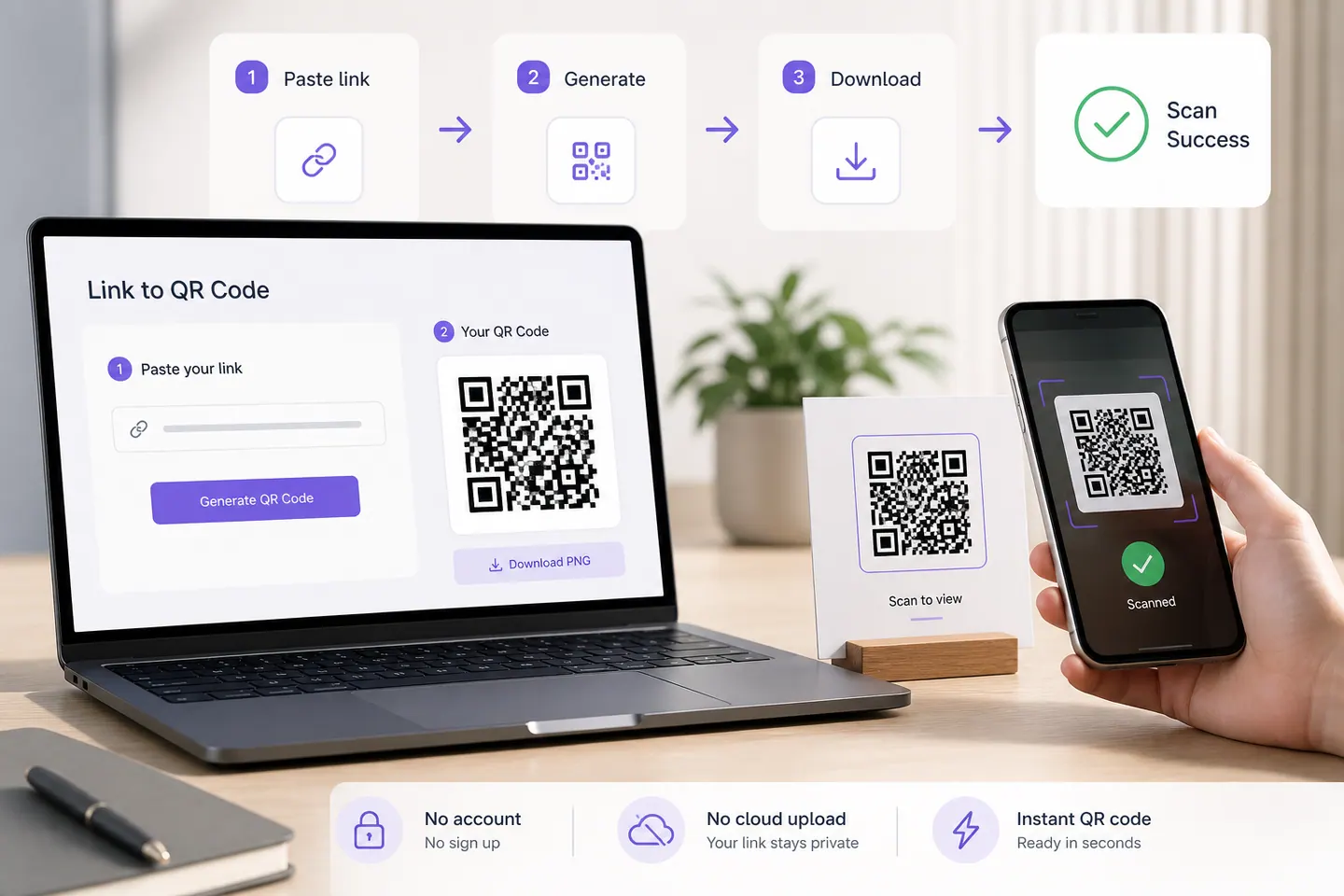
16 min readPaste the link, take the code. No account, no watermark, nothing uploaded, and the finished image is read back by a decoder before the download unlocks.
The part worth thinking about for more than ten seconds is not how to make one. It is which of the four usual routes you pick, because two of them quietly put someone else in charge of the link inside your printed code.
✓ Scan-tested: this code reads back correctly.
Contrast 21:1, Strong
Version 2 · 33 modules · print at least 13.2 mm wide
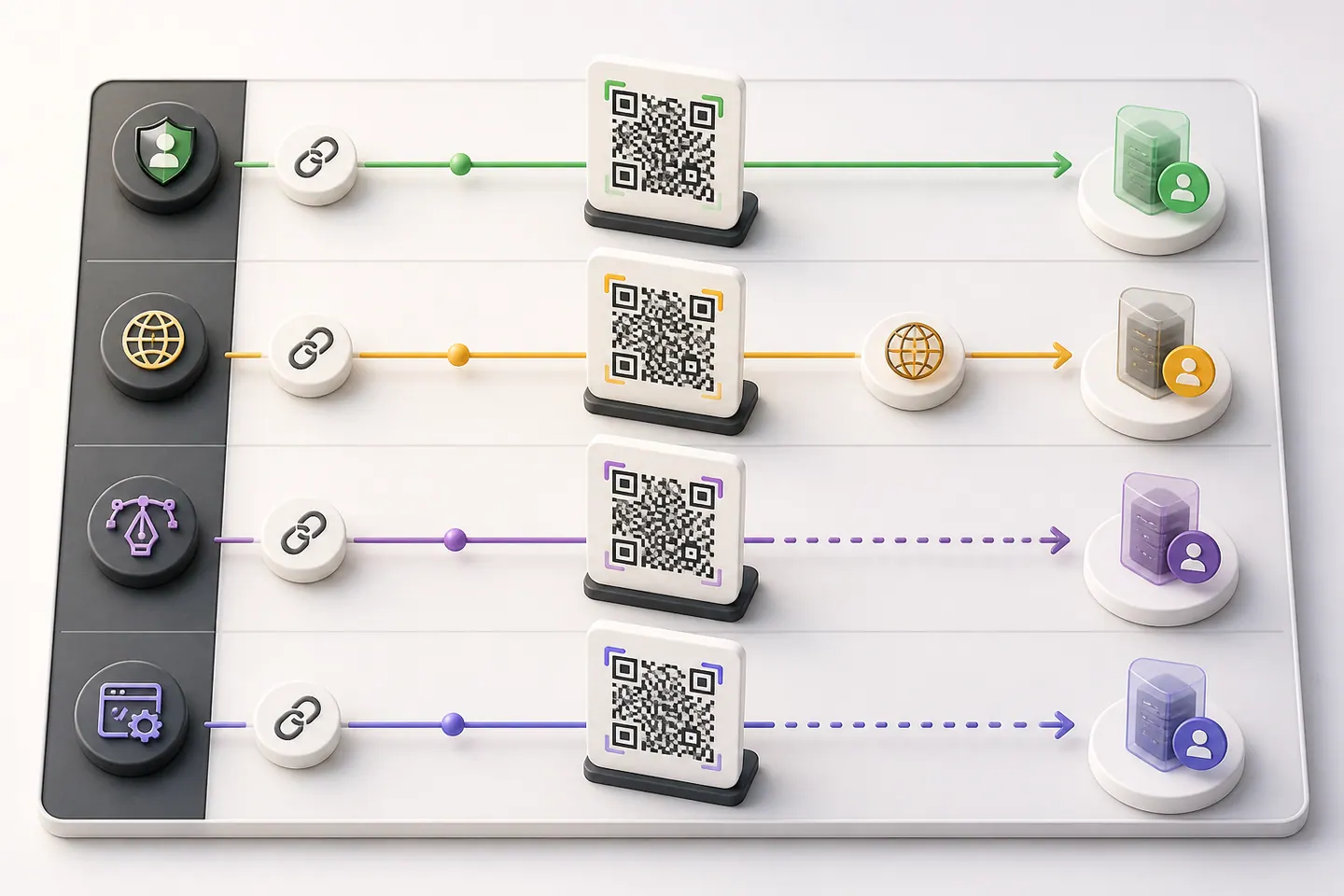
Bitly, Canva and Chrome all turn a link into a code, and the difference between them is not the picture. It is what ends up inside it.
| Route | What the code encodes | Modules | Account | Scan tracking |
|---|---|---|---|---|
| This pageYou own the linkNo scan counts and no editable destination. The code is finished the moment you download it, which is also why nothing can switch it off. | Your link, character for character.https://www.brandname.com/spring-sale | 37 | None | None, unless your own URL carries it |
| BitlyYou rent the linkThe printed code depends on their redirect staying up and your plan staying paid. Free-tier QR codes have been limited and retired before, and every one of those posters died with them. | A bit.ly redirect that forwards to your link.https://bit.ly/3xK9dQ2 | 33 | Required | Scan counts, on their dashboard |
| CanvaYou own the linkYou are opening a design tool to make a barcode. Fine if the code is going into a Canva layout anyway, slow if it is not, and the export is a raster inside your design rather than a vector you can hand a printer. | Your link, character for character, inside a design.https://www.brandname.com/spring-sale | 37 | Required | None |
| Chrome, the browser itselfYou own the linkFastest route for a link you already have open, and the least flexible: one fixed size, PNG only, a dinosaur in the middle you cannot remove, and no way to check whether it survives print. | The URL of the tab you are looking at.https://www.brandname.com/spring-sale | 37 | None | None |
The module column is the only one where the redirect wins, and it wins because a bit.ly slug is short rather than because it is clever. You can have that saving without renting anything: encode a short path on a domain you already own, which the vanity page prices properly.
My read, and it is not the same answer for everyone: if the code is going on something you can reprint cheaply, take the plain one and owe nobody anything. If it is going on ten thousand boxes and the destination might move, pay for a redirect, and read the shutdown terms before you print. What I would not do is let a design tool or a browser make the decision for me by being the thing that happened to be open.
Paste your link and this prices every part of it: the scheme, the domain, the path, the tracking tags. Nothing is estimated. Each part is measured by encoding the link twice, once with it and once without.
| Part | Characters | Modules it costs | Print width |
|---|---|---|---|
Schemedroppablehttps:// | 8 | 0 | no change |
Domainwww.brandname.com | 17 | required | no change |
Path/collections/spring-sale | 24 | 4 | 1.6 mm |
Tracking and parametersdroppable?utm_source=poster&utm_medium=qr&utm_campaign=spring | 52 | 8 | 3.2 mm |
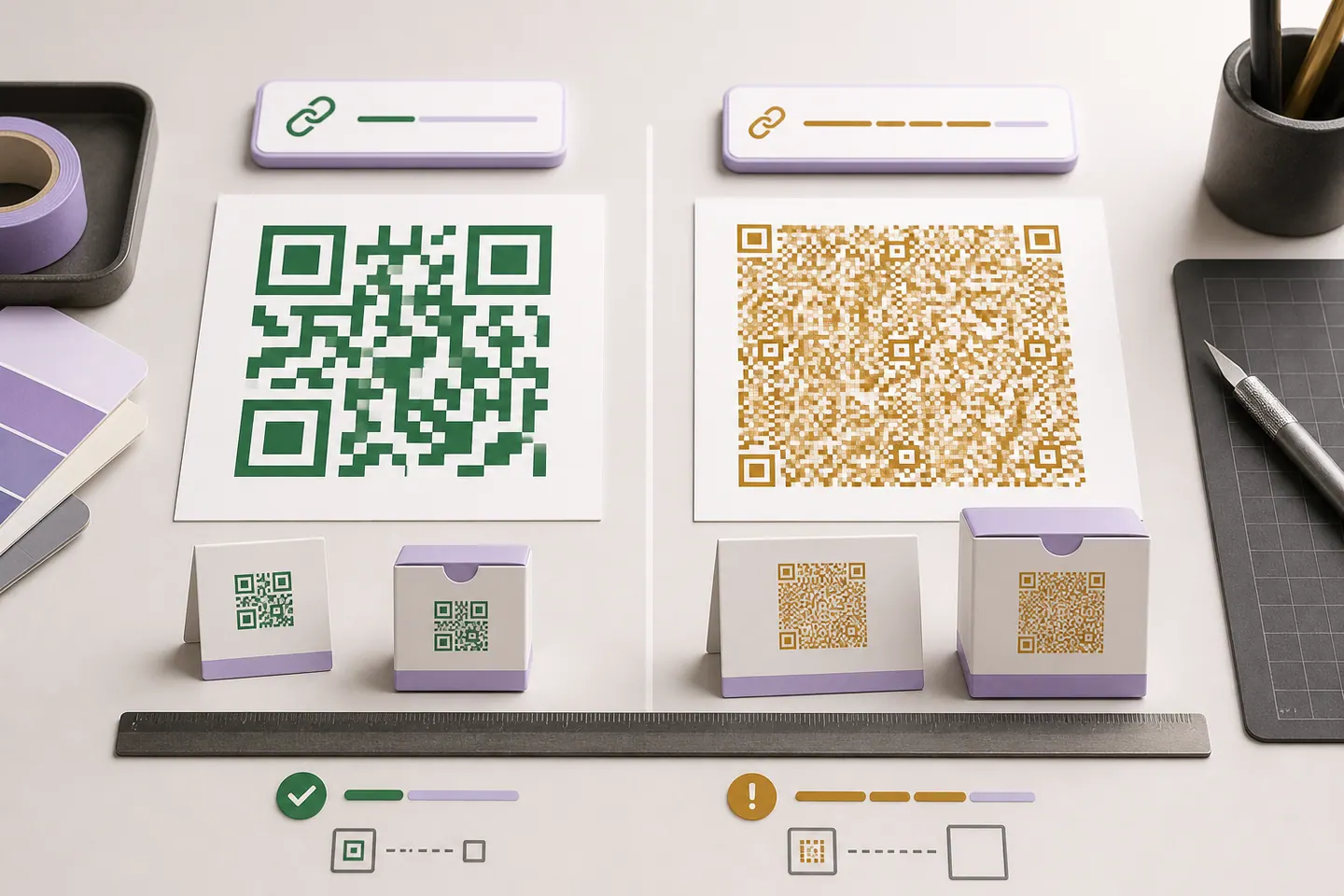
Strip the droppable parts and the same destination becomes https://www.brandname.com/collections/spring-sale, at 41 modules and 16.4mm instead of 49 and 19.6mm. Put the campaign tags on the landing page redirect instead, where no camera has to read them.
A QR symbol comes in 40 fixed sizes, called versions, from 21 modules across up to 177. Add characters and at some point the encoder steps up a version, which means more modules in the same printed square, which means each module is physically smaller. Past about 0.4mm per module a phone camera starts struggling, so the minimum print width rises with every step. That is why the cost of a part is not proportional to its length: twenty characters might cost nothing and the twenty-first might cost a whole version.
Almost always the tracking parameters. Every character in the URL becomes modules, modules decide how small the code can print, and a campaign URL is usually half analytics tags by length. The tags are also the only part of the link that exists for you rather than for the person scanning it.
You can price your own link part by part on URL to QR code, which measures what the scheme, the domain, the path and the query string each cost in modules and millimetres, and shows what dropping the droppable parts would save.
All three are the same code with something drawn on it, and none of them changes what it encodes. A logo in the middle covers modules that error correction rebuilds, with the cap measured rather than guessed. QR code art gives you shaped modules, gradients and a background image, and reads the finished artwork back before it lets you download it.
Paste it into the generator on this page. The code appears as you type, it is read back by a decoder before the download unlocks, and you get SVG, PNG or WebP with no account and no watermark. That is the whole job for a static link, and anything charging a subscription for it is charging for the redirect and the dashboard, not for the encoding.
Here, yes, and there is no account to make. Nothing you paste is uploaded, because the encoding happens in your browser rather than on a server. Bitly and Canva both want an account before you get a file. Chrome does not, but it gives you a fixed-size PNG with its own icon in the middle.
It is different, and the difference is who owns the code. Bitly encodes a bit.ly redirect, so you get scan counts and an editable destination, and your printed poster now depends on their service and your plan. A code from here encodes your own URL, so nobody can switch it off and nobody counts the scans. Reprinting cheaply? Take the plain one. Print run you cannot recall, destination you expect to change? Pay for the redirect, and read the shutdown terms first.
Because of what is in the link, and usually because of the tracking parameters on the end of it. Every character is modules, and modules decide how small the code can print before phones start failing on it. The URL breakdown on the companion page measures your own link part by part and shows what dropping the campaign tags would save.
Yes, on the logo page, and the size cap there is measured against error correction rather than left to a slider. A logo does not change what the code encodes: it covers modules that error correction then rebuilds. If you want shaped modules and a background image instead, that is the art generator.
A link or some text into a code, with nothing else in the way.
What the redirect actually buys you, measured on real encoded codes, and which payloads are worse off for it.
16 min readThe usable square inside a round sticker is 70% of its diameter. Measured minimum sizes for real links, against every common sticker size.
8 min readWhat each platform already ships, the measured cost of each payload type, and how to check an offline claim yourself.
26 min read
