On this page10 sections
- 01Do You Actually Need to Install Anything?
- 02What Each Device Can Already Read
- 03Why Screenshots Fail, Measured in Pixels
- 04Decoding Offline Is Not the Same as Finishing Offline
- 05Most Scanner Apps Differ in One Thing: Formats
- 06When You Genuinely Need a Business Scanner
- 07What a Scanner Should Be Allowed to Do
- 08Scanning Codes You Did Not Print
- 09When the Scan Will Not Work
- 10Common Questions
Do You Actually Need to Install Anything?
Four questions, in order. Most readers stop at the first one, which is why this page does not open with a list of apps.
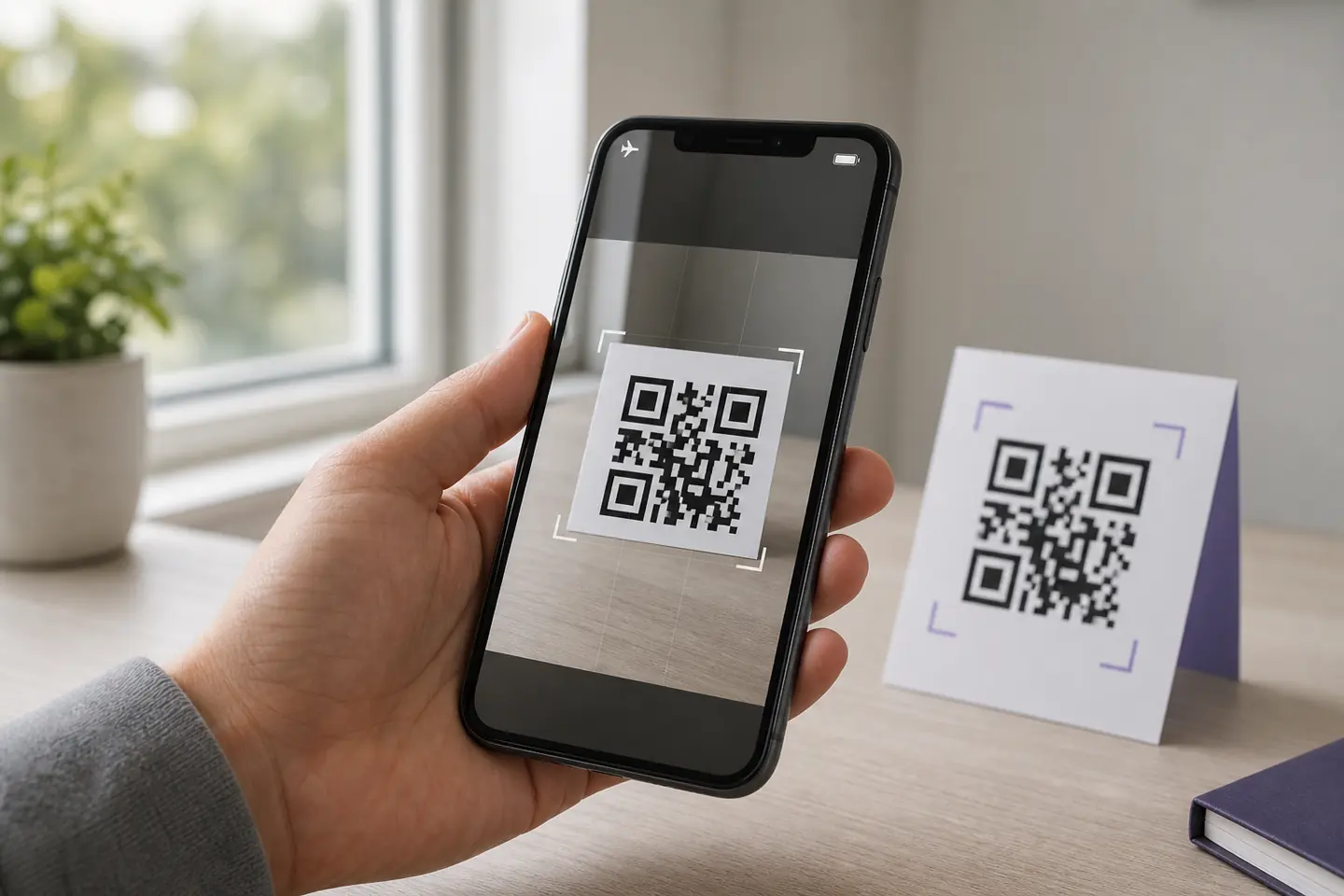
- 1Are you scanning a code in front of you, on paper or a screen?Yes, and stop hereUse the camera you already haveiOS scans from the Camera app and from a Control Centre control. Android has scanned from the camera since version 9 on most phones. Windows has a Barcode mode in its Camera app. All three decode on the device, so all three work in airplane mode, and none of them needs a permission you have not already granted.
- 2Is the code inside a screenshot or an image file?YesYou need something that reads files, not a cameraThis is the real gap, and it is where most people end up installing something. On Linux it is one zbarimg command. Everywhere else it is a gallery-aware app or a local web page, and the question that matters is whether your image leaves the machine.
- 3Do you need a record of what you scanned?YesInstall a scanner with historyHistory, search, timestamps and CSV export are the honest reasons to install a dedicated app. Stocktaking, ticket doors, asset audits. If you are scanning one code a month, none of this applies to you.
- 4Are you scanning retail or logistics barcodes too?YesYou need a multi-format scanner, not a QR scannerEAN, UPC, Code 128 and Data Matrix are different formats with different decoders. A QR-only scanner looks straight past them. This is the single biggest functional difference between scanner apps, and it is the one roundups bury under star ratings.
If you got to the bottom of that flow, an app is worth installing. If you stopped at question one, you already own the answer and installing something would only add a permissions dialog and an advertising SDK to a job your camera does for free.
What Each Device Can Already Read
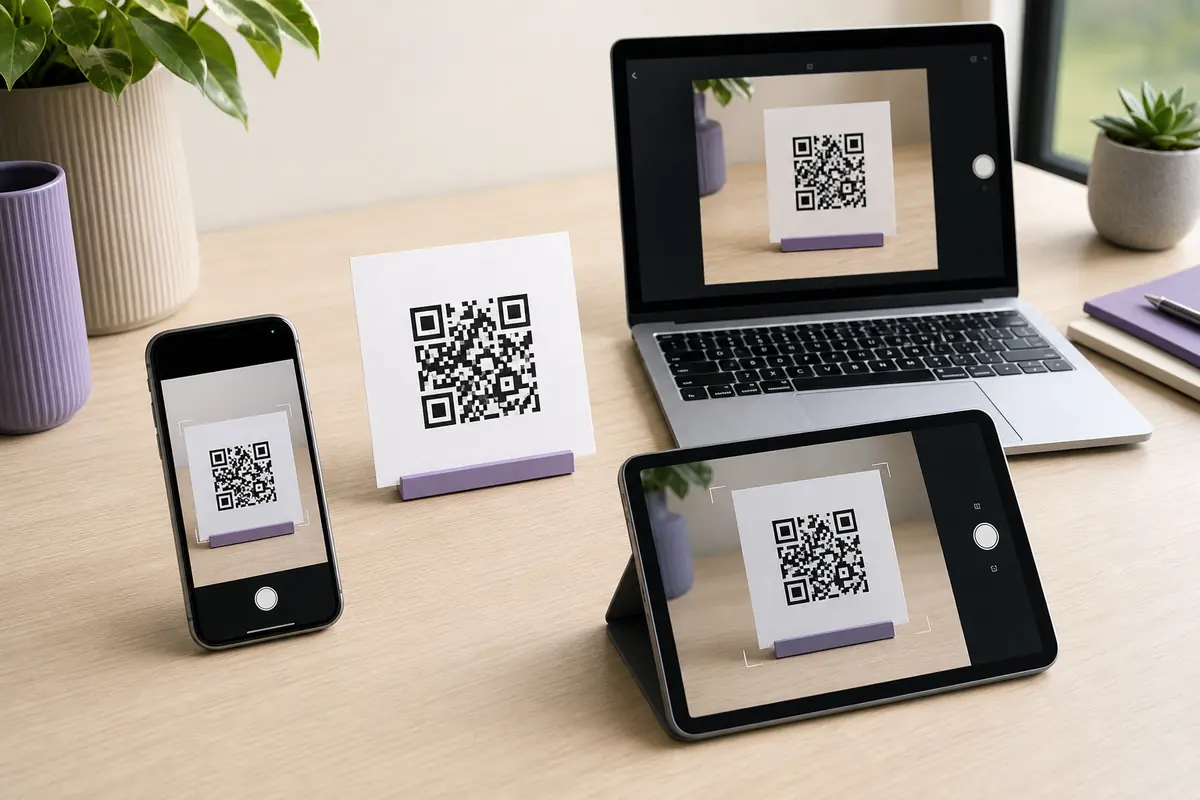
Two columns matter here and roundups collapse them into one. Scanning a code in front of you is a camera problem. Reading a code out of a screenshot is a file problem. Several platforms are good at one and useless at the other.
Every claim below links to the vendor’s own documentation. Two of them we could not verify, and those say so rather than guessing, because a scanner guide that invents platform behaviour is worse than no guide.
iPhone and iPad
Scans with the cameraPoint the Camera app at a code in Photo mode and a link appears at the bottom of the screen. There is also a Scan Code control you can add to Control Centre, which skips straight to a scanner.Undocumented, test itApple documents camera scanning and the Control Centre control. It does not document decoding a code out of a saved screenshot, and behaviour there has moved between iOS versions. Test yours in five seconds: open a screenshot in Photos and long-press the code. If nothing happens, that route does not exist on your version and you need an app that reads files.Android
Usually, depends on the phoneStandard since Android 9 on most phones, and many also carry a Quick Settings tile. It is the manufacturer's implementation rather than Google's, so it sits in Camera settings on Samsung, under More on OnePlus, and is missing entirely on some budget devices.Reads saved imagesGoogle Lens reads a code out of a photo or screenshot from the gallery, which covers the screenshot case without a third-party app on most devices.Source: Google, Scan QR codes
Windows
Scans with the cameraThis surprises people, including us: the Windows Camera app has a Barcode button, and Microsoft documents it reading QR codes and barcodes through the webcam. For a QR code it shows the link, for a barcode it copies the text.Cannot read imagesNothing in Windows reads a code out of a screenshot, and the webcam route cannot help you: pointing a webcam at your own monitor is glare, moire and misery. This is the gap that sends Windows users looking for software, and a page that decodes in the browser tab is the version that does not upload your screenshot.macOS
No camera scannerNo built-in scanner app. The FaceTime camera is there, but nothing in macOS points it at a QR code for you.Undocumented, test itLive Text in Preview and Photos handles text in images, and Apple's documentation for it covers phone numbers, addresses and links rather than QR symbols. We could not confirm QR detection from Apple's own docs, so do not plan around it. Test it on one screenshot before you trust it, and keep a local decoder for when it does not work.Ubuntu and Linux
No camera scannerNothing built in for the webcam, and honestly nobody wants it. The terminal route is better anyway.Reads saved imageszbarimg from the zbar-tools package reads a code out of any image file, prints the payload to stdout, and handles several codes in one image. It scripts over a folder in one line, which no phone app will ever match.sudo apt install zbar-tools zbarimg --quiet --raw screenshot.png for f in *.png; do zbarimg --quiet --raw "$f"; done
Any browser
No camera scannerBrowsers can reach the camera through the getUserMedia API, so a web page can scan, but no browser ships a scanner of its own.Cannot read imagesSame answer: a page can decode an image entirely in the tab, and plenty do, but the browser gives you nothing out of the box. If you use one, check the network panel while it decodes. A tool that uploads your screenshot to decode it has thrown away the only advantage it had.
The browser row is the one that changed since this was written. No browser ships a scanner of its own, which is still true, but a page can reach the camera through getUserMedia and decode in the tab. This site now does both: the camera scanner reads a code held up to a webcam, and the image reader decodes a file. Both run on jsQR in the tab, which is the same decoder used for the measurements further down this page. Apply the test in the row above to either of them: open the network panel and watch what happens while it decodes.
Why Screenshots Fail, Measured in Pixels
A code arrives in a chat, you screenshot it, nothing reads it, and you go looking for a better scanner app. That search is usually wasted, because the screenshot lost the thing a decoder needs before any app got involved.
A decoder needs enough pixels per module to tell a dark module from a light one. Resizing an image averages neighbouring pixels together, so module edges turn grey, and below a certain width the grid stops being recoverable. The floor is not a fixed pixel count, because it depends on how many modules the code has, which depends on how much data somebody encoded.
| Payload | 200px | 160px | 120px | 100px | 80px | 70px | 60px | 50px | 40px |
|---|---|---|---|---|---|---|---|---|---|
| Short URLversion 2, 33 modules wide | ✓ | ✓ | ✓ | ✓ | ✓ | ✓ | ✓ | ✓ | ✗ |
| Wi-Fi credentialsversion 5, 45 modules wide | ✓ | ✓ | ✓ | ✓ | ✓ | ✓ | ✗ | ✗ | ✗ |
| Campaign URL with trackingversion 7, 53 modules wide | ✓ | ✓ | ✓ | ✓ | ✗ | ✗ | ✗ | ✗ | ✗ |
- Short URL50pxNarrowest image that still read, at 1.52 pixels per module. A version 2 symbol. Survives being shrunk to a thumbnail, which is why simple codes feel like they always work.
- Wi-Fi credentials70pxNarrowest image that still read, at 1.56 pixels per module. Version 5. Twelve more modules across, so it needs a wider image to survive the same resize.
- Campaign URL with tracking100pxNarrowest image that still read, at 1.89 pixels per module. Version 7. This is the one that fails as a chat-app thumbnail while the top row keeps working.
Read the bottom row against the top one. The short URL still decoded at 60 pixels wide. The tracked campaign URL, which is the same page with four utm parameters bolted on, failed below 90. Both were resized by the same code, decoded by the same decoder, in the same run.
Three things follow. Ask for the original file rather than a screenshot of it. If you have to crop, crop tight and do not resize afterwards. And if you are the one making codes that will travel through chat apps, keep the payload short: every character you add raises the pixel floor for everyone downstream, and they will blame their scanner for it.
One caveat on reading that table as a floor. It samples nine widths, and sampling hides the shape: sweeping every whole pixel width instead shows failures and successes interleaving near the edge, so a code can fail at one width and read at a narrower one. Scanning a QR code from a screenshot has that finer measurement, and the practical upshot is worth knowing: a failed decode is not proof the image is too small.
Method, so you can argue with it: each code is rendered at 16 pixels per module, averaged down to the target width with a box filter, then decoded with jsQR, the library that gates downloads on this site. No blur, no JPEG artefacts, no camera, and one decoder. Two limits follow. Another decoder will draw its line in a slightly different place, so what transfers is the direction rather than the pixel count: a denser code needs a wider image. And we have measured clean synthetic images, never photographs, so nothing here tells you what a camera in a dim room manages.
Decoding Offline Is Not the Same as Finishing Offline
Decoding is arithmetic on an image, so it needs no network by design, and the three platforms above document their own scanners working on the device. We have not surveyed the app stores, so read that as the documented cases rather than a claim about every app. The more useful question is whether the thing inside the code can finish without a network, and that depends on the payload rather than on which scanner you picked.
Wi-Fi is the case worth remembering, because it is the one where offline scanning is not a nice-to-have. A guest joining your network has no connection yet by definition. The credentials have to come out of the pattern itself, and they do, which is also why sharing Wi-Fi through a QR code is worth its own guide. For the full payload breakdown, including what each type costs in print size, see offline QR code generators for every device.
Most Scanner Apps Differ in One Thing: Formats
Strip away the star ratings and most scanner apps are the same three or four decoder libraries in different wrappers. What genuinely separates them is which formats that library reads, and it is the one thing an app store listing describes badly.
To make the point concretely, here is what the decoder on this site handles. It is the same library that gates every download here, so this is our own limitation rather than an opinion about somebody else’s app.
| Format | Our decoder | What that means for you |
|---|---|---|
| QR Code (standard, versions 1 to 40) | Reads it | The format this whole site is about. Every code the generator here produces is one of these. |
| Inverted QR (light modules on dark) | Reads it | Our decoder tries both polarities, which is why an inverted code passes the download gate. Plenty of fixed scanners never try, so the editor warns you anyway. |
| Micro QR | Does not read it | A smaller variant with its own symbol sizes. Not supported here, and skipped by many phone decoders too. |
| Data Matrix, Aztec, PDF417 | Does not read it | Other 2D formats, common on tickets, parcel labels and driving licences. A QR-only scanner will stare straight past them. |
| EAN, UPC, Code 128, Code 39 | Does not read it | The 1D retail and logistics barcodes. If you are scanning products or shelves, this row is the one that decides which app you install. |
If your job involves shelves, parcels, library books or event badges, this table is the whole decision. Filter for multi-format support first and ignore everything else on the store page.
When You Genuinely Need a Business Scanner
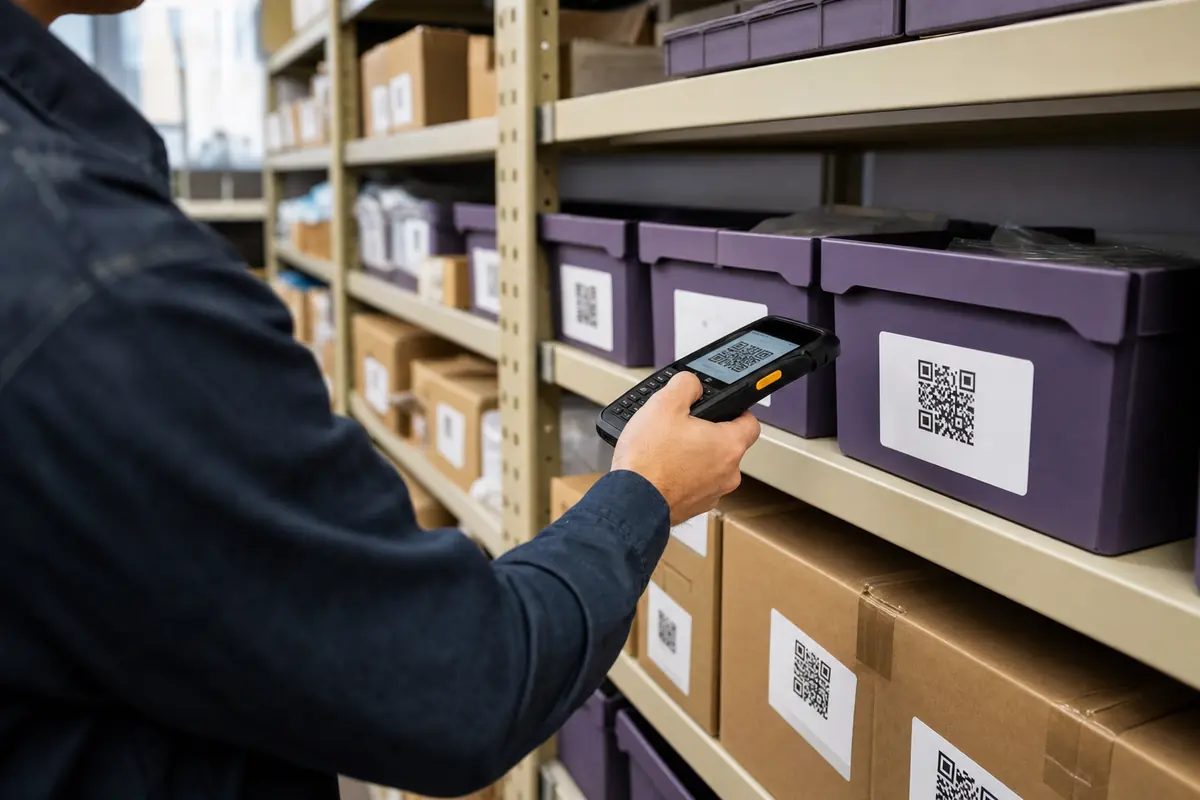
A stocktake is a different job from a scan, and the apps built for it are a different product. These are the features that matter, and the ones marketing collapses into the word batch.
- Continuous mode
- Scans without asking you to press anything between codes. The difference between forty codes in a minute and forty codes in ten.
- Duplicate detection
- Warns when a code has already been captured in this session. In a stocktake, the double-scan is the error you cannot see afterwards.
- Local record with later sync
- Captures to on-device storage and uploads when the network returns. Worth separating from offline validation, which needs a local copy of the list you are checking against and is a much rarer feature.
- CSV export
- The thing that makes the session useful in a spreadsheet. Check whether export needs an account, because plenty do.
- Quantity and custom fields
- Scan once, type 12. Without it a warehouse count means scanning the same shelf label twelve times.
- 1D barcode support
- Retail and logistics run on EAN, UPC and Code 128. A QR-only app is the wrong tool and no setting fixes it.
One distinction worth being pedantic about, because vendors are not. Offline capture means the app records scans with no network. Offline validation means it can check a scanned code against a list it already holds, which is what a ticket door at a festival with no signal actually needs. The first is common, the second is rare, and the words look identical on a feature page.
What a Scanner Should Be Allowed to Do
A scanner needs the camera. That is the list. Everything else on this table exists for a feature, and knowing which feature tells you what the app is really for.
- CameraRequiredThe only permission a live scanner genuinely cannot work without.
- Photos or filesOnly for one featureNeeded only to read codes out of saved images. Grant it per-image where the OS lets you.
- NetworkOnly for one featureDecoding needs no network at all. It is there to open the link you scanned, and to serve ads. Airplane mode separates those two motives quickly.
- LocationNo reasonA QR symbol contains no location data. If a scanner asks, the feature it is for is analytics, not scanning.
- ContactsNo reasonOnly if it writes a scanned vCard straight into your address book, and even then it can hand off to the OS contact sheet instead.
- MicrophoneNo reasonThere is no reading of this one that makes sense for a scanner.
The airplane-mode test settles the network question in about ninety seconds: turn it on, force-close the app, reopen it, scan. Still works, decoding was always local. Spinner, login screen or error, and the app was doing something with your image that it did not need to.
Scanning Codes You Did Not Print
Decoding locally protects your data from the scanner. It does nothing about the destination, and a sticker over a printed code is the cheapest attack in this whole subject.
- Read the URL before you tap it. Apple's Camera app and Android's camera scanning both surface the destination first, and that pause is the entire defence against a sticker stuck over the original code.
- Check the domain, not the brand name in the path. example-payments.com/bank is not your bank.
- Never type a login or card number into a page you arrived at by scanning something in public.
- Treat a code stuck onto a parking meter, a table or a poster as untrusted. Overlaying a printed code with a sticker is the cheapest attack in this whole subject.
- Decoding locally protects your data from the scanner app, not from the site the code points at. An offline scanner and a malicious destination coexist perfectly happily.
The one scanner feature that is genuinely a security feature is the URL preview: a scanner that shows you the destination and waits for a tap. Offline makes that more important rather than less, because with no connection there is no reputation service checking anything for you.
When the Scan Will Not Work
Six symptoms, and in five of them the scanner is innocent.
When the code itself is the problem rather than the image, why a QR code will not scan has the measured thresholds: the contrast cliff between 4.00:1 and 3.90:1, what a cropped quiet zone survives, and how much damage kills a finder pattern. QRMakery does not ship a scanner, so none of this is a pitch for one.
Common Questions
Can QR codes be scanned without internet?
Yes. Decoding is arithmetic on an image, and it happens on the device in every mainstream scanner, including the camera apps on iOS and Android. What needs a connection is whatever the code points at. A Wi-Fi or contact code finishes the job offline. A URL decodes offline and then waits for a network.
Does airplane mode stop QR code scanning?
No, and this is the quickest way to test any scanner. Turn on airplane mode, close the app, reopen it, and scan. If it still reads codes, decoding was always local. If a spinner or a login screen appears, the app was sending your image somewhere.
What is the best offline QR code scanner?
For most people it is the camera already on the phone, because it decodes locally and needs no new permissions. Install something only for a specific reason: scan history, batch capture, CSV export, reading codes out of saved images, or barcode formats the camera ignores.
Does Windows have a built-in QR code scanner?
Yes, through the webcam. The Windows Camera app has a Barcode button that reads QR codes and barcodes, which Microsoft documents. What Windows cannot do is read a code out of a screenshot, and that is the case most Windows users actually have.
Does macOS have a built-in QR code reader?
Not one Apple documents. Live Text in Preview and Photos handles text in images, and Apple's own pages for it describe phone numbers, addresses and links rather than QR symbols. Test it on a screenshot before relying on it, and keep a local decoder for when it does not fire.
How do I scan a QR code from a screenshot?
On Android, Google Lens reads it from the gallery. On iPhone, try long-pressing the code in Photos, and if nothing happens your iOS version does not support it. On Linux, run zbarimg against the file. On Windows and Mac there is no built-in route, so use a tool that decodes in the tab rather than uploading.
Can I scan a QR code shown on the same phone?
Not with the camera, since it cannot see its own screen. Screenshot the code, then decode the image: Lens on Android, a long-press in Photos on iPhone where supported, or any local decoder. Keep the screenshot at full resolution, because shrinking it is what breaks these.
Why does a screenshot of a QR code fail to scan?
Because resizing destroyed the module edges. We measured it: a version 2 short-URL code still decoded at 60 pixels wide, while a version 7 tracked URL failed below 90 pixels. Same decoder, same resize, different payload. Denser codes need more pixels, and chat apps do not know that.
Are offline QR scanner apps more private?
Local decoding means your image does not need to leave the device, which is real. It does not mean the app never connects: ads, analytics and crash reporting all wake up when the network does. Check the permission list, and remember that scan history is a log of everything you have scanned.
What permissions should a QR scanner need?
Camera, and nothing else by default. Photo access is fair if you scan saved images. Network is not needed to decode. Location, contacts and microphone have no role in reading a QR symbol, so treat each of them as a question the app needs to answer.
Can an offline scanner tell me a QR code is malicious?
No. Offline means no reputation service, so nothing is checking the destination. The one protection that works is a scanner that shows you the URL and waits for a tap. Read the domain, not the brand name in the path, and be sceptical of codes stuck onto public surfaces.
Can a QR scanner read product barcodes too?
Only if it runs a multi-format decoder. QR, EAN, UPC, Code 128, Data Matrix and PDF417 are separate formats, and an app built for QR alone will ignore the rest. If you scan shelves, parcels or tickets, this is the feature that matters most and star ratings tell you nothing about it.
Can I scan several QR codes at once?
Some scanners detect multiple codes in one frame and list them, but most so-called batch modes just mean scanning one after another without pressing a button. On Linux, zbarimg reports every code it finds in an image in one pass, which is the cheapest way to check a sheet of them.
Can a damaged QR code still be scanned?
Often, and the scanner has nothing to do with it. The error-correction level chosen when the code was made decides how much damage survives. In our own tests, a scuff over 15% of the width on a finder pattern killed the read, while the same damage along an edge survived at 30%.
Can an offline scanner export results to CSV?
That is a business-scanner feature rather than a scanner feature, and it is one of the few genuine reasons to install an app. Check whether export requires an account, because a login requirement quietly undoes the offline claim you installed it for.
Does a QR code scanner need internet to decode Wi-Fi codes?
No, and it would be useless if it did. A Wi-Fi code holds the network name, security type and passphrase directly, so the phone reads them from the pattern and joins. That is why guest Wi-Fi on a card works for someone who has no connection yet.
Can a phone camera scan QR codes offline?
Yes, and that is the default on both platforms. The camera captures the frame, the decoder runs on the phone, and the text comes back with no request leaving the device. Apple documents scanning from the Camera app, and Android has done it from the camera since version 9 on most handsets. Airplane mode changes nothing about the reading.
How do I scan a QR code from an image or my photo gallery?
On Android, open the image and use Google Lens from the gallery. On iPhone, try a long press on the code in Photos, and accept that it may do nothing on your iOS version. On Linux, run zbarimg against the file. On Windows and Mac there is no built-in route, so use a tool that decodes in the browser tab rather than uploading your image.
How do I scan a QR code on a Windows PC?
Two different jobs. For a code in front of you, open the Camera app and select the Barcode button, which Microsoft documents for QR codes and barcodes. For a code inside a screenshot, Windows has nothing, and pointing a webcam at your own monitor gives you glare and moire. Use a local decoder for the file instead.
How do I scan a QR code on a Mac?
macOS ships no scanner app, so there is no camera route worth using. For a screenshot, Live Text in Preview or Photos may recognise the code, though Apple's documentation for Live Text covers text rather than QR symbols, so test it once before you rely on it. Keep a local decoder for the times it does not fire.
How do I scan a QR code in Linux?
Install zbar-tools, then run zbarimg against the image file and it prints the payload. Add --quiet --raw to get just the decoded string, which makes it scriptable over a folder of files in one line. It handles several codes in a single image, and nothing about it needs a network.
Do QR scanner apps collect data?
Some do, and the store listing is self-reported rather than verified. Decoding needs no network, so network permission exists for opening links, ads, analytics or crash reporting. Check the permission list before installing, and remember that scan history is itself a record of everywhere you have pointed the camera, which may sync or back up.
Is it safe to scan public QR codes?
Treat them as untrusted. Overlaying a printed code with a sticker is cheap and effective, so the code on a parking meter or a table may not be the one the owner put there. Read the destination in the banner before tapping, check the domain rather than the brand name in the path, and never enter a login or card number after an unexpected scan.
Why is my phone not scanning a QR code?
Work through it in order: is the lens focused and the code filling enough of the frame, is there glare from a screen or gloss, is the contrast too low, and has the white margin been cropped. If two phones disagree the code is marginal rather than the app being wrong. Our troubleshooting guide has the measured thresholds for each of those.
Making Codes Rather Than Reading Them?
The generator here encodes in your browser tab and decode-tests every code before the download unlocks, so a code that would fail a scanner never reaches your printer.
Open the generatorKeep reading
All guides- Comparisons
Static vs Dynamic QR Codes
What the redirect actually buys you, measured on real encoded codes, and which payloads are worse off for it.
16 min read - Printing
QR Code Sticker Size: The Circle Costs You 30%
The usable square inside a round sticker is 70% of its diameter. Measured minimum sizes for real links, against every common sticker size.
8 min read - Reference
Offline QR Code Generators for Every Device
What each platform already ships, the measured cost of each payload type, and how to check an offline claim yourself.
26 min read


