On this page9 sections
- 01Your Device Probably Already Does This
- 02Why Wi-Fi Is the One Payload That Finishes Offline
- 03What Each Network Setting Actually Encodes
- 04Which Security Type to Choose
- 05Use the Guest Network, Not Yours
- 06Signs, and the Distance Each One Is Read From
- 07It Scans but Does Not Connect
- 08Check the Code Before You Print Fifty
- 09Common Questions
Your Device Probably Already Does This
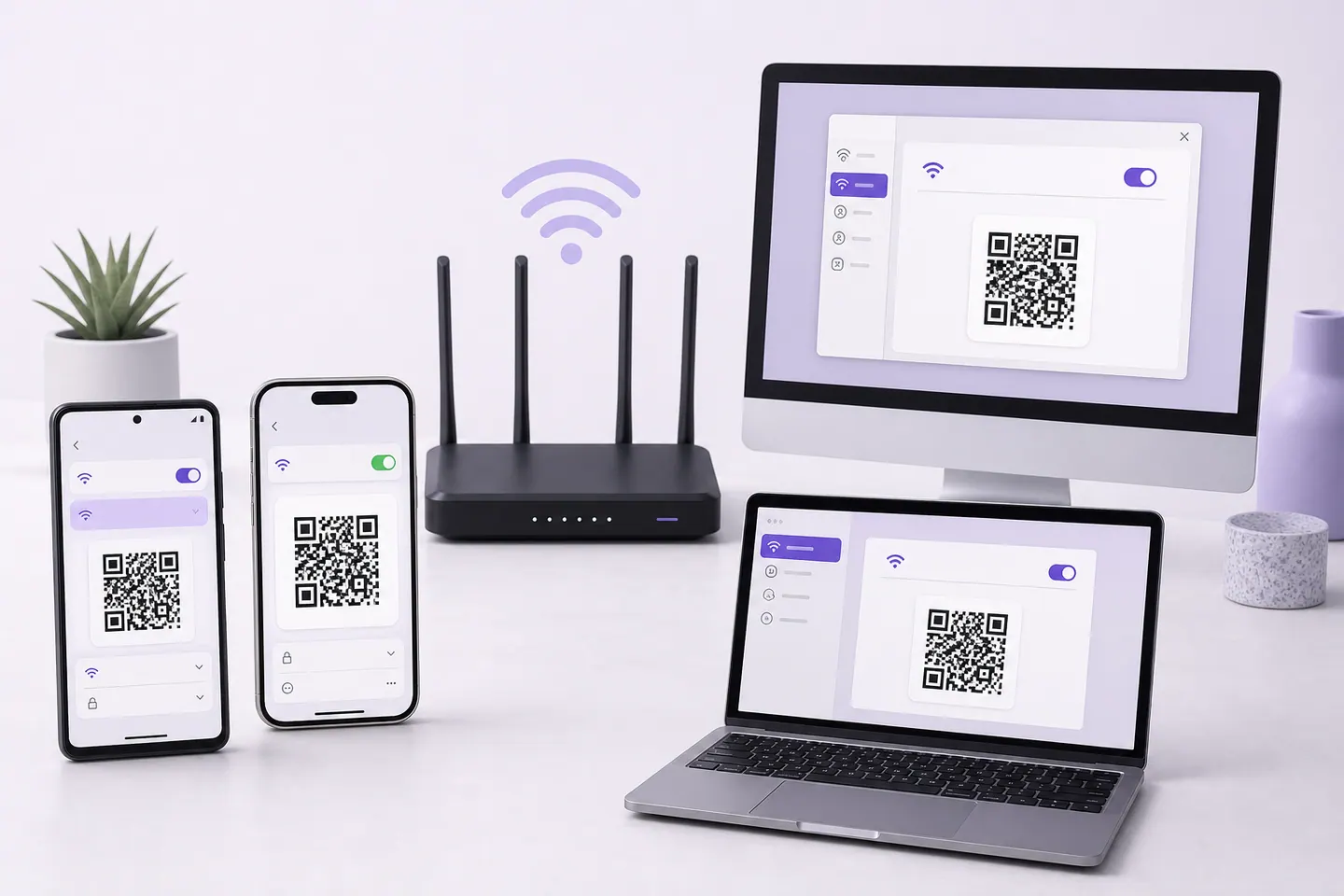
This is the section most Wi-Fi QR articles are missing, and it is the reason they read as though written in 2019. Four operating systems will do this for you, from a network they have already saved, with no third-party anything involved.
Android
Settings, then Network and internet, then Internet, then tap the network and choose Share. You confirm your identity, and it draws the code.
- Enough for
- Handing the network to somebody standing next to you, right now.
- Where it stops
- It is a screen, not a file. There is no export, no size control and no vector, and the path has moved between Android versions and manufacturers, so the menu you read about may not be the menu you have.
Source: Google, Connect to Wi-Fi networks on your Android device
iPhone and iPad
Open the Passwords app, choose Wi-Fi, pick the saved network, then tap Show Network QR Code.
- Enough for
- The same job as Android, plus it works for any network the phone has saved rather than only the one it is on.
- Where it stops
- Screen only, and it needs the network to be in your saved list. Apple's separate proximity sharing is a different thing entirely: it needs both devices present and in each other's contacts, so it cannot produce anything you can print.
Mac
The same route as iOS: Passwords, then Wi-Fi, then the network, then Show Network QR Code.
- Enough for
- Sharing the office network with somebody at your desk.
- Where it stops
- Screen only. A screenshot of it is a raster image at whatever your display gives you, which is the wrong starting point for print.
Windows
Settings, Network and internet, Wi-Fi, then Manage known networks. Pick the network, reveal the password, and Windows shows a QR code alongside it.
- Enough for
- Getting a phone onto the network a laptop is already using, without reading a passphrase aloud.
- Where it stops
- Screen only, and it depends on your Windows version. Windows will also draw a code for a mobile hotspot you are running, which is genuinely useful and has nothing to do with your router.
Source: Microsoft, Connect to a Wi-Fi network in Windows and Microsoft, Use your Windows device as a mobile hotspot
Linux
No desktop-wide feature, and none needed. qrencode takes the payload on the command line and writes a PNG or an SVG.
qrencode -l H -o guest-wifi.svg -t SVG 'WIFI:T:WPA;S:Cafe-Guest;P:flat-white-2026;;'
- Enough for
- Everything, including the printed sign, and it is the only native route on this list that produces a vector.
- Where it stops
- You assemble the payload yourself, which means you own the escaping. Get a character wrong and you get a valid code that will not connect.
So the decision is simpler than the search results suggest. Sharing with a person in the room: use what you have. Putting a code on a card, a window or a room folder: the Wi-Fi generator here exports a vector and handles the characters that break hand-built payloads.
Why Wi-Fi Is the One Payload That Finishes Offline
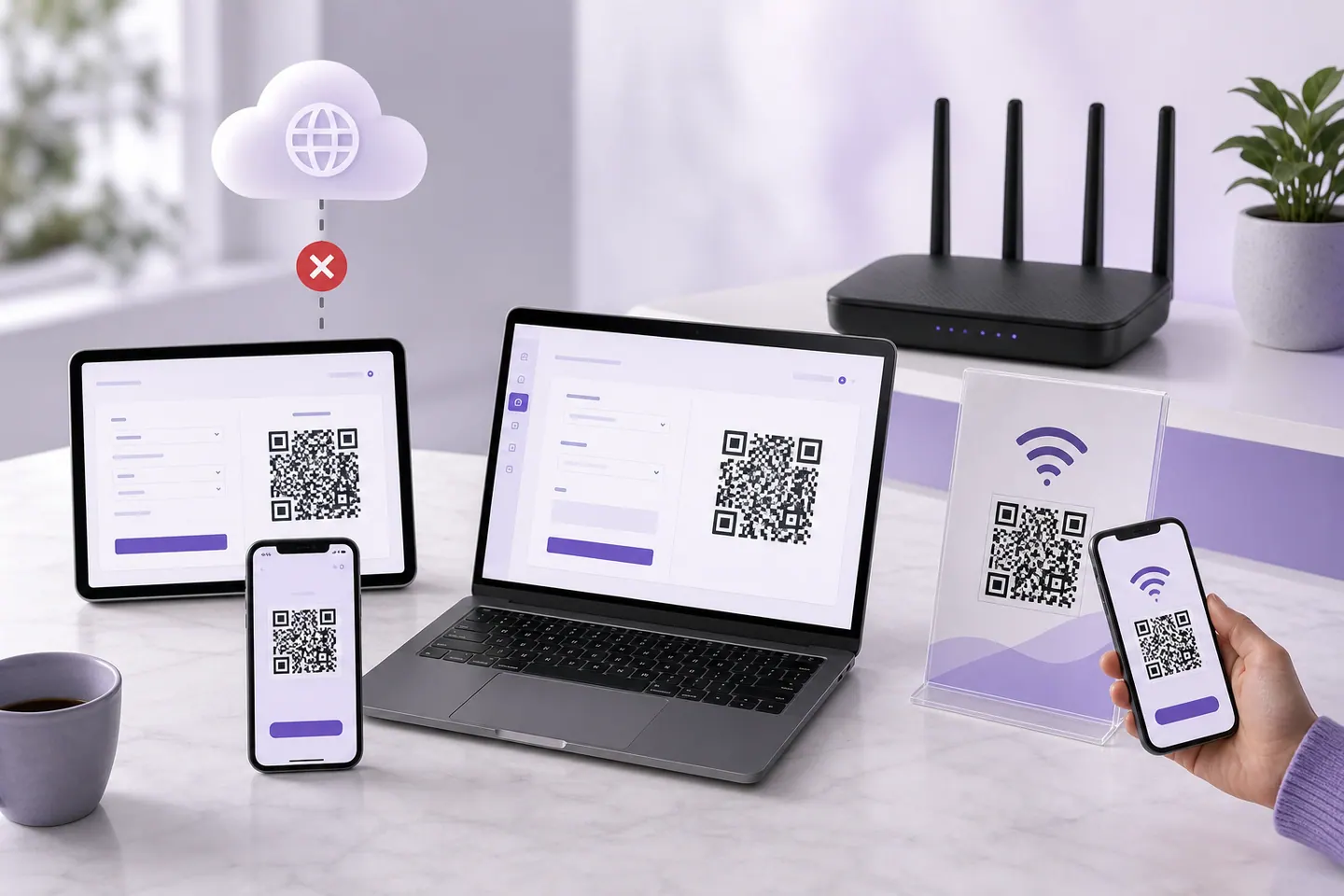
Wi-Fi is the only common payload that completes its entire job with no connection anywhere in the chain, and that is not a nice coincidence. It has to be true, because the person scanning your sign has no internet yet. That is why they are scanning.
The credentials sit inside the pattern. The phone reads them from the image, hands them to the operating system, and the operating system talks to the access point over radio. Nothing in that sequence needs a server, which is also why the code keeps working if the generator you used disappears.
One distinction to keep straight, because it causes most of the false alarms: joining a network and that network having a working uplink are separate events. A Wi-Fi code that connects a phone to a router with a dead line has succeeded completely. For the wider picture of which payloads finish offline and which only decode offline, the offline generator guide has the measured table.
What Each Network Setting Actually Encodes
Four network configurations, the exact string each one produces, and the string our decoder recovered from the finished symbol. The last column is the point: you can do this to your own code before you print it, and it is the only way to be certain the thing on the card says what you meant.
Ordinary WPA2 guest network
✓ decoded back identicallyWIFI:T:WPA;S:Cafe-Guest;P:flat-white-2026;;
- Characters
- 43
- Symbol
- version 5, 45 modules
- Read back as
- WIFI:T:WPA;S:Cafe-Guest;P:flat-white-2026;;
The common case. One authentication field, one name, one passphrase, and the two semicolons that close the payload.
WPA3 network
✓ decoded back identicallyWIFI:T:WPA;S:Cafe-Guest-6E;P:flat-white-2026;;
- Characters
- 46
- Symbol
- version 5, 45 modules
- Read back as
- WIFI:T:WPA;S:Cafe-Guest-6E;P:flat-white-2026;;
Note what did not change. The payload still says WPA, because the field describes the credential type rather than the exact protocol generation, and phones negotiate the rest with the router.
Open network, no password
✓ decoded back identicallyWIFI:T:nopass;S:Airport-Free;;
- Characters
- 30
- Symbol
- version 4, 41 modules
- Read back as
- WIFI:T:nopass;S:Airport-Free;;
The password field disappears entirely. A code for an open network saves people hunting through a list of similar names, and it does nothing about the risks of the network itself.
Hidden network
✓ decoded back identicallyWIFI:T:WPA;S:Back-Office;P:flat-white-2026;H:true;;
- Characters
- 51
- Symbol
- version 6, 49 modules
- Read back as
- WIFI:T:WPA;S:Back-Office;P:flat-white-2026;H:true;;
One extra field. Set it only when the SSID is genuinely not broadcast, because telling a phone to hunt for a network that is being advertised can leave it looking for something it cannot find.
Two things worth noticing. WPA3 does not get its own authentication value, because the field describes the credential type rather than the protocol generation. And an open network drops the password field entirely rather than carrying an empty one, which is why a generator that leaves it in place can produce a code that phones refuse.
Which Security Type to Choose
Match the setting to the router and move on. The interesting rows are the bottom two, where the answer is that a QR code is the wrong tool rather than a setting to pick.
Enterprise Wi-Fi deserves the blunt version: if joining your network involves a username, a certificate or a device profile, a consumer Wi-Fi payload carries none of that and no generator can add it. Ask whoever runs the network how they onboard devices, and do not put staff credentials on a card.
Use the Guest Network, Not Yours
If the code is going anywhere the public can see it, put the guest network behind it. This is the one piece of advice in this guide I would argue with somebody about.
- The code is a readable copy of the credentials, so a sign in a window is a passphrase in a window. Put the network you are willing to publish behind it.
- Guest networks on most routers isolate clients, so a stranger who joins cannot see the till system, the network printer or the drive with your accounts on it.
- Rotating a guest passphrase costs you one reprinted card. Rotating your main one costs you every device in the building.
- You can hand a guest network a bandwidth cap or a schedule on plenty of routers, and neither of those is a thing you want to do to your own network.
The uncomfortable part, and the reason this matters more for Wi-Fi than for any other payload: a QR code is a readable copy of whatever is inside it. Nothing about the format is secret. A photograph of your window sign is your passphrase, in somebody else’s camera roll, for as long as they keep it.
Signs, and the Distance Each One Is Read From
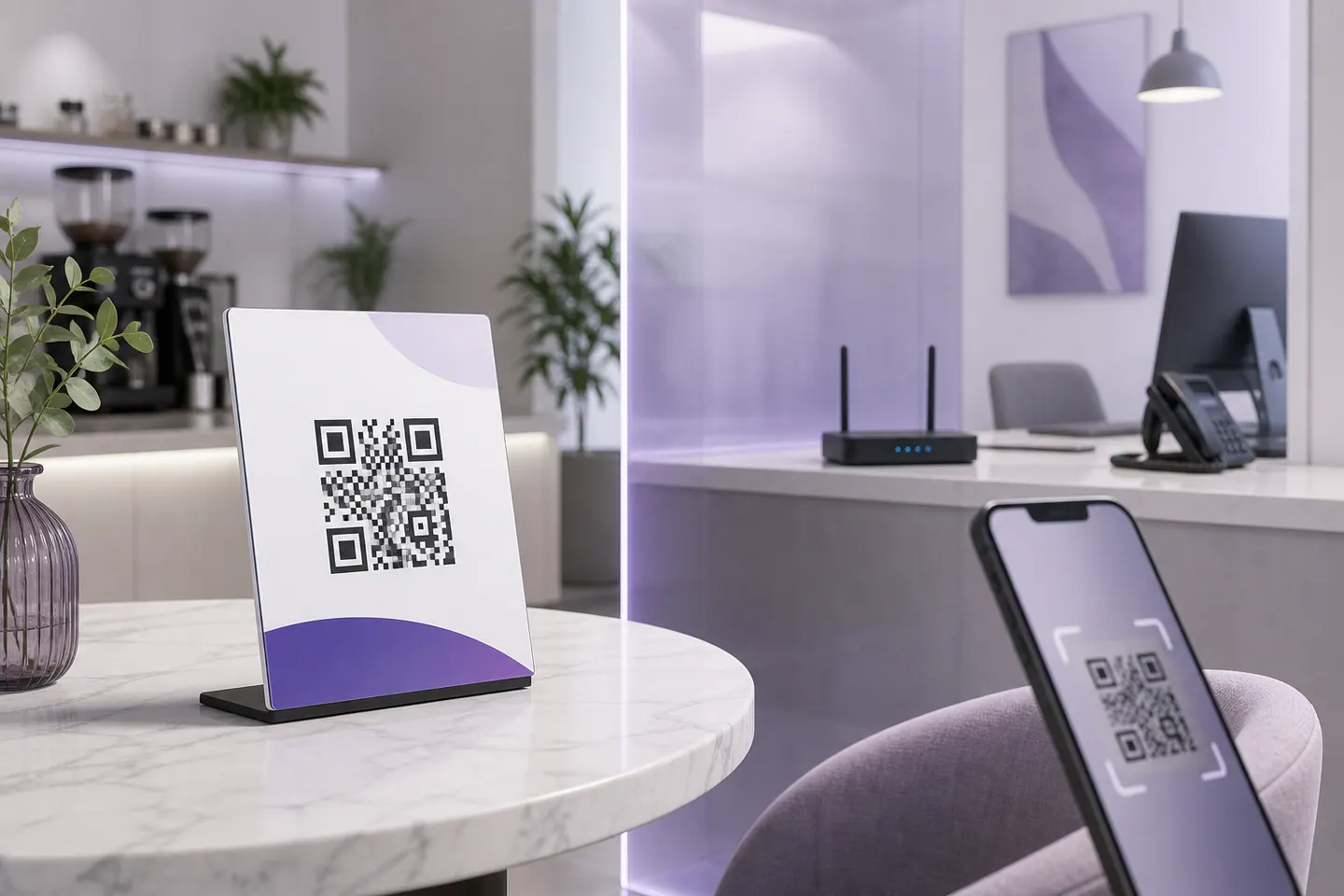
Where the code goes decides how big it has to be, because size follows reading distance. A card people pick up is the easy case. A sign on a wall is not.
- Table tent or counter cardArm's length, roughly 30cmThe easiest case on this list, because people pick it up. Print the network name in text beside the code so somebody can join by hand when the scan fails.
- Wall or window signA metre or moreNeeds a much larger code than people expect, for the same reason a shirt does. Work the width back from the distance rather than guessing.
- Room card in a rentalIn the handAdd the checkout time and the bin day while you are printing. Nobody scans a Wi-Fi code twice, so put the code with the things they will re-read.
- Sticker on the routerClose, and awkwardFine for a home network, and the one place where writing the passphrase in text next to it is genuinely sensible.
Put the network name in readable text beside the code, always. Somebody will have a phone that will not cooperate, and a sign that offers no way through is worse than no sign. For the actual millimetres, work back from the distance using the print size guide, which is the same arithmetic a wall sign needs.
It Scans but Does Not Connect
Six symptoms, and in three of them the code is innocent. Work down the list in order, because the top two are the ones that are actually your fault.
When the code will not scan at all, rather than scanning and failing to join, that is a different problem with measured thresholds: why a QR code will not scan covers contrast, quiet zone and damage.
Check the Code Before You Print Fifty
The check that catches nearly everything takes a minute, and almost nobody does it: decode your own code and read the payload back.
- 1Generate it with a temporary passphrase first, not your real one. If the tool turns out to be posting your text somewhere, you have leaked a throwaway.
- 2Decode the finished image and read the string. It should begin with WIFI: and end with two semicolons, and every field should be what you typed.
- 3Check the hidden flag is present only if the network really is hidden. This is the field people set by accident.
- 4Regenerate with the real passphrase, then scan it on one Android phone and one iPhone. Platforms have disagreed about hidden networks and security types before.
- 5Print one at final size, put it where it will live, and scan it there. A card on a sunlit windowsill is a different problem from a card on a counter.
Step two needs a decoder that shows you the raw text rather than acting on it, which is a different tool from a camera that helpfully joins the network and tells you nothing. The scanner guide covers which route reads a file on each platform.
Common Questions
Can I create a Wi-Fi QR code without internet?
Yes, and Wi-Fi is the payload where it matters most. Encoding is arithmetic on the text you typed, so a generator that runs in your browser needs no connection once the page has loaded. Your operating system will also draw one for a saved network with no network access at all, which is the honest answer for a code you only need on screen.
Does a Wi-Fi QR code work offline?
Completely, and it is the only common payload that does. The credentials sit inside the pattern, so the phone reads them locally and joins the access point without ever needing a connection. That is the point: a guest scanning your sign has no internet yet, which is exactly why they are scanning.
How do I show my Wi-Fi QR code on an iPhone?
Open the Passwords app, choose Wi-Fi, select the saved network and tap Show Network QR Code. Apple documents this, and it works for any network the phone has stored rather than only the one you are on. It is a screen rather than a file, so it is for handing to somebody in front of you.
Can Windows 11 create a Wi-Fi QR code?
Yes. In Settings, under Network and internet, open Manage known networks, pick the network and reveal the password, and Windows shows a QR code with it. Microsoft also documents a code for a mobile hotspot you are hosting. Both are on-screen only, so print work still needs a generator.
Can a Mac show a saved Wi-Fi network's QR code?
It can, through the same Passwords app route as iPhone: Passwords, then Wi-Fi, then the network, then Show Network QR Code. Useful when a visitor is at your desk. Screenshotting it for a printed sign is the wrong move, because you get a screen-resolution bitmap rather than a vector.
How do I generate a Wi-Fi QR code in Linux?
Pass the payload to qrencode in quotes and it writes the file. It is the only native route on any platform that gives you a vector, which makes it the best one for a printed sign. The catch is that you assemble the payload yourself, so the escaping is your responsibility.
Should I use my main network or a guest network?
Guest, for anything on display. A code is a readable copy of the credentials, so a sign in a window is a passphrase in a window. Guest networks also isolate clients on most routers, which keeps a stranger away from your till system and your printer, and rotating a guest passphrase costs one reprinted card.
Does changing the Wi-Fi password break the QR code?
Yes, immediately and silently. The old credentials are physically inside the pattern, so the printed sign keeps looking correct while failing for everybody. Reprint whenever you rotate, and keep a note with the router so the person changing the password knows the sign exists.
Do Wi-Fi QR codes work with WPA3?
In practice yes, and the payload does not change much: the authentication field still says WPA, because it describes the credential type rather than the protocol generation, and the phone and router negotiate the rest. Test it, because this is a place where platforms have historically differed.
Can a Wi-Fi QR code get past a captive portal?
No, and nothing can. A Wi-Fi payload carries credentials for the radio link only. A captive portal is a web page that appears after you have already joined, so the code has finished its job before the portal even shows up. Hotels and airports are the common case.
Can I make a QR code for a hidden network?
Yes, with one extra field that marks it hidden, and you still need the exact network name because nothing is broadcasting it. Set the flag only when the SSID really is hidden. Marking a visible network as hidden can leave a phone searching for something it should have found immediately.
Why does my Wi-Fi QR code scan but not connect?
Work through three things in order. Does the passphrase still match the router, typed by hand on the same phone. Is the security type in the code the one the network actually uses. And is the hidden flag right. If all three check out, the network is out of range or full rather than the code being wrong.
Make the Printable One
The Wi-Fi generator here encodes in your browser tab, escapes the awkward characters for you, and exports an SVG your print shop can use. Your passphrase never reaches a server.
Open the generatorKeep reading
All guides- Comparisons
Static vs Dynamic QR Codes
What the redirect actually buys you, measured on real encoded codes, and which payloads are worse off for it.
16 min read - Printing
QR Code Sticker Size: The Circle Costs You 30%
The usable square inside a round sticker is 70% of its diameter. Measured minimum sizes for real links, against every common sticker size.
8 min read - Reference
Offline QR Code Generators for Every Device
What each platform already ships, the measured cost of each payload type, and how to check an offline claim yourself.
26 min read


